


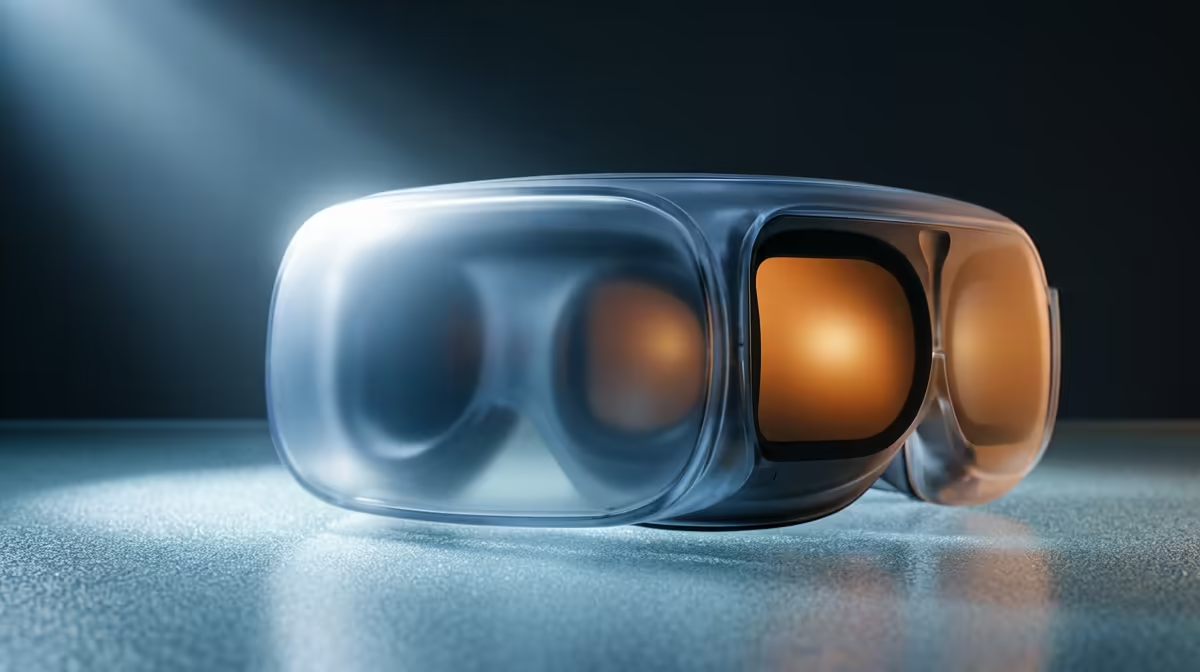
A blurry VR image that no resolution setting seems to fix is almost never the display panel and almost always the fit. The lenses inside a headset have a tiny zone where the picture is razor sharp, called the sweet spot, and if your eyes sit even a few millimetres off it, the whole view goes soft. Get the headset positioned correctly and dial in your eye spacing, and a picture that looked fuzzy at maximum settings snaps clear.
Quick Answer
Most VR blur is a fit problem, not a hardware one. Set your IPD (the distance between your eyes) to match the headset, then shift the headset up, down, and slightly tilt it until the centre of the view is sharpest. That is the lens sweet spot, and finding it fixes the vast majority of blur on a Meta Quest or similar headset.
Start With IPD
IPD stands for interpupillary distance, the gap between the centres of your two pupils. VR lenses are spaced to project a clear image into eyes set a certain distance apart, and if the headset is set wider or narrower than your eyes, each lens points slightly off your pupil and the image blurs and strains.
On a Quest 3, you adjust IPD by physically sliding the lenses left or right with your hands until the picture looks crisp and comfortable. Some headsets use a dial or a software slider instead, so check your model. The fix is to nudge the spacing in small steps while looking at sharp text in the menu, stopping at the setting where the centre is clearest and your eyes feel relaxed rather than crossed.
Find The Lens Sweet Spot
With IPD set, the next job is physical placement. The sweet spot is the small optical centre of each lens, and your pupils need to line up with it. If the headset rides too high, too low, or sits at the wrong angle on your face, your eyes look through the edge of the lens where the image is softest.
Loosen the head strap, settle the headset comfortably, then with it on, gently slide it up and down and tilt it a few degrees while looking at a fixed point of text. You are hunting for the position where that text is sharpest across the widest area. Once you find it, tighten the strap to lock the headset there. The top strap matters as much as the side straps for holding the angle steady.
Clean Lenses And Eye Relief
Two quick checks rule out the easy causes. First, wipe the lenses with a dry microfibre cloth, since a smudge or a film of dust scatters light and reads as blur. Second, if you wear glasses, fit the supplied glasses spacer so the lenses sit at the right distance from your eyes; lenses pressed too close or too far also blur the edges. You can see the current headset and accessory options in the VR and AR range at Evetech if you need a fresh spacer or cleaning kit.
When It Is Not The Fit
If you have set IPD, found the sweet spot, cleaned the lenses, and the picture is still soft everywhere, look at the software. A low render resolution or a bandwidth-starved wireless link to a PC can soften the image regardless of fit. Raise the render resolution in the headset settings, and if you stream from a PC, use a strong connection. For lens straps, cloths, and spare cases that help you keep the fit dialled in, the accessories best sellers are a sensible place to look.
Frequently Asked Questions
Why is my VR blurry even at high resolution?
Because resolution does not help if your eyes are not aligned with the lens sweet spot. If the headset sits at the wrong height, angle, or IPD, the picture blurs no matter how high the render setting is, so fix the fit first.
How do I find the right IPD setting?
Look at sharp menu text inside the headset and adjust the lens spacing in small steps, either by sliding the lenses, turning a dial, or using a slider, depending on your model. Stop where the centre is clearest and your eyes feel comfortable.
Can dirty lenses cause blur?
Yes. A smudge, fingerprint, or dust film scatters light and softens the whole image. Wipe the lenses with a dry microfibre cloth, never a wet or abrasive one, and recheck before assuming the fit is wrong.
Do glasses affect VR clarity?
They can, mainly by changing how far your eyes sit from the lenses. Fitting the headset's glasses spacer restores the correct eye relief, and that often sharpens the edges that looked blurry without it.
Still chasing a sharp picture? Browse the VR and AR range at Evetech for headsets, spacers, and cleaning kits that help you lock in the lens sweet spot and get the clear, comfortable view your headset is capable of.










