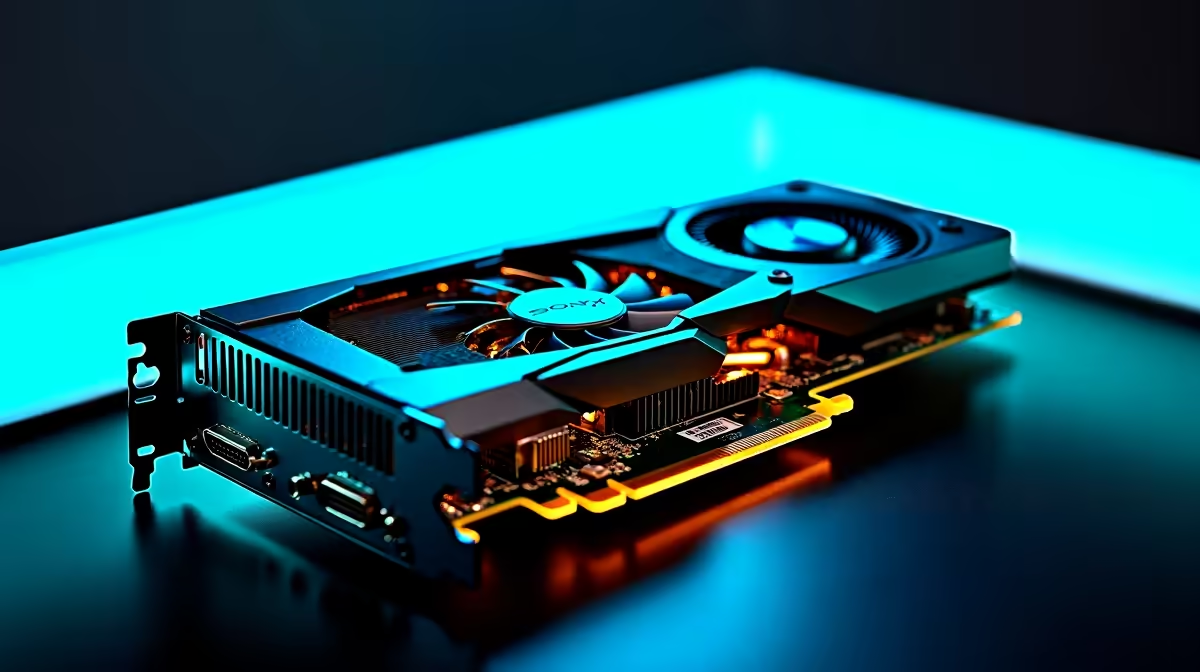
Spotting a Dead GPU and What It Means for Your Gaming Setup ⚡
If your screen goes black during a heavy session or your games start crashing out of nowhere, your GPU might be dead—or on its last legs. South African gamers know how frustrating it is when your graphics card lets you down right before a big match or while streaming. But before you panic, there are ways to diagnose and even fix a dead GPU without breaking the bank or rushing into a costly upgrade.
How to Diagnose a Dead GPU on Your PC 🎮
The phrase “how to fix a dead GPU” gets tossed around a lot, but it’s crucial to confirm whether your graphics card is truly dead. Here’s the checklist to help you spot the problem:
- Check for Display Issues: No signal or distorted visuals can signal GPU failure.
- Listen for Unusual Noises: Strange fan sounds or complete silence from your GPU fans might indicate trouble.
- Try Safe Mode Boot: Boot into Safe Mode to see if the issue is driver-related.
- Test in Another PC: If possible, install the GPU in another system to see if it works.
If the card fails these tests, it’s likely beyond simple fixes.
Practical Steps to Fix a Dead GPU 🔧
Before you replace your graphics card, try these troubleshooting tips:
- Reseat Your GPU: Power down, remove the GPU, clean contacts with a soft cloth and reseat it firmly.
- Update or Reinstall Drivers: Use safe mode to uninstall old drivers then download the latest from the manufacturer.
- Check Power Supply: Ensure your PSU is supplying enough wattage and cables are firmly plugged.
- Clean Your GPU: Dust buildup can cause overheating—use compressed air to clear vents and fans.
- BIOS Reset: Sometimes a reset helps if your system fails to detect the GPU.
If none of these work, your GPU might be irreparable—but you’re not out of options.
When to Replace Your GPU: Smart Buying Tips for South African Gamers 🚀
Knowing when to cut losses and upgrade smartly saves both money and time. South Africa’s tech market offers a range of options from budget to high-end GPUs.
Making the right choice means considering your game preferences, resolution targets, and budget.
Pro Tip for GPU Longevity
Always keep your graphics card drivers up to date and ensure your PC case has good airflow. Even in South Africa’s warmer climate, proper cooling can extend your GPU’s life significantly.
Alternative Options: When Mobility Meets Graphics Power 💻
Sometimes a desktop GPU repair isn’t possible or convenient. If you’re often on the move or want a compact option, consider a gaming laptop with a dedicated GPU. South African gamers can explore quality choices at notebooks for sale in South Africa to keep the FPS high wherever they go.
Also keep an eye on Evetech’s specials for seasonal discounts on GPUs, PCs, and accessories. Timing your purchase right can lead to massive savings in ZAR.
Upgrade with Confidence
Ready to move past a dead GPU? Shop now at Evetech for quality graphics cards and gaming gear that keep your rig running strong.