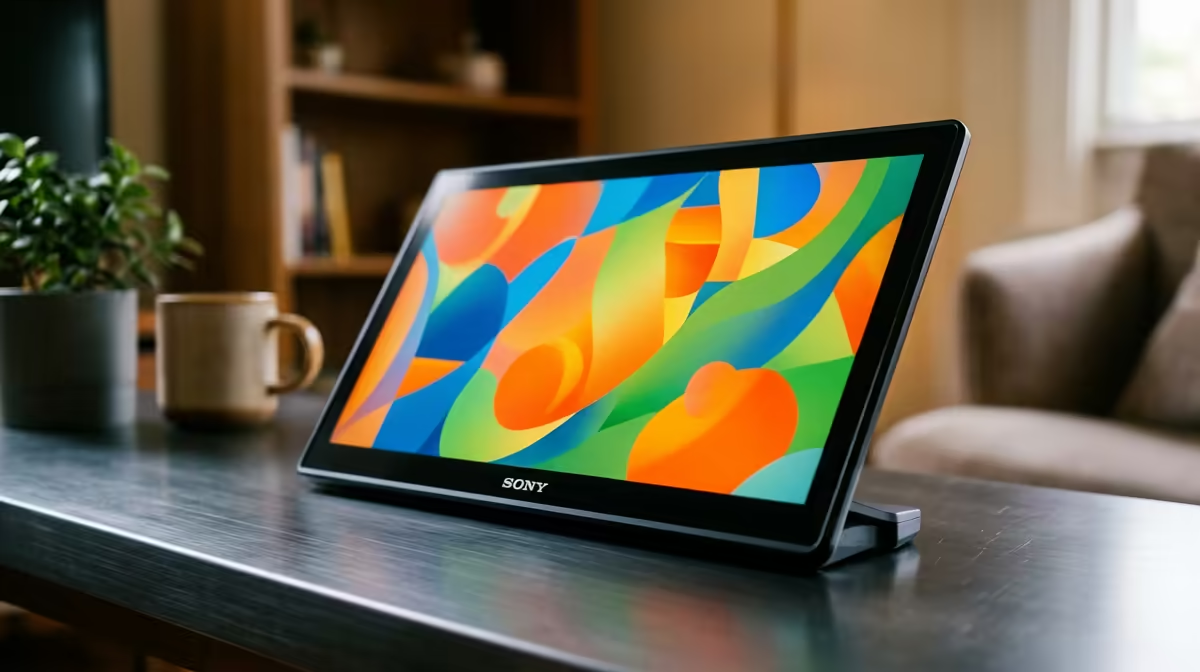
Plug a portable monitor into a laptop, unplug the wall charger, and watch the screen suddenly dim by half. It is one of the most common complaints with travel screens, and it almost never means the panel is faulty. A portable monitor too dim on battery is usually a power problem, not a display one, and the fix is simpler than it looks.
Quick Answer
A portable monitor dims on battery because the laptop's USB-C port cannot spare enough wattage to drive the panel at full brightness. Connect a dedicated power source, a GaN charger or a USB-C power bank, straight to the monitor's own power input, and full brightness returns immediately.
Why The Brightness Drops In The First Place
Most USB-C portable monitors pull both their video signal and their power from a single cable to the laptop. That is convenient, but a laptop running on its own battery is stingy with power. It limits how much it sends down the USB-C port to protect its remaining charge.
The monitor reacts by capping brightness, since the backlight is the hungriest part of the panel. With less wattage available, it cannot light the screen fully, so it dims to stay within budget. Plug the laptop back into the wall and brightness often jumps back up, which is the giveaway that power, not the panel, is the cause.
The Fix: Feed The Monitor Its Own Power
The reliable solution is to stop asking the laptop to power the screen at all. Most portable monitors have a second USB-C port marked for power input. Connect a dedicated source there.
A GaN USB-C charger works well at a desk, while a USB-C power bank keeps things mobile, ideal when you are working away from a plug. With a proper power supply feeding the panel directly, the backlight gets all the wattage it needs and brightness returns to full, regardless of whether the laptop is on battery.
Plenty of travel screens in the portable monitor range at Evetech ship with dual USB-C ports for exactly this reason, so check that your model has a dedicated power input before you go hunting for other causes.
A Few Things To Check First
Before blaming the cable or the screen, run through the basics. Make sure you are using a quality USB-C cable rated to carry power, since a thin charge-only or video-only cable can throttle everything. Confirm your charger or power bank actually supports USB-C Power Delivery at enough wattage; a low-output phone charger will not cut it.
Also check the monitor's own menu. Some panels have a battery or eco mode that deliberately lowers brightness to save power, and switching that off can restore the screen on its own. Working through these in order saves you replacing hardware that was never broken, and most replacements people reach for come straight from the screens that sell fastest at Evetech once they realise the panel was fine all along.
Frequently Asked Questions
Why is my portable monitor dimmer on battery than when plugged in?
Because a laptop on battery limits the power it sends through USB-C to preserve its charge. The monitor responds by lowering brightness, since the backlight needs the most power. Plugging the laptop back into the wall usually restores brightness.
Will a power bank fix a dim portable monitor?
Yes, if it supports USB-C Power Delivery at enough wattage. Connect it to the monitor's dedicated power input and it feeds the backlight directly, lifting the brightness cap even while you stay mobile.
Do I need a special cable for full brightness?
You need a USB-C cable rated to carry power, not a thin charge-only or video-only one. A poor cable can limit both data and wattage, so a quality cable plus a proper charger is the safest combination.
Could the dimming mean my monitor is faulty?
Rarely. In almost all cases it is a power limitation, not a panel fault. Confirm by supplying dedicated power and checking the menu for a battery or eco mode before considering a replacement.
If your screen still will not brighten with proper power, it may be time for a model built for mobile use, so compare the dual-port options in the portable monitor range at Evetech.