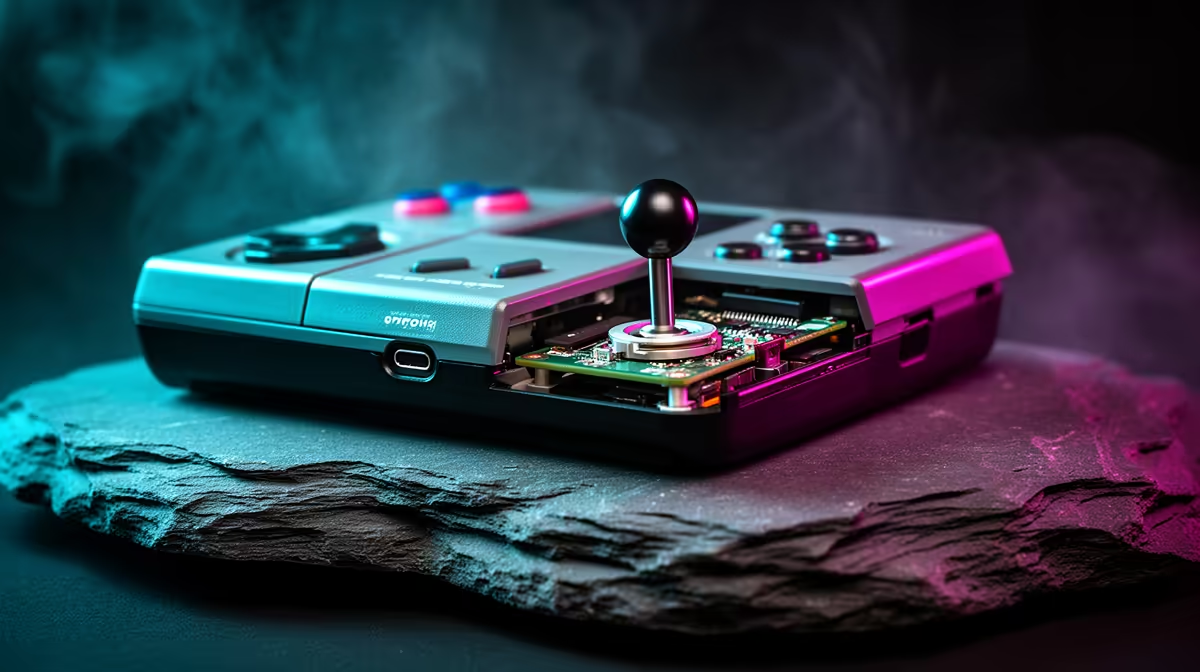
A character that creeps sideways while your thumb sits still, or a menu that scrolls on its own, points to one of the most common faults on portable retro machines. Joystick drift on a retro handheld happens when the stick reports movement that is not really there. Before you reach for a screwdriver, the fix usually lives in software: adjusting the deadzone and recalibrating the stick clears a surprising amount of drift without ever opening the device.
Quick Answer
Tackle drift in software first. Open the firmware's input settings, run the stick calibration with the joystick resting dead centre, then nudge the deadzone up slightly to mask minor false movement. Most potentiometer-based sticks improve immediately with this approach. Hall-effect sticks, which use magnets and never physically touch, resist drift by design and are the lasting fix if you replace the part.
Why retro handheld sticks drift
The cheap analogue sticks in most budget handhelds use a potentiometer, a carbon-track sensor that physically wears as you play. Over time the track sheds conductive dust and the contact surface degrades, so the stick feeds the system false positional data even when it is sitting still. That false signal is the drift you feel in game.
Because the cause is mechanical wear, drift tends to creep in gradually and worsen with use. The encouraging part is that the system reads that stick through software you can adjust, which is why a calibration pass and a deadzone tweak often tame the symptom long before any hardware work is needed.
Fix it in firmware first
Head into your handheld's settings and find the input or controller section, then look for a stick calibration tool. The crucial detail is to leave the joystick completely still and centred while you calibrate. If the stick is even slightly off centre during the process, the software can misread it and the calibration will not take, so let go of the stick entirely and let it rest.
After calibrating, find the deadzone setting. The deadzone is the small central area where the system ignores stick movement, and raising it slightly tells the device to disregard the tiny false signals that cause minor drift. Increase it just enough to stop the drift, since too large a deadzone makes the stick feel unresponsive to gentle, deliberate movement.
When software is not enough
If calibration and a deadzone bump do not settle the drift, the potentiometer may be too worn, and conductive dust around the contacts is often the reason. A careful puff of compressed air around the stick mechanism can clear that debris and restore cleaner readings. Work gently and avoid forcing anything.
When the wear is severe, replacement is the real cure. Many handhelds accept drop-in hall-effect joystick modules, which use magnets instead of physical wipers. With no contacting parts to wear, hall-effect sticks simply cannot drift the way potentiometer sticks do, which is why newer models increasingly ship with them as standard. If the repair is more hassle than it is worth, the top-selling gaming systems are a sensible place to compare a newer device built with drift-resistant controls.
Frequently Asked Questions
What actually causes joystick drift on a retro handheld?
Most budget handhelds use potentiometer sticks, which wear with use and shed conductive dust. That wear makes the stick report movement when it is centred, producing the drift you experience. It is mechanical, so it worsens gradually over time.
Can I fix drift without opening my handheld?
Often, yes. Recalibrating the stick with it resting dead centre and raising the deadzone slightly clears most minor potentiometer drift entirely through firmware. Only persistent or severe drift needs hardware attention.
Why does my calibration not seem to work?
The stick must be perfectly still and centred during calibration. If it is even slightly off centre, the software reads it as a faulty stick with large drift and ignores the process. Release the stick fully, then run calibration again.
Are hall-effect sticks really drift-proof?
They are far more resistant. Hall-effect sticks use magnets with no physical contact, so there are no wearing parts to shed dust or degrade. That design means they do not drift the way potentiometer sticks do, which is why many newer handhelds adopt them.
A quick recalibration and a deadzone tweak rescue most drifting sticks before any repair is needed. If your handheld is beyond a software fix, explore the handheld gaming consoles at Evetech for a model built with drift-resistant controls.