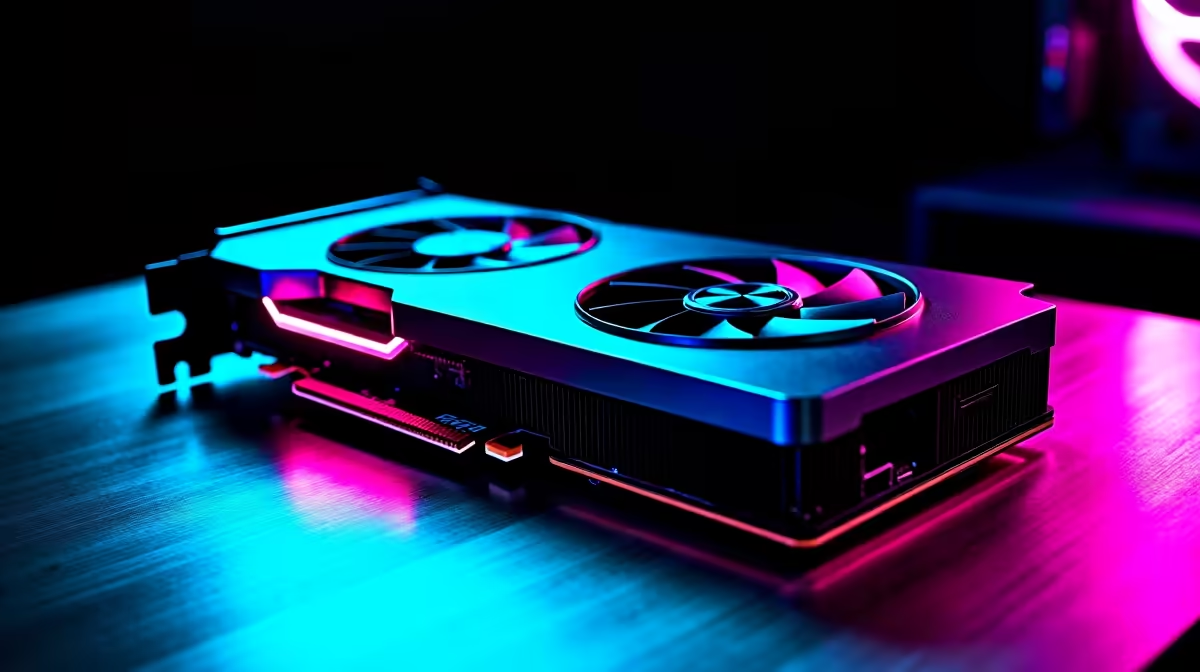
You just dropped a serious amount of ZAR on the ultimate pixel-pushing beast. The box is on your desk, and you are ready for next-gen frame rates. But before ripping open that anti-static bag, you need a solid plan. If you are wondering how to install RTX 5080 without damaging your rig, you are in the perfect place. Let us get to work. 🚀
Pre-Flight Checks for Your RTX 5080 Setup 🔧
Installing a massive graphics card requires a bit of preparation. First, check your case clearance. The RTX 5080 is a hefty piece of hardware, and you need enough room for optimal airflow and cable management. If your current chassis is too cramped, it might be time to browse the latest graphics cards alongside compatible, spacious cases to house your new investment properly. Next, verify your power supply unit. You are going to need a robust PSU with the correct 12VHPWR connector to feed this powerhouse reliably. Do not risk a premium GPU on a budget power supply.
Step-by-Step: How to Install RTX 5080
Now for the exciting part... the physical installation. Power down your system, unplug the main power cable, and press the power button to drain residual charge. Remove your side panel and unscrew your old GPU. Press the PCIe release latch on your motherboard... usually a small plastic tab... and gently pull the old card out.
Line up your new RTX 5080 with the top PCIe x16 slot. Push down firmly until you hear a satisfying click. Screw the bracket securely into the case to prevent GPU sag. If building from scratch feels stressful, you can always explore our pre-built PC deals for a hassle-free upgrade. Alternatively, if you want a complete system overhaul built around this new architecture, checking out the best gaming PC deals is a smart move.
Power Cable Pro Tip ⚡
Always ensure the 12VHPWR cable is fully seated into the RTX 5080 until it clicks. Do not bend the cable too close to the connector, as this can cause uneven contact and potential overheating. Keep the bend radius wide for safety.
Software Optimisation and Final Checks
Once the hardware is securely locked in, plug your monitor directly into the new GPU. Boot up your rig and head to the NVIDIA website to download the latest drivers. A clean installation is always best to avoid software conflicts.
While you wait, take a moment to appreciate your upgraded setup. If you are a gamer who also needs power on the go, look at premium notebooks for sale in South Africa to match your desktop performance. Keeping your system cool is vital, so keep an eye out for cooling specials to maximise your frame rates. ✨
Ready to Dominate the Leaderboards?
Now that your RTX 5080 setup is complete, it is time to push your gaming experience to the limit. Browse our massive range of gaming components to find the perfect motherboard, RAM, and cooling solutions to support your ultimate Evetech build.