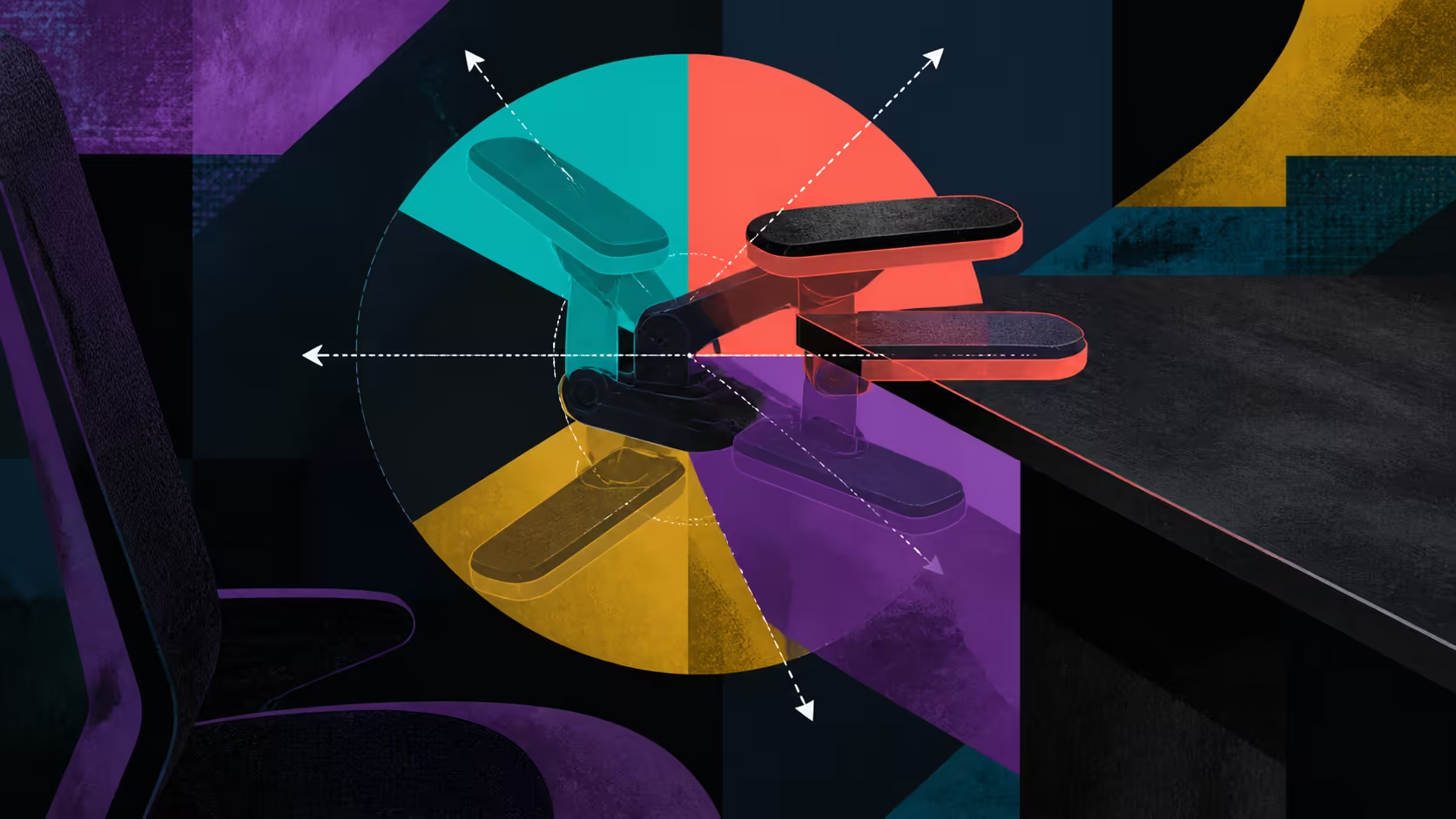
Armrests should meet the forearms where the controls are used, then change when the task changes. Positioning 6D foldable armrests is a practical alignment exercise rather than a hunt for the largest label.
Quick Answer
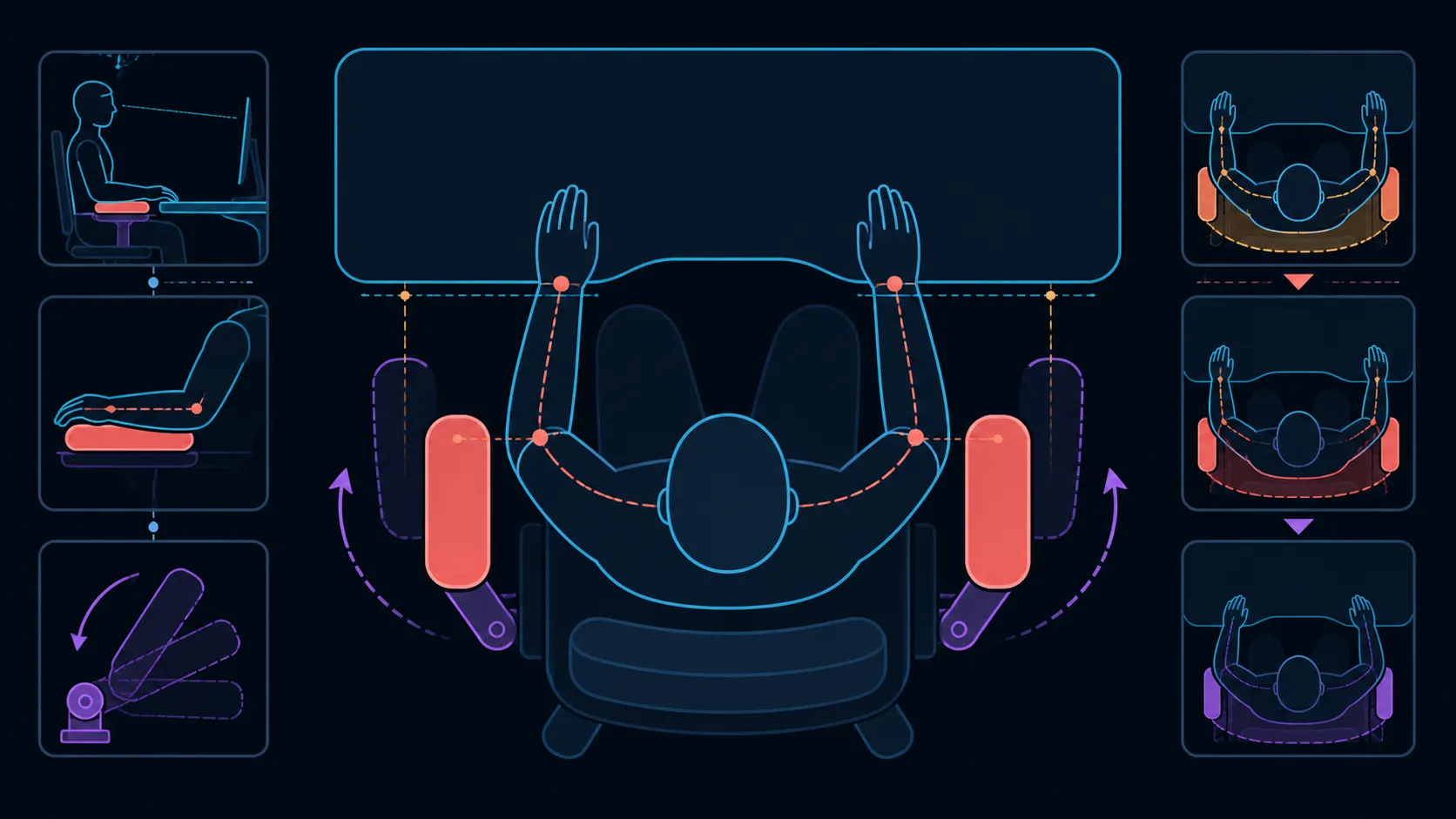
Relax the shoulders, then move each support beneath its forearm. On the R16,599 M6 Pro+ 2.0, mechanical arms combine a 6D designation, folding and 360-degree positioning. Test every input and break arrangement independently because the label does not reveal the axis map.
⌨️ Start with desk inputs
Place hands on the keyboard and mouse, then move each support until forearms rest without pushing shoulders upward. Check that wrists and hands still reach their controls naturally.
Explore Evetech's AutoFull gaming chair category with the desk edge and control locations measured.
🎮 Change for controllers
A controller may bring the forearms closer to the body than keyboard use. Adjust each side for the task instead of forcing both input methods into one setting. The 360-degree range expands options without naming every movement.
Both armrests need not use identical settings when the controls differ, although the user should avoid creating an awkward shoulder position.
🧳 Use folding for clearance
Fold the arms only through the model's intended procedure. The feature may help a chair move closer to a desk or clear space for another task, but exact clearance depends on chair and desk dimensions.
Real folding behaviour belongs on the checklist when browsing Evetech's gaming chairs for local setups.
↘️ Recheck during recline
The M6 Pro+ reclines to 160 degrees. Reposition arm support during deeper breaks so forearms are not left in the typing arrangement. Dynamic lumbar and the neck pillow should also be reassessed.
Arm adjustment can improve positioning but cannot promise pain relief. At R16,599, value the movements that the owner can reproduce across genuine tasks.
Draw a small position map for the equipment actually used. Mark one armrest arrangement for keyboard and mouse work, another for a controller, and a third for moving the chair away from the desk. The 6D label does not tell you which axis creates each result, so verify the controls and movement paths directly instead of assigning generic directions to the chair.
Check both sides independently. A mouse hand, shortcut pad or offset keyboard can create an asymmetric setup, and forcing identical arm positions may not suit the task. Look for relaxed access to the inputs without lifting a shoulder or pushing an elbow outward. If the desk edge blocks the preferred position, test chair distance and height before deciding that another arm movement is the answer.
Repeat the map after changing recline or switching equipment. The best support point for upright typing may be wrong for a deeper break, and a large controller can alter forearm spacing. Keep a brief note of settings that return reliably. That repeatability matters more than counting adjustments that never serve the owner's workstation.
Add a clearance rehearsal before finalising the map. Push away from the desk, fold or reposition the arms through the confirmed controls, and return to the working location without contacting nearby furniture. Repeat from the reclined break zone. This reveals whether a useful support setting also works during entry, exit and task changeovers, which is essential in a compact room.
Frequently Asked Questions
What is the starting armrest position?
Start by supporting each forearm without lifting a shoulder, then verify natural access to the main controls.
How should mouse and keyboard use differ?
Each input should be tested in its real location, with armrests adjusted to support its particular reach.
What does the foldable design add?
It can move the arm supports away when the desk relationship or task needs added clearance.
How is 360-degree adjustment useful?
It broadens possible forearm positions as controls, backrest angle and user preference change.
Do 6D armrests promise pain relief?
No. Adjustment provides positioning choices rather than treatment or a medical outcome.
Should the armrests change for reclining?
Yes, reassess them whenever the backrest moves because the forearm relationship can change.
Ready to tune arm support for each control method?
Compare Evetech's gaming chairs after marking the forearm positions needed for typing, mouse use, controllers and breaks.