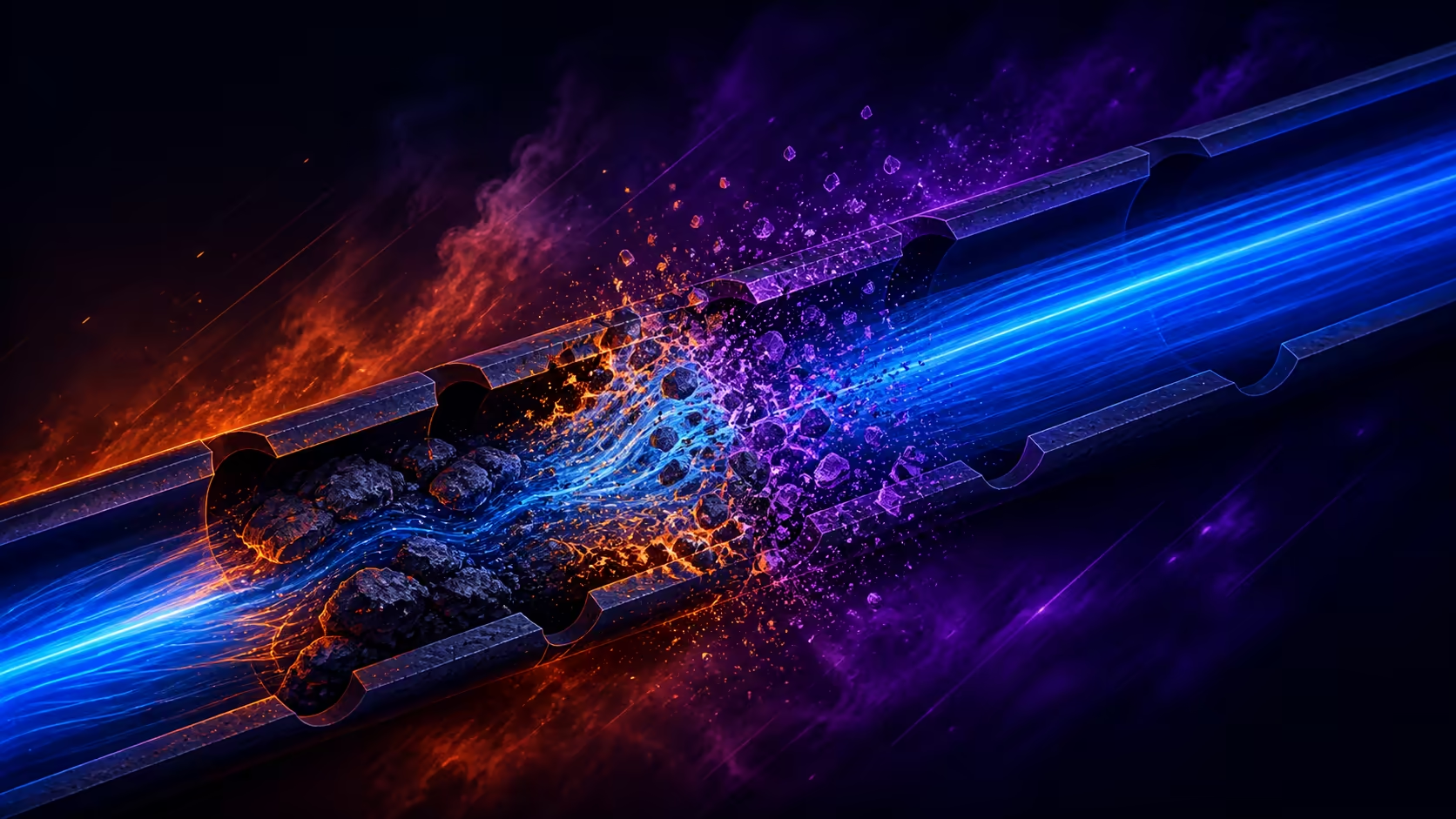
A print that starts cleanly and then becomes patchy is giving useful evidence about material delivery. Preventing PLA clogs and inconsistent extrusion means following the path from spool to nozzle, then testing the smallest likely cause before touching the rest of the profile. Surface appearance should be judged only after flow becomes steady.
Quick Answer
Keep the spool feeding freely, inspect the material path, begin from suitable PLA guidance and stop the job when extrusion becomes visibly uneven. ELEGOO Galaxy PLA provides 1kg of glossy 1.75mm material at R499, so a compact flow test protects both time and the colour-shifting finish. Do not bury a physical feed problem under unrelated setting changes.
🧵 Follow the filament path
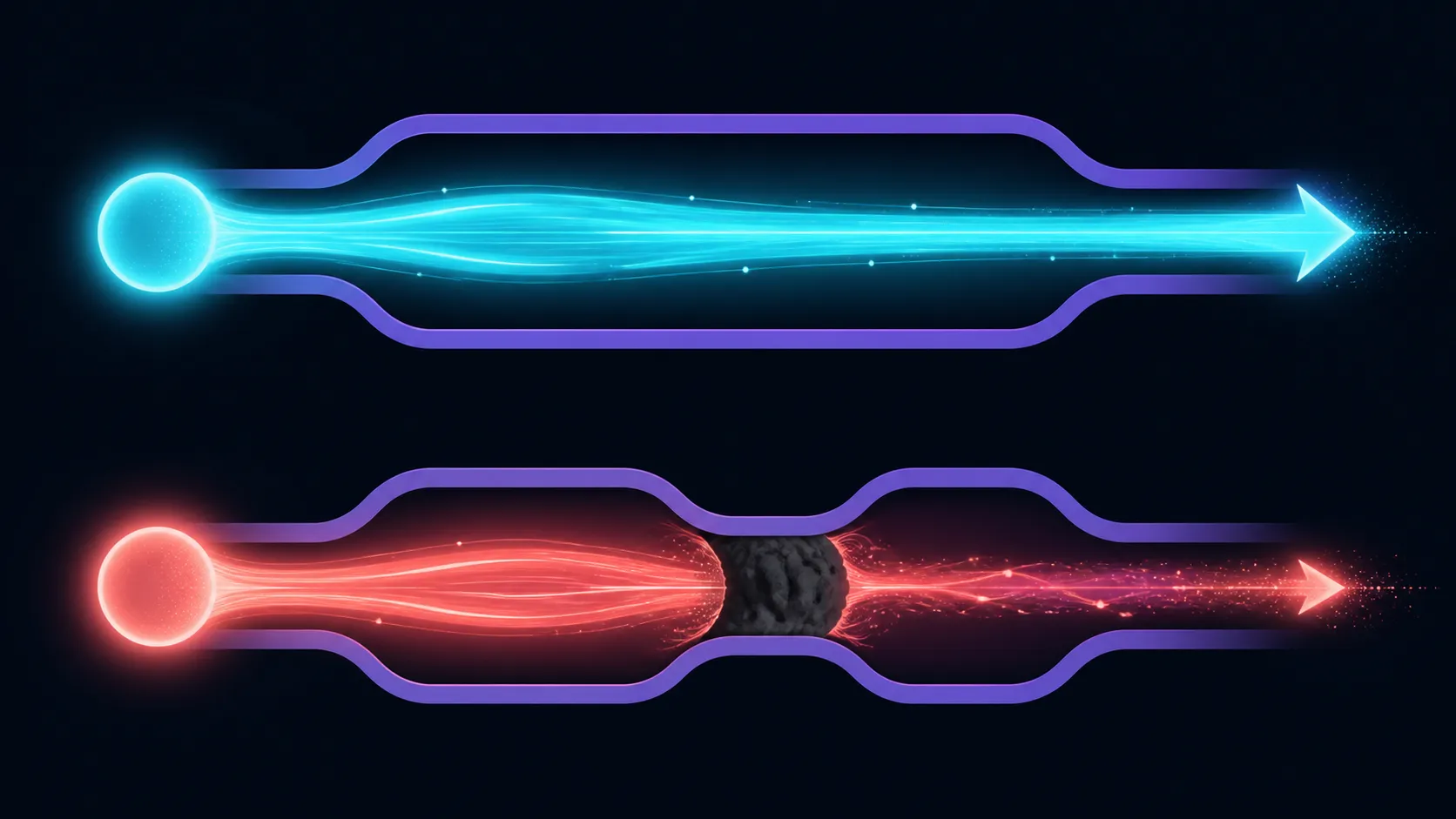
Watch how the spool unwinds and how the strand enters the feed system. Tight bends, tangles or resistance can interrupt delivery before material reaches the hot end. Remove obvious obstruction safely and follow the printer instructions whenever opening, unloading or servicing any part of the path.
The 1.75mm diameter must match the machine. If a new setup is being considered, Evetech's 3D printer range provides context for feed formats and machine types. Existing owners should work from the guidance for their exact printer.
📉 Read the extrusion pattern
Inconsistent flow can show as thin sections, gaps, irregular lines or a change in the sound and movement of the feed. Pause before a long model accumulates more damage. Mark where the fault appeared and whether it repeats at the same kind of geometry.
Use a small line or wall test to see whether material delivery has returned to normal. The goal is a repeatable path, not a single lucky segment. Change only the element linked to the evidence, because simultaneous profile edits make it impossible to distinguish a cleared blockage from a new compensation.
🌌 Inspect finish after flow is stable
Galaxy PLA is glossy and carries vibrant colour shifts across viewing angles. Uneven extrusion breaks the continuity of that surface, making both geometry and shimmer harder to read. Rotate the recovered test under one light source and inspect broad faces for consistent lines.
Compare replacement or alternative materials through the 3D printing filament department only after the printer path has been checked. Swapping spools without understanding the delivery problem may move the symptom without solving it.
🧼 End troubleshooting with a maintenance note
Once flow is restored, record what was physically checked and which profile, if any, changed. Include the condition of the spool path and whether the short test repeated cleanly. This prevents the same fault from restarting as a fresh mystery later.
Avoid declaring a permanent fix after one good line. Run a second sample or extend the wall enough to see steady delivery over time. If the problem returns, the note narrows the next inspection to the unresolved part of the path. A useful maintenance record is brief, specific and tied to the evidence, not a list of every possible cause of clogged extrusion.
Retire temporary troubleshooting changes that no longer serve the accepted profile. A value introduced to expose one fault can become an invisible source of roughness on later models if it remains without explanation. Keep the final profile clean, preserve the diagnostic notes separately and label the test that confirmed normal flow. This makes future extrusion work start from a trusted state rather than from the residue of an old investigation.
Consistent extrusion is especially visible with Galaxy PLA because the intended surface carries a continuous glossy sheen. A partial blockage can change line width, break a reflection or make a colour transition appear rough even when the model remains recognisable. The filament itself is designed for smooth, dependable PLA printing, so a recurring flow fault should be traced through the machine and feed path rather than accepted as part of the galactic effect.
After recovery, rotate the same wall beneath stable light. An even high-gloss face should let the dynamic reflections travel cleanly, providing a more useful confirmation than simply seeing material leave the nozzle again.
Frequently Asked Questions
What is the first physical check for uneven flow?
Observe whether the spool unwinds freely and the filament reaches the feed system without a snag or sharp bend.
When should a long print be stopped?
Pause when gaps, thin lines or repeated feed disturbance appear. Continuing wastes time and makes the fault harder to isolate.
Why use a short wall or line test?
It reveals whether extrusion has become consistent again without committing the remainder of the spool to a full model.
How does poor flow affect Galaxy PLA appearance?
Irregular layers interrupt the glossy surface and make the angle-changing shimmer look broken across the object.
Ready to restore a clean material path?
Compare Evetech's filament and 3D printer options, then confirm steady extrusion on a short test before returning to the full model.