


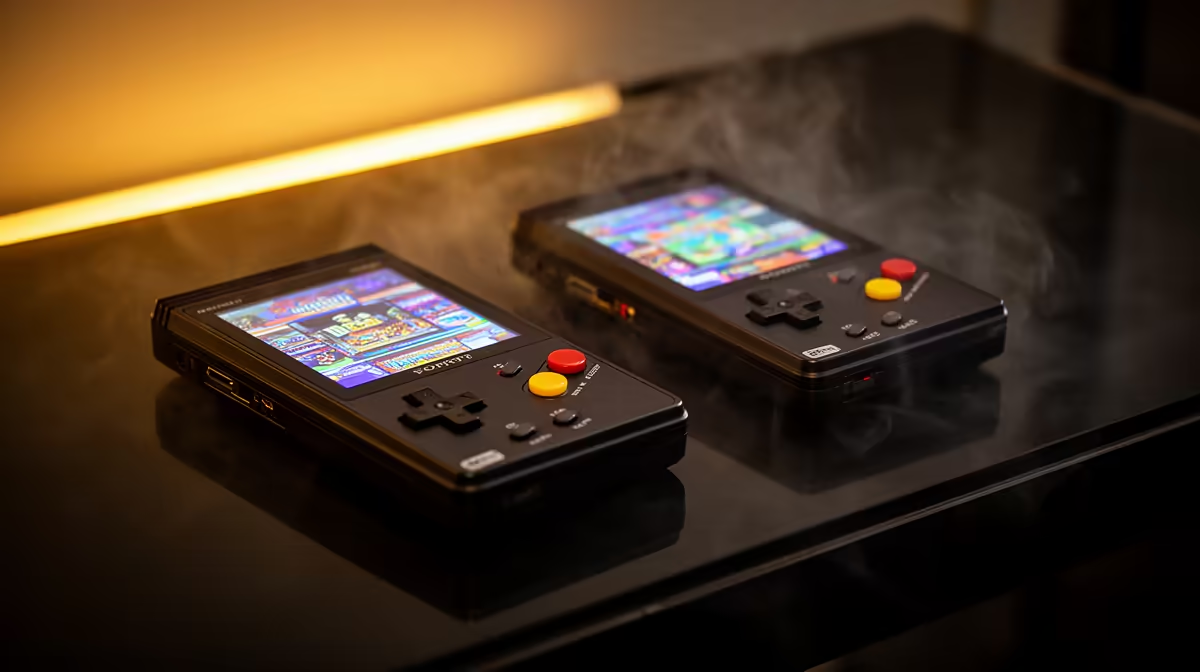
A retro handheld that freezes on the logo, scrambles its menu, or refuses to boot is usually telling you the card has gone bad, not the device. On most budget handhelds the microSD card holds the operating system as well as the games, so when the card's data corrupts, the whole machine stops. The fix is to write a clean firmware image back onto the card, restoring both the system and a working starting point. With a backup image on hand, recovery takes minutes rather than meaning a dead handheld.
Quick Answer
Recover by reflashing a clean firmware image onto the card with an imaging tool such as Balena Etcher or Win32DiskImager. Improper shutdowns and counterfeit cards are the usual causes, so the safest habit is keeping a backup image of your working card. If the card itself is physically failing, no reflash will hold, and you need a fresh, brand-name card instead.
Why the Card Corrupts
Two causes account for most corruption. The first is yanking power or pulling the card while the system is still writing, which leaves files half-written and the file system inconsistent. Handhelds rarely shut down as cleanly as a phone, so an abrupt power-off at the wrong moment is enough. The second is the card itself. The cheap card bundled with many handhelds is often low quality and fails over time, and outright counterfeit cards, which misreport their capacity, fail unpredictably and early.
Because the operating system usually lives on that same card, corruption does not just lose a save. It can stop the device booting entirely, which is why a clean reflash is the standard cure.
How to Reflash a Clean Image
The recovery is straightforward once you have the right firmware image for your exact handheld. Balena Etcher and Win32DiskImager are the common tools, and Etcher verifies the write to confirm the card will boot.
- Back up first. Copy save files off the card before flashing, since writing erases everything.
- Get the correct image. Match the firmware to your exact model, since a wrong image will not boot.
- Write the image. Open your imaging tool, select the image and the card, then write and let verification finish.
- Restore saves. Once the device boots, copy your saves back to the right folders.
A reliable card reader makes this painless, and the gaming accessories best sellers cover readers and adapters built for the job.
When the Card Is Beyond Saving
A reflash fixes corrupted data, not failing hardware. If the card keeps corrupting after a clean image, drops out mid-game, or writes painfully slowly, the card itself is dying. This is especially common with the bundled card and with counterfeits. Replace it with a genuine, brand-name card of a realistic capacity, flash your firmware to that, and the problem usually disappears. Treating the original bundled card as temporary is a sound default. If the device itself is also showing its age, the current handheld gaming console range is worth comparing against a repair.
Preventing It Next Time
Keep a backup image of your fully configured card. Once the handheld is set up how you like it, image the card to your PC. If corruption strikes again, recovery is a five-minute reflash rather than a rebuild. Beyond that: let the device finish writing before powering off, shut down properly, and use a quality card from day one.
Frequently Asked Questions
Will reflashing erase my game saves?
Yes. Writing a fresh image wipes the entire card, including saves. If the card still reads, copy your saves off first, then restore them after the reflash. This is exactly why keeping a backup image of your configured card is worth the small effort.
Should I use Balena Etcher or Win32DiskImager?
Either works. Etcher verifies the write afterwards, which is useful. Some handheld communities recommend Win32DiskImager for specific firmware, so check your device's guide first.
Why does my card keep corrupting after a reflash?
Repeated corruption after a clean image usually means the card hardware is failing, not the data. This is common with cheap bundled cards and counterfeits. Replace it with a genuine, brand-name card and flash your firmware to that instead.
How do I prevent corruption in future?
Keep a backup image of your working card, shut the handheld down properly instead of pulling power, and never remove the card while the system is writing. Using a quality card from the outset also dramatically reduces the odds of corruption.
Can a counterfeit card cause this?
Absolutely. Counterfeit cards misreport their real capacity and fail unpredictably, often corrupting once you write past their true size. Buying genuine cards from a trusted source is the simplest way to avoid this whole class of problem.
When should I consider replacing the handheld rather than fixing the card?
If the card keeps failing even after switching to a brand-name replacement, the slot or the device hardware may be the fault. At that point compare the repair cost against a newer unit. The best-selling PCs and gaming hardware at Evetech gives a sense of what buyers are upgrading to, and current handhelds are a meaningful step up in chip performance and screen quality.
Card corrupting one too many times? Browse the latest handheld gaming consoles at Evetech and get back to your library on a device you can trust.










