You just spent a solid chunk of ZAR on the ultimate gaming chip... but Al Mazrah is still lagging. Dropping into a hot zone only to freeze mid-gunfight is beyond frustrating. If you are wondering how to remove Warzone 2 stuttering on Ryzen 7 9800X3D processors, you are not alone. Let us fix those frame drops so you can get back to securing those dubs on local servers.
Why Your Elite Hardware is Lagging
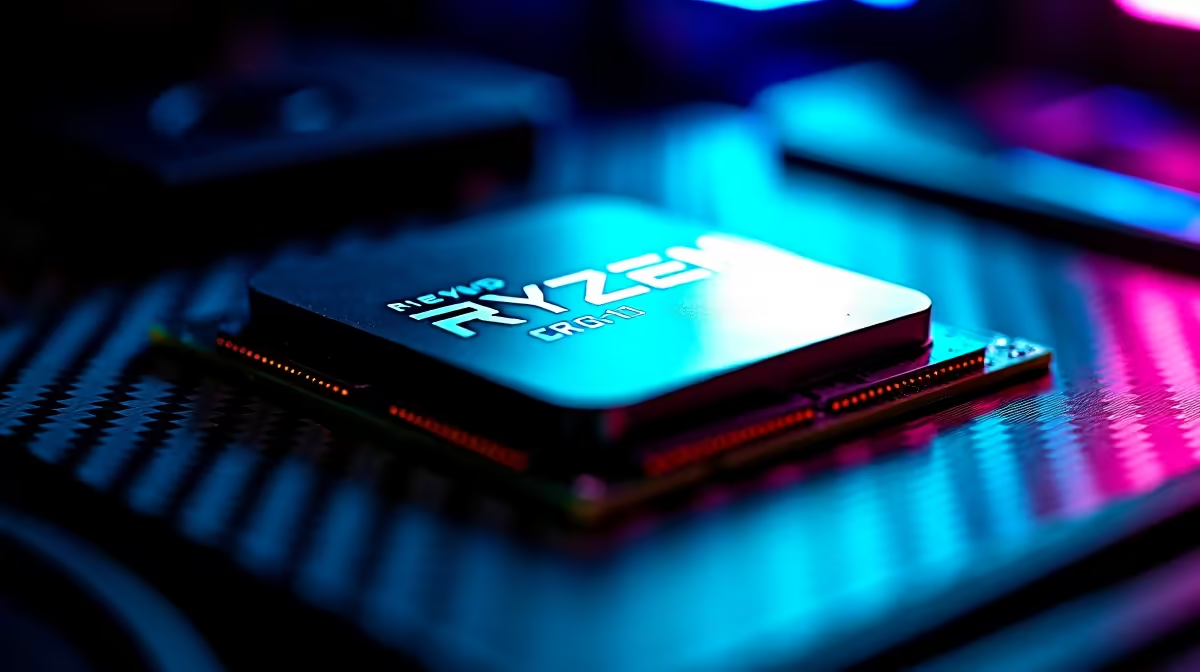
The AMD Ryzen 7 9800X3D features incredible 3D V-Cache technology designed to push frame rates to the absolute limit. However... Call of Duty is notoriously demanding and sometimes struggles to allocate system resources correctly. Before you start looking to buy a new processor out of sheer frustration, you should know that the issue is almost certainly software-related.
Top Fixes for Warzone 2 Micro-Stutters
Update Your BIOS and Chipset Drivers
First things first. AMD's X3D chips rely heavily on precise core scheduling to function properly. Make sure your motherboard BIOS is fully updated to the latest version. Next, grab the newest AMD chipset drivers directly from their official site. This ensures your operating system correctly parks cores and utilises that massive cache pool. If you are running an older rig and this sounds like too much hassle, browsing our pre-built PC deals might be a tempting alternative... but let us try fixing your current beast first.
Adjust the Renderer Worker Count
Warzone 2 often gets confused by high core counts, leading to severe Warzone 2 stuttering on Ryzen 7 9800X3D setups. You need to tweak the config file manually. Navigate to your Documents folder, find the Call of Duty folder, and open the options.3.cod22.cst file. Change the RendererWorkerCount to match half of your CPU threads. For the 9800X3D, try setting this value to 8. 🔧
Quick Shader Tip ⚡
Always let the 'Optimising Shaders' process finish completely on the main menu before jumping into a match. Interrupting this background task is the absolute number one cause of massive frame spikes and stuttering in modern Call of Duty titles.
Windows Power Settings and Game Mode
Ensure Windows Game Mode is turned on in your system settings. Additionally, set your power plan to 'High Performance' or the specific AMD Ryzen power plan if it is available. You want your chip running at full tilt when the gas circle closes in.
Hardware Checks and Upgrades
Sometimes stuttering is not the CPU at all. Slow memory or an overheating system can bottleneck even the best chips. If your RAM is dragging you down, it might be time to look at some best gaming PC deals to see how modern DDR5 systems are configured for optimal speed.
Alternatively, if you are travelling frequently and missing out on squad sessions, you might want to explore our notebooks for sale in South Africa. A portable rig means you never have to miss double XP weekends.
Lastly, keep an eye on your temperatures. The 9800X3D runs warm by design, but severe thermal throttling will cause massive stutters. Make sure your cooling solution is up to the task. If you need a quick cooling upgrade, check out our latest specials to save some ZAR on premium AIO liquid coolers. 🚀
Ready for Uninterrupted Gaming?
Stuttering shouldn't ruin your Warzone experience... especially on elite hardware. If you are looking to build a stutter-free rig from scratch or upgrade your current setup, Evetech has you covered. Explore our massive range of PC components and specials and find the perfect hardware to conquer the lobby.