



550W PSU Planning for RTX 5080 Super Builds in SA
550W for RTX 5080 Super needs a full-build check, not a simple yes. Review GPU guidance, CPU draw, transient load, connectors, PSU quality, and upgrade plans before deciding.
Read moreSet up ventilation and heating by learning the controls, testing each mode briefly and choosing personal comfort. The M6 Pro+ 2.0 includes both in its seat. Follow its instructions for power and operating levels.
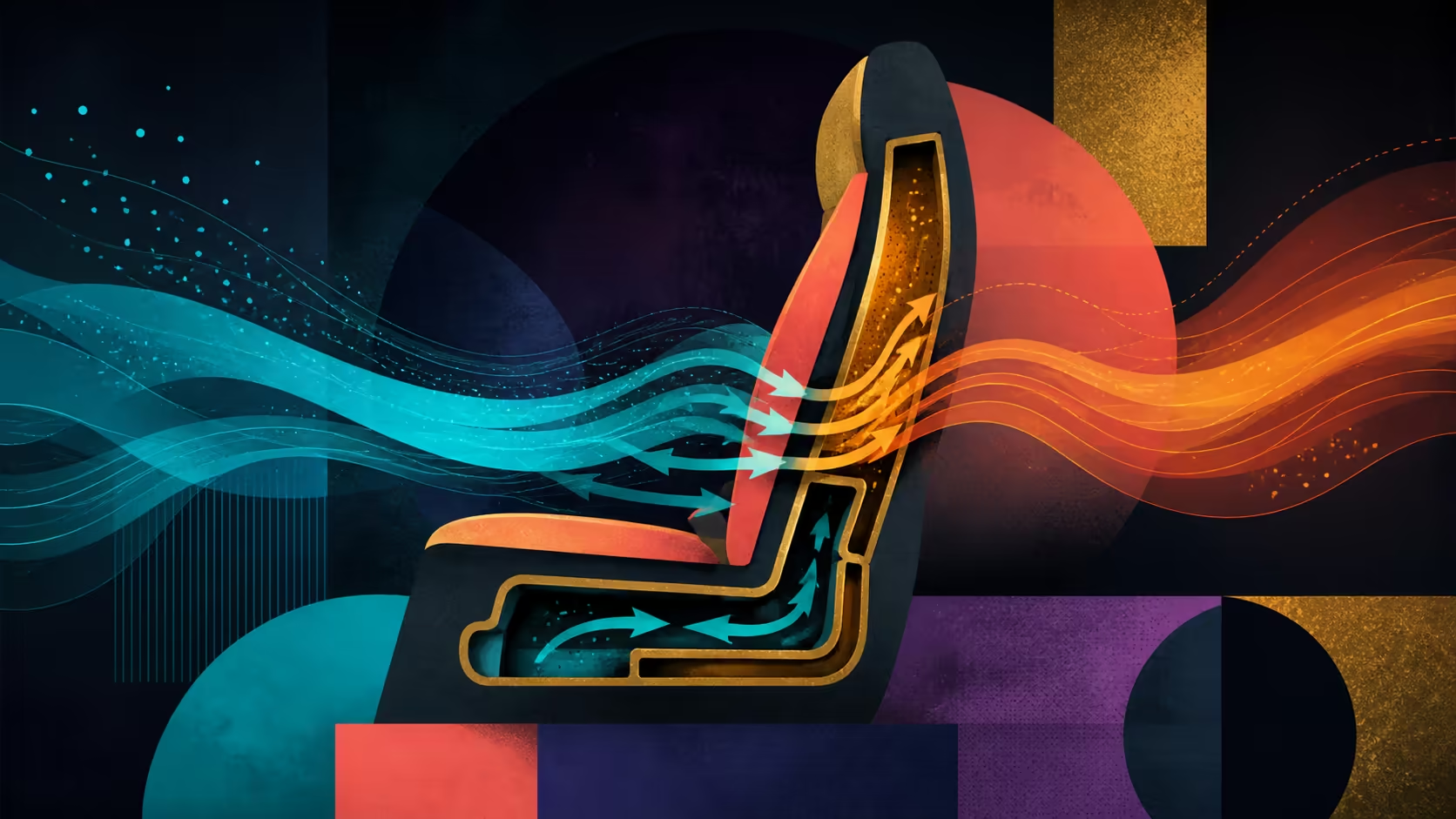
Climate controls should be learned from the exact chair before extended use. Gaming chair ventilation and heating setup starts with identifying the controls, choosing one mode and observing personal response briefly.
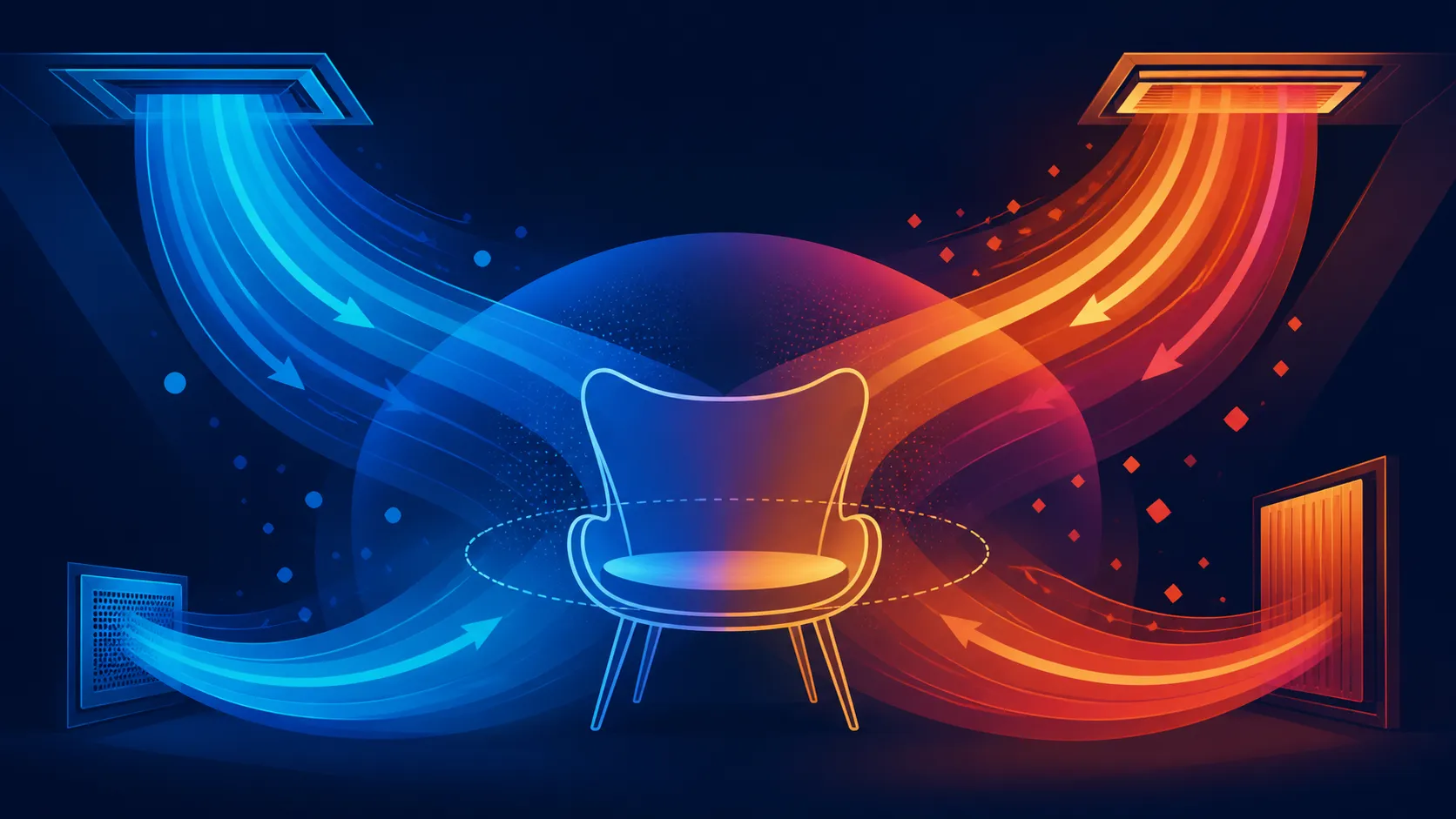
The AutoFull M6 Pro+ 2.0 includes seat ventilation and heating for R16,599. Read its instructions for power, controls and operating levels, then test one mode at a time. Do not assume temperatures, fan speeds, noise or automatic behaviour from the feature names.
Identify how ventilation and heating start, stop and change setting. Check any power connection and normal operating procedure on this exact model. A generic climate-chair sequence may not match the M6 Pro+.
Use Evetech's AutoFull gaming chair range to compare functions after the required control details are written down.
Choose ventilation for a warm-seat test or heating for a cold-seat test. Start conservatively according to the instructions and observe comfort in ordinary clothing. Avoid switching several settings before understanding the first result.
The user should stop a mode if it feels unsuitable. Climate control is a convenience function, not medical treatment or a guaranteed remedy for long-session discomfort.
Use a familiar chair position during the initial climate test. The M6 Pro+ also has dynamic lumbar, adjustable folding armrests and 160-degree recline; changing all of them at once would hide what the seat mode changed.
Compare complete setup options through Evetech's gaming chairs South Africa.
Record the room condition, mode and chair position that worked. Repeat only through the settings the model provides. No universal temperature or fan level should be prescribed.
Keep the 150kg maximum and body-fit requirements in the wider setup plan. Climate operation does not alter the load boundary or prove dimensions.
Before the first trial, locate the controls and learn the proper starting and stopping sequence for this exact unit. Confirm how it receives power, what indications the controls give and which adjustments are available. Those details are purchase checks, not assumptions to fill from another heated or ventilated chair. Place the power route where it will not conflict with rolling, swivelling or recline.
Run ventilation and heating as separate experiments. Hold the desk task, clothing and chair position steady, operate one mode for a consistent interval, and write down the result. On another comparable session, test the other mode. This method prevents a room-temperature change or a newly adjusted backrest from being mistaken for a seat-climate effect.
Review the notes after several ordinary days rather than a single demonstration. Include the time required to start the feature, any routine interruption and how often it was genuinely wanted. Repeat the check when the season changes if both modes matter. A useful setup is not merely noticeable; it must be easy enough to include in the owner's normal chair routine.
Keep a short shutdown check beside the routine. Return the chair to its normal desk position, leave the surrounding cable path orderly and note whether the climate function is no longer needed. Follow the exact operating guidance rather than guessing at automatic behaviour. This final step matters in a shared room, where the next user should not inherit an unexplained control state or obstructed movement route.
Read the exact operating instructions and identify power, start, stop and level controls before a test.
The M6 Pro+ air-conditioned seat provides both ventilation and heating.
Use only the settings documented for the chair and judge them cautiously through personal response.
Do not assign either characteristic a number before inspecting this chair's operating information.
Keep other chair settings stable, operate one climate function briefly and note the result.
No. Ventilation and heating are comfort functions, not treatment or medical devices.
Ready to test chair climate one controlled setting at a time? Compare Evetech's gaming chairs after identifying the operating details and room conditions relevant to your routine.
Read the exact operating instructions and identify power, start, stop and level controls before a test.
The M6 Pro+ air-conditioned seat provides both ventilation and heating.
Use only the settings documented for the chair and judge them cautiously through personal response.
Do not assign either characteristic a number before inspecting this chair's operating information.
Keep other chair settings stable, operate one climate function briefly and note the result.
No. Ventilation and heating are comfort functions, not treatment or medical devices.
550W for RTX 5080 Super needs a full-build check, not a simple yes. Review GPU guidance, CPU draw, transient load, connectors, PSU quality, and upgrade plans before deciding.
Read more
8000Hz polling is overrated for most SA gamers because gains can be tiny next to battery drain and monitor limits. Mbombela players should weigh mouse feel, game support, and system stability before chasing the number.
Read more
Magnetic switches are taking over SA gaming keyboards because actuation can be tuned. For Sandton gamers, rapid trigger, reset control, and profile depth can help, but layout, key feel, and software quality still matter.
Read more
Polokwane oled monitor value questions need cautious SA context because pricing can move with availability, exchange rates, specs, and warranty support. Treat the trend as a planning signal, not a fixed price promise.
Read more
Arc B580 budget builds for Midrand gamers can shift with exchange rates, supply, specs, and model tier. Treat the title as a buying prompt, then compare SA warranty, timing, and build priorities.
Read more
ROG Ally X may beat the LCD Steam Deck for SA gamers who value stronger handheld performance, more memory, and Windows flexibility. Compare battery life, controls, game libraries, and Polokwane support needs before deciding.
Read more
Minisforum's M2 Pro pairs Core Ultra X7, Arc B390 graphics and 32GB onboard memory in 1.8 litres. SA buyers should weigh its fixed memory and $1,439 launch offer against local mini PCs.

Lenovo says Legion Go failures linked to BIOS N3CN42WW are not user error. Affected SA owners should stop retrying the update, preserve proof and open a support case.

Smart monitors can add apps and convenience, but they also add privacy settings and unwanted-software risk. SA buyers should audit the operating system before paying for extras.

A fake 113GB GTA VI ISO reportedly used empty padding around a small malware payload. SA gamers should delete unofficial builds, keep Windows security active and wait for official channels.

ASUS calls the ROG GT-BN98 the first Wi-Fi 8 gaming router. SA buyers should fix coverage and client limits before paying for a future wireless standard.

Apple's M6 Mac mini adds faster AI, graphics and networking in the same compact format. SA buyers should wait for a rand listing before comparing value.

The Vulcan II XP adds hot-swappable switches, sound damping and gaming controls to a full-size wired board. SA buyers should compare feel before features.

Microsoft says Windows on Arm now has over 7,000 verified apps and games. SA buyers should still check each driver, game and work tool before switching.
550W for RTX 5080 Super needs a full-build check, not a simple yes. Review GPU guidance, CPU draw, transient load, connectors, PSU quality, and upgrade plans before deciding.

Skyrim HD texture packs that actually run on RX 9070 helps SA readers plan hardware, settings, compatibility, and upgrade trade-offs. Check GPU, CPU, RAM, storage, monitor, and stability needs without risky performance claims.
8000Hz polling is overrated for most SA gamers because gains can be tiny next to battery drain and monitor limits. Mbombela players should weigh mouse feel, game support, and system stability before chasing the number.

Wi-Fi 7 or Wi-Fi 6e for streaming on twitch and youtube should be judged by fit, not a single winner. Compare compatibility, latency, capacity, upgrade path, cost planning, and South African setup needs.