Quick Answer
Sharing a gaming internet connection in a South African household without lag requires smart router configuration, bandwidth management, and ideally a wired connection for your gaming PC. With multiple people streaming, working from home, and gaming simultaneously - plus the added strain of loadshedding disruptions resetting routers - a structured home network setup makes a real difference.
Why SA Household Networks Struggle Under Gaming Load
South African households in 2026 commonly have 3-6 devices actively using internet simultaneously - smartphones, smart TVs, laptops, and gaming PCs all competing for bandwidth. Most ISP-supplied routers in SA are basic consumer units not designed for Quality of Service (QoS) management, meaning a family member streaming 4K video can cause genuine lag spikes for someone gaming online. Loadshedding compounds this problem because every time the power returns and your router reboots, it re-establishes its connection and may lose any custom configuration if settings weren't saved properly.
Wired First: The Fastest Fix
The single most effective step for lag-free gaming in a shared SA household is running an ethernet cable from your gaming PC or console directly to your router. Wi-Fi, regardless of how good your router is, introduces variable latency that wired connections eliminate entirely. For households where running cable through walls is not practical, powerline adapters or MoCA adapters use your home's existing electrical or coaxial wiring to create a wired-equivalent connection. This is especially relevant in older South African homes that were not built with structured cabling.
QoS Settings and Router Upgrades
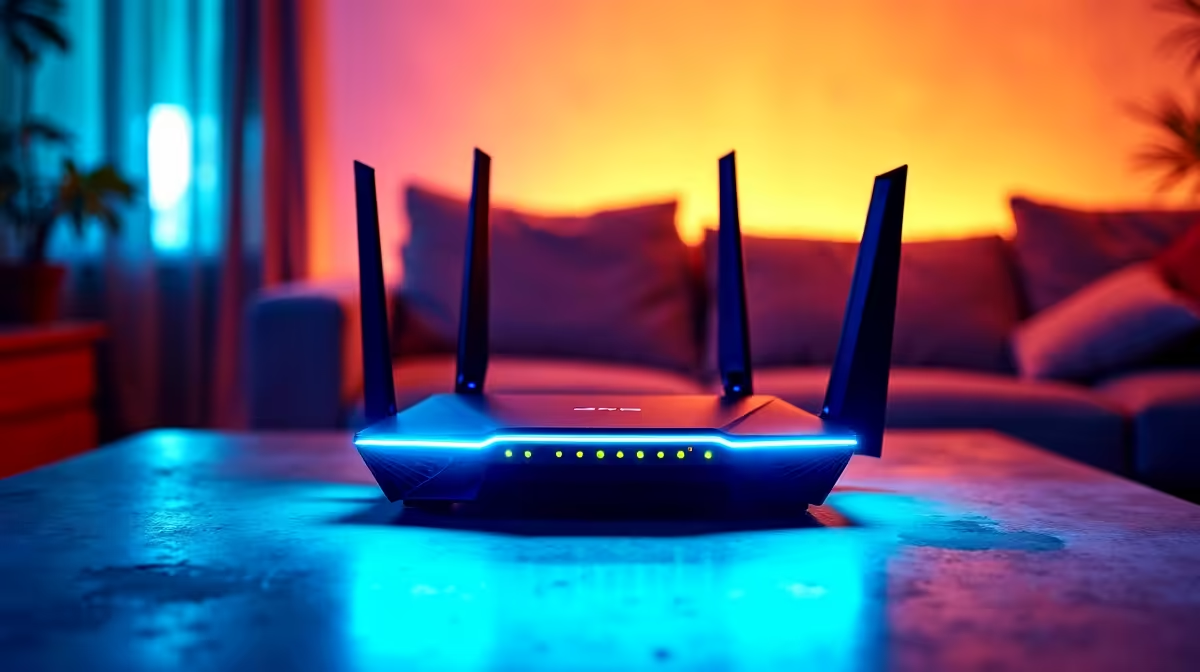
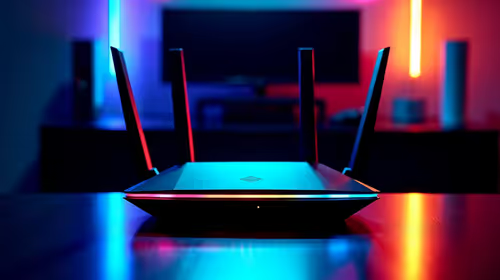
If wired connections are not possible for all devices, configuring Quality of Service (QoS) in your router settings is the next best step. QoS allows you to prioritise traffic from your gaming PC or console, ensuring game data gets bandwidth before video streaming or file downloads. Many ISP-supplied routers in South Africa either lack QoS or have it deeply buried in settings. Upgrading to a consumer-grade router with proper QoS support - or a mesh system for larger SA homes - gives you much better control over shared bandwidth. Setting gaming consoles and PCs as high-priority devices takes minutes and can meaningfully reduce ping variability during peak household usage hours.
Frequently Asked Questions
Why does my ping spike when others are on the same Wi-Fi in South Africa?
Shared bandwidth contention is the likely cause. When multiple devices download or stream simultaneously, your router distributes bandwidth between them, causing your game's packets to queue behind larger data transfers. QoS settings or a direct wired connection resolves this.
Does loadshedding affect my router's network performance?
Yes. Frequent power cuts cause router reboots that can temporarily degrade performance as the router re-establishes its ISP connection. A small UPS powering your router and fibre ONT ensures continuity during loadshedding.
What internet speed do I need for lag-free gaming in a shared SA household?
For 2-4 people gaming, streaming, and working simultaneously, a 100Mbps fibre line is a comfortable baseline. Gaming itself uses very little bandwidth - typically under 5Mbps - but latency quality (ping) matters far more than raw download speed.