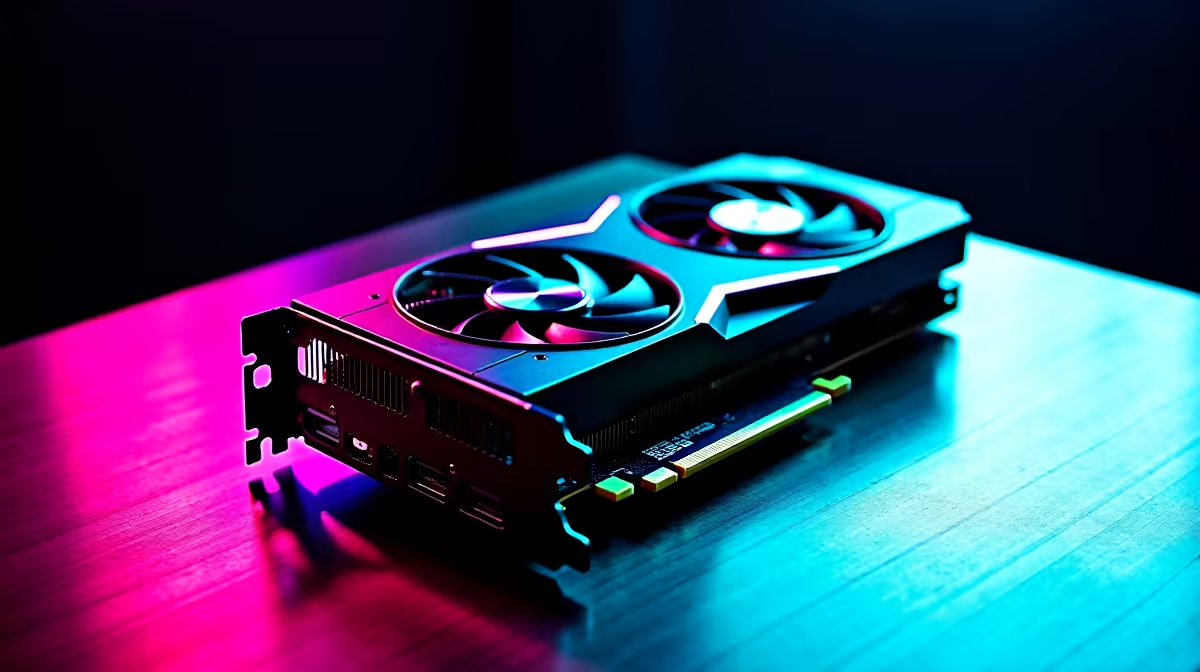
Summer in South Africa means your gaming rig works overtime. If your PC room feels like a sauna, it is time to optimise. Learning how to undervolt your RX 7800 XT is the perfect solution. You get cooler temperatures, lower power draw, and quieter fans... all without losing those precious frames. Whether you just snagged yours from our latest graphics cards lineup or already own one, let us dive in.
Why You Should Undervolt Your RX 7800 XT
AMD built a highly capable chip with the 7800 XT. However, they often push the stock voltage higher than necessary to ensure every single chip works perfectly. By lowering this voltage, your GPU runs much cooler. This means your fans spin slower and quieter. Even the best pre-built PCs benefit from this quick tweak. It might even save a few ZAR on your monthly electricity bill.
Preparation and Essential Tools 🔧
You do not need complicated third-party software. The official AMD Adrenalin Edition software is all you need. Ensure you have the latest drivers installed before starting. Unlike gaming laptops where power limits are strictly locked down, desktop GPUs give you total freedom to experiment safely.
The Step-by-Step Undervolting Process ⚡
Ready to optimise? Follow these simple steps in the AMD Adrenalin software:
- Open the AMD Adrenalin software and navigate to the Performance tab.
- Click on the Tuning sub-tab.
- Change Tuning Control to Custom.
- Enable GPU Tuning and Advanced Control.
- Look at the Voltage slider. The stock setting is usually around 1150mV.
- Lower the voltage by 10mV to 20mV increments.
- Hit Apply Changes.
If you are browsing gaming PC deals for a completely new setup, remember these steps for later.
Testing for System Stability 🚀
Lowering the voltage too much will cause a driver crash. Do not panic... this is completely safe. The software will simply reset to default settings. Run a demanding game or benchmark for about 20 minutes. If it crashes, increase the voltage by 5mV. If it is stable, you can try dropping it another 5mV. Keep an eye on our weekly specials if you ever need extra case fans to help with overall airflow.
Stability Pro Tip ❄️
Once you find your perfect stable voltage, save your profile in the AMD software. Driver updates sometimes reset custom tuning profiles. Having a saved file lets you restore your undervolt settings in just two clicks.
Ready to Upgrade Your Rig?
Undervolting helps you get the most out of your hardware. If your current system is still struggling to keep up with modern titles, it might be time for a full upgrade. Explore our massive range of Evetech PC deals and find the perfect machine to conquer your favourite games.