

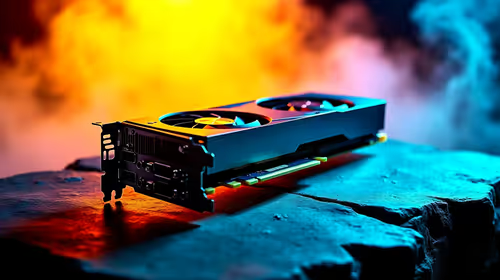
Why Is My RX 9070 XT Running Hot in SA Summer?
Why Is My RX 9070 XT Running Hot in SA Summer Detailed answer with SA data, expert analysis & practical recommendations for local buyers.
Read moreImprove phone sound quality with simple, actionable tips for clearer calls, richer music, and louder playback on smartphones and tablets. 🔊📱
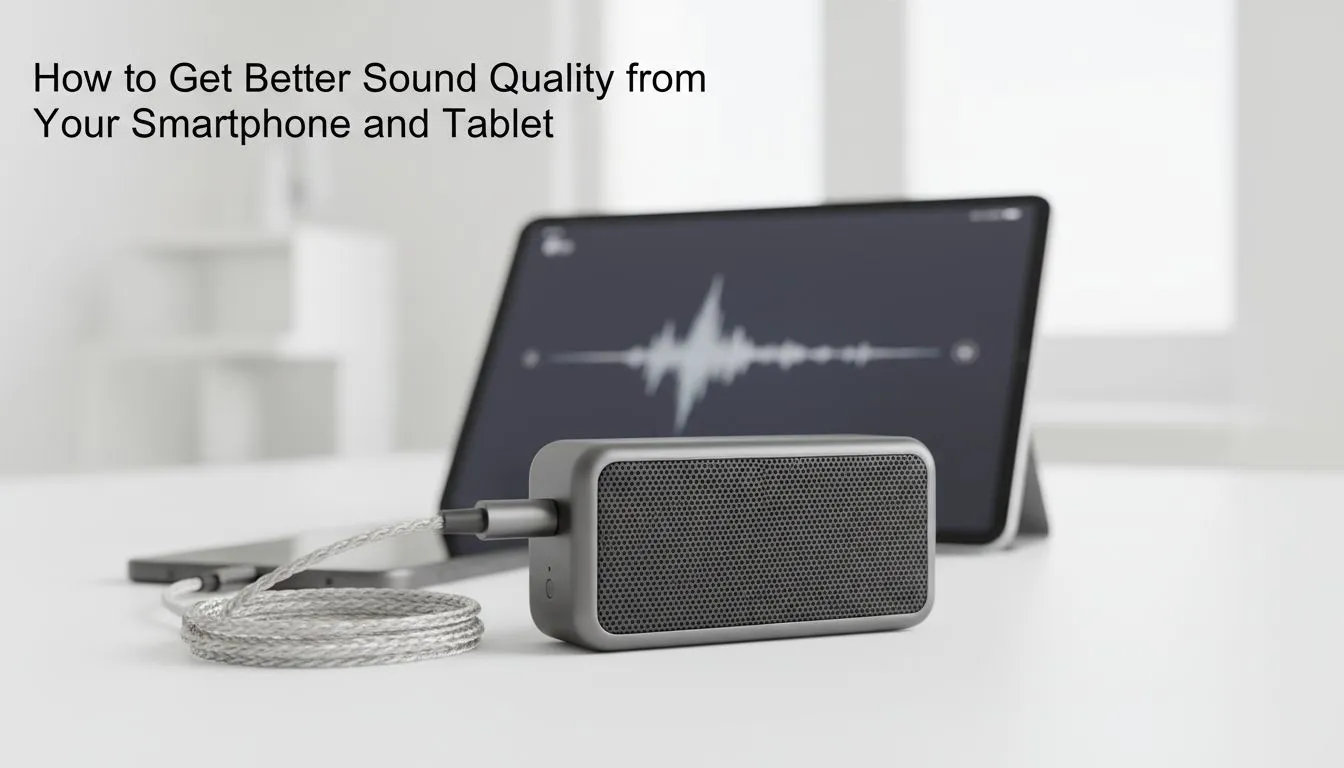
Ever tried showing a friend a new track at a braai only for it to sound like a tinny mess? We have all been there. Your smartphone is a powerhouse... but its built-in speakers often leave much to be desired. Whether you are gaming on the go or catching up on podcasts... you deserve better audio. Here is how to improve phone sound quality without breaking the bank. 🔊
Before you dive into software tweaks, look at the physical state of your device. Dust and pocket lint often settle in the speaker grilles... muffling the output significantly. Use a soft brush to gently clear any debris. Once clean, you might realise that even the best PC speakers cannot fix a muffled source signal.
Next, dive into your phone’s sound settings. Most modern Android and iOS devices feature built-in equalisers. You can choose presets like 'Rock' or 'Electronic' to boost the frequencies that matter most to you. Experimenting with these settings is the easiest way to improve phone sound quality for free.
While internal speakers are fine for a quick YouTube clip... they lack the depth needed for immersive gaming or music. If you want a reliable brand that balances performance and price, checking out Promate speakers is a smart move for South African buyers.
If you are using Spotify, go to Settings and toggle 'Normalize Volume' off. This often restores the dynamic range of your music, making it sound punchier and less compressed through your external speakers.
Connectivity plays a massive role in how we consume media. If you are a competitive mobile gamer, the zero-latency reliability of wired speakers remains the gold standard. You do not want your audio lagging behind your on-screen actions during a clutch moment. 🔧
On the flip side, the sheer convenience of wireless speakers makes them perfect for outdoor gatherings or moving between rooms. Modern Bluetooth codecs have come a long way... offering high-fidelity sound that rivals traditional connections.
When setting up a dedicated listening area at home, the configuration of your hardware matters. For those with limited desk space, compact 2.0 speaker systems provide clear, balanced stereo sound for vocals and podcasts. 🚀
However, if you want to feel every explosion in an action movie or the thumping bass of a local Amapiano hit... you should look at 2.1 speaker setups. The dedicated subwoofer handles the low-end frequencies that small phone drivers simply cannot reproduce. This is the ultimate way to improve phone sound quality when you are stationary. ✨
Ready to Elevate Your Audio Experience? Improving your sound quality is about more than just settings... it is about having the right hardware for the job. Whether you need portable power or a desktop beast, we have you covered. Explore our wide range of speaker deals and bring your audio to life today.
Adjust the built-in EQ, enable high quality Bluetooth codecs, and use a dedicated music app to boost smartphone audio quality fast.
Yes. Choosing aptX, AAC, or LDAC where supported improves Bluetooth audio on phone by preserving bitrate and reducing compression loss.
Wired headphones bypass Bluetooth compression and often yield clearer, more consistent tablet sound improvement tips recommend them for critical listening.
Clean speaker grills, remove cases blocking audio, and test with a speaker-repair app to reduce phone audio distortion and restore clarity.
Yes. Custom phone equalizer settings for music let you emphasize bass or clarity depending on genre and headset response.
Audio apps can apply better EQ, upmixing, and software-based DSP to boost smartphone audio quality beyond default player limits.
Yes. System updates can add codec support and bug fixes that improve Bluetooth and overall phone sound quality.
Why Is My RX 9070 XT Running Hot in SA Summer Detailed answer with SA data, expert analysis & practical recommendations for local buyers.
Read more
RTX 4070 Ti Super Black Screen Issue: Fix. Diagnosis steps, proven fixes & when to seek professional help. SA-specific support info included.
Read more
Can a 700W PSU Handle the RTX 4060? Power. Wattage requirements, recommended PSU models & efficiency ratings for SA buyers at Evetech.
Read more
Optimize RTX 4060 Ti for Minecraft. Step-by-step instructions with SA-specific tips, common pitfalls to avoid & expert recommendations.
Read more
Can the RTX 4090 Run Cyberpunk 2077 at 60fps. Real-world benchmark data, FPS numbers & performance analysis. What SA gamers can actually expect.
Read more
Can the RTX 5090 Handle 1440p 144Hz Gaming. Performance testing verdict with real data & practical recommendations for SA buyers.
Read more
Top Valorant Settings for RTX 5070: FPS Optimisation picks evaluated on performance, value & SA availability with current Rand pricing from Evetech.

RDNA 3.5 Graphics in Ryzen AI 400? Can You Game. Plain-English explanation of what it means, why it matters & how it affects your buying decisions in SA.

GPU Price Index : December Report. Current stock data & price tracking for SA buyers. See what is available and where prices are heading.

RX 9070 XT Elden Ring Nightreign at 4K: FPS. Real-world benchmark data, FPS numbers & performance analysis. What SA gamers can actually expect.

Core i5-14600K + B760 + RTX 5060 Build Under. Full parts list, Rand pricing & expected performance. Build confidently with SA-available components.

RX 7600 Apex Legends at 4K: FPS Benchmark. Real-world benchmark data, FPS numbers & performance analysis. What SA gamers can actually expect.

RX 7900 XTX GTA 6 at 4K: FPS Benchmark & Optimal. Real-world benchmark data, FPS numbers & performance analysis. What SA gamers can actually expect.

Head-to-head comparison of RTX 5070 vs RX 9070 XT: Gaming Performance for SA gamers. Performance benchmarks, Rand pricing & which delivers better value.

Top RTX 5070 Under R25,000 picks evaluated on performance, value & SA availability with current Rand pricing from Evetech.
Core i5-14600K + B760 + RTX 5060 Build Under. Full parts list, Rand pricing & expected performance. Build confidently with SA-available components.

Top Monitor for RX 9070: Resolution & Refresh Rate picks evaluated on performance, value & SA availability with current Rand pricing from Evetech.

Valorant Settings on RX 9060 XT: Performance. Real-world benchmark data, FPS numbers & performance analysis. What SA gamers can actually expect.