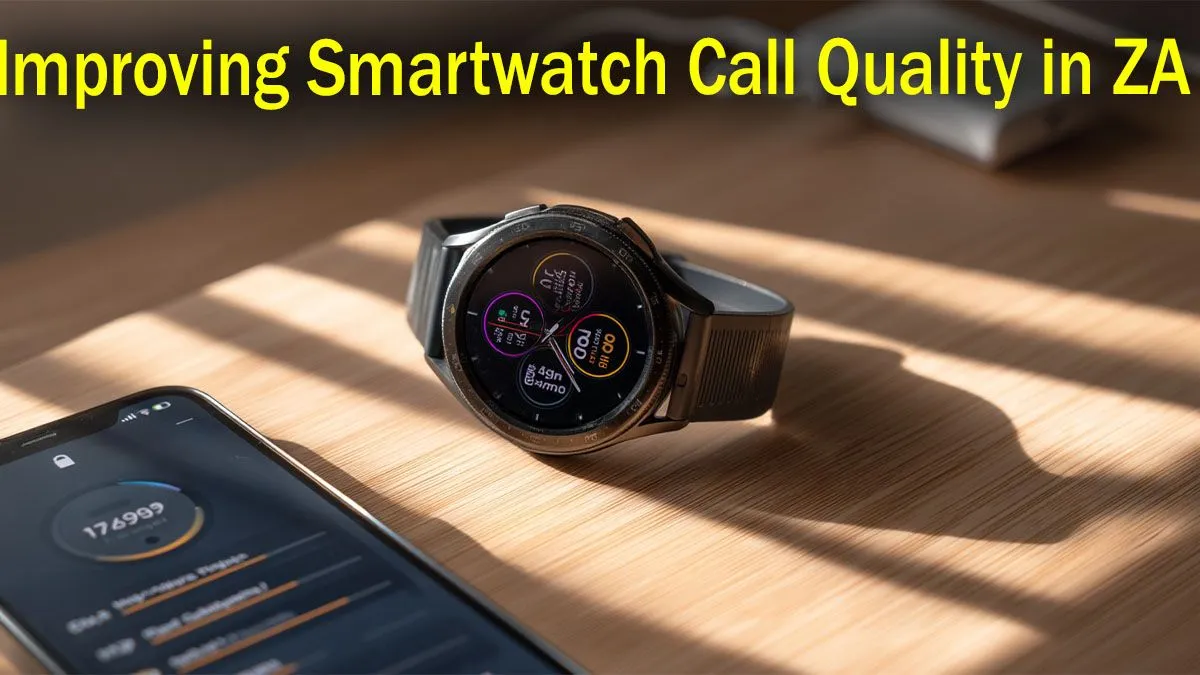
Struggling with calls on your smartwatch that sound like you're talking through a tin can? You're not alone. For many of us, poor smartwatch call quality in South Africa is a real frustration, turning a convenient feature into a muffled mess. Whether it's patchy network coverage or a simple setting, the good news is you don't have to put up with it. Let's dive into the ultimate guide to get your wrist-based chats sounding crystal clear. ✨
Why Your Smartwatch Calls Sound Muffled
Before we jump into the fixes, it helps to know the culprits. Usually, poor smartwatch call quality stems from one of three things: a weak Bluetooth or cellular connection, software glitches, or physical obstruction of the tiny microphone and speaker. Unlike a phone, your watch is constantly battling for signal while exposed to the elements, making it more sensitive to these issues. Understanding this is the first step to improving your smartwatch calls.
Quick Software & Hardware Fixes 🔧
Often, the simplest solutions are the most effective. Before you get frustrated with the overall smartwatch call quality in South Africa, work through these basic troubleshooting steps.
Check Your Connections & Software
A shaky Bluetooth connection is the number one cause of audio breakup.
- Re-pair Your Watch: Go into your phone's Bluetooth settings, "forget" your smartwatch, and then pair it again from scratch. This clears any corrupted connection data.
- Update Everything: Make sure your watch's firmware and its companion app on your phone are fully updated. Manufacturers constantly release patches that optimise performance and fix bugs affecting call audio. This is especially true for modern, feature-packed Promate smartwatches that receive regular updates.
- The Classic Reboot: Turn both your phone and your watch off and on again. It’s a cliché for a reason... it works.
Clean Your Hardware
Your wrist is a magnet for dust, sweat, and grime. Over time, this can clog the tiny microphone hole and speaker grille on your watch.
- Gently use a soft, dry toothbrush or a can of compressed air (from a distance!) to carefully clean these ports.
- Avoid using liquids or poking sharp objects like pins into the openings, as this can cause permanent damage.
Bluetooth Codec Check ⚡
Some Android phones let you change the Bluetooth Audio Codec in Developer Options. While most watches use a standard SBC codec, forcing a different one can sometimes cause issues. If you've been tinkering in there, try setting it back to the "System Selection (Default)" to ensure the best smartwatch call quality.
Optimising for the South African Network 📶
If you have an LTE-enabled smartwatch, your experience is tied directly to mobile network performance, which can be inconsistent across South Africa. A weak signal will directly impact your smartwatch call quality, even if your phone shows full bars.
When you're in an area with poor reception, try to keep your watch connected to your phone via Bluetooth and rely on that connection for calls instead of the watch's own LTE. This often provides a more stable audio stream. If you consistently face issues, exploring a wide range of modern smartwatches with newer, more efficient antennas could make a significant difference.
Is It Time for an Upgrade?
If you've tried every fix and your calls still sound terrible, the hardware itself might be the limitation. Older models or very cheap devices simply don't have the advanced microphones, noise-cancellation tech, and powerful processors needed for clear conversations.
Upgrading doesn't have to break the bank. Technology has improved so much that even many affordable smartwatches under R1000 now offer better call quality than premium models from a few years ago. Better hardware is often the ultimate, most reliable fix for poor smartwatch call quality.
Ready for Crystal-Clear Calls?
If these fixes don't cut it, your old wearable might be the culprit. Upgrading to a modern device with better mics and connectivity is the ultimate solution. Explore our massive range of smartwatches and find the perfect wrist-mate for your lifestyle.