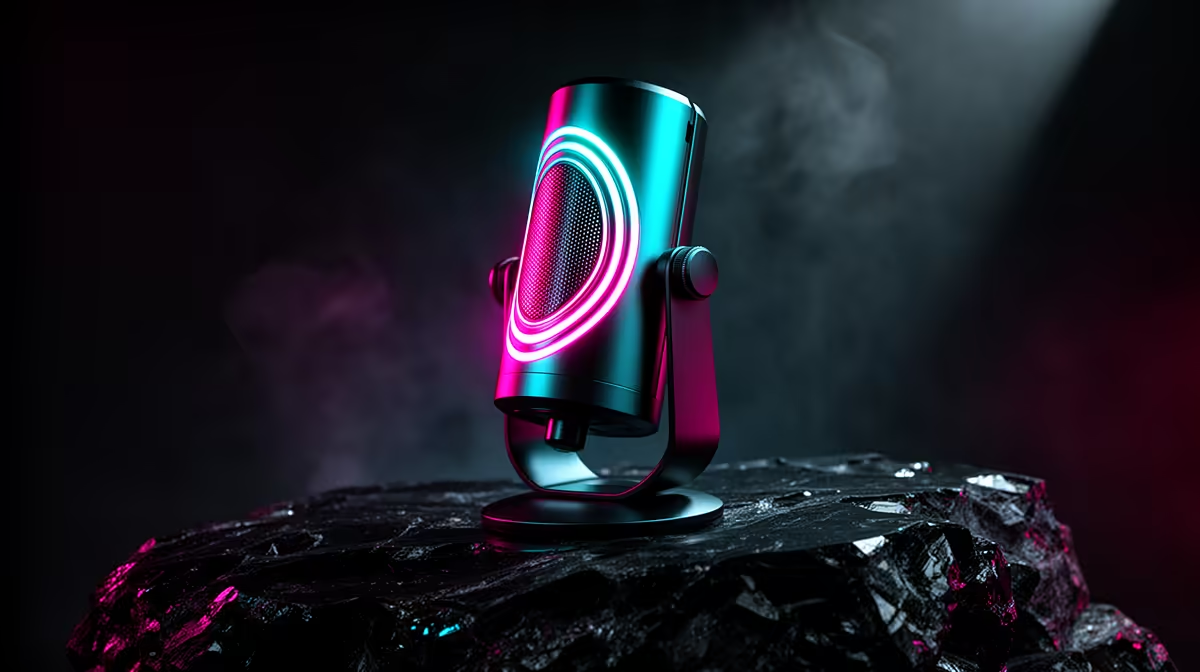
RGB microphones have come a long way from a single static glow. An 8-mode customisable RGB microphone gives a South African gaming setup a lighting presence that can breathe, wave, pulse and react, as long as the cardioid capsule behind the mesh is actually worth using. The lighting is the finishing touch on a desk that already sounds good, not the reason to buy the mic.
Quick Answer
Match the RGB mic to your keyboard by setting the same hex colour value in each device's app. The 8 modes typically include static, breathing, rainbow wave, reactive and colour cycle presets. Save your preferred mode to the mic's onboard memory so it persists after a reboot.
🎮 Matching the RGB to Your Keyboard Palette
The most common aesthetic frustration with RGB peripherals is that each device runs its own software. A keyboard controlled through one app, a mouse through another, and the microphone through a third means three separate colour pickers that do not automatically talk to each other.
The practical fix is standardising on a shared hex value. Pick the colour you want to anchor the desk around, note the exact hex code in one app, then enter that same code in every other device's software. The result is consistent across all three without needing a unified hub or ecosystem lock-in.
If the mic and keyboard are from the same brand, a unified lighting hub may handle the synchronisation automatically. Cross-brand setups require the manual hex approach, which takes about three minutes once you have identified the value.
⚡ What the 8 Modes Actually Do
The typical 8-mode set covers static, breathing, rainbow wave, colour cycle, reactive, strobe, and two custom presets, though the exact names vary by manufacturer. The ones that matter most for a gaming desk are breathing, reactive and static.
Breathing cycles the LEDs from full brightness to off and back at a steady pace, giving the desk a calm ambient pulse that suits long sessions. Rainbow wave sweeps a spectrum of colours across the mic body continuously, which works well for showcase setups but can feel visually busy during a focused gaming session.
Reactive mode is the standout feature for live use. It pulses the brightness of the LEDs in response to input level, brightening when you speak above roughly 70 percent gain and dimming during silence. On a stream it adds a visual cue that the mic is active, and it looks deliberately intentional from a production perspective rather than accidental.
🔧 The Capsule Comes First, RGB Comes Second
The LEDs draw power from the USB connection on a separate circuit from the capsule. They do not introduce noise into the audio signal, which is the first question most careful buyers ask. The microphone sounds exactly the same at full RGB brightness as it does with the lighting off.
What matters far more than any lighting mode is the cardioid capsule inside. A tight polar pattern that rejects room noise, sufficient self-noise below 20dB-A, and a flat enough frequency response to make a voice sound natural under 10kHz are the specs that determine whether the mic is genuinely usable for streaming and recording. RGB modes are irrelevant if the capsule produces a thin, hissy recording.
The buying process should work in sequence: assess the capsule specifications and any sample recordings available, confirm the RGB feature set matches the desk's aesthetic requirements, then purchase. Reversing that order produces a desk that looks impressive and sounds mediocre.
Frequently Asked Questions
How do I match the mic's RGB to my keyboard?
Set a shared hex colour value in each device's dedicated software application. Without a unified lighting hub, each app controls its own colours independently, so the only way to align them is to enter the same hex code manually. Cross-brand setups always require this step; same-brand ecosystems may synchronise automatically through the hub software.
What do the 8 RGB modes typically include?
Most 8-mode sets cover static colour, breathing, rainbow wave, reactive, colour cycle, strobe, and two adjustable presets. Breathing and reactive are the modes most useful for an active gaming setup; breathing adds ambient movement, while reactive pulses with your voice level during streams. The exact names differ between manufacturers but the underlying effects are consistent.
Does the RGB lighting add any noise to recordings?
No. The LEDs run on a separate power circuit from the capsule and preamp electronics. They do not generate interference that reaches the audio signal path. The microphone sounds identical whether the lighting is at full brightness, cycling through modes, or switched off entirely.
Can the lighting react to game audio?
Some mics implement a reactive mode that responds to microphone input level rather than game audio output. The LEDs brighten when the capsule detects sound above a threshold, typically around 70 percent gain, and dim during silence. True game audio reactivity, responding to what comes out of the speakers, requires software integration that not all models support.
Should RGB be a factor in choosing a microphone?
Treat it as a finishing detail, not a deciding factor. The capsule quality, polar pattern, self-noise and gain handling determine how the mic performs on a stream or recording. RGB aesthetics are worth comparing once those fundamentals are satisfied. A visually impressive mic that sounds poor will frustrate far more than a plain mic that sounds excellent.
Ready to add an RGB microphone that sounds as good as it looks?
Browse the USB microphone range at Evetech and find the cardioid capsule that fits your desk and your stream.