


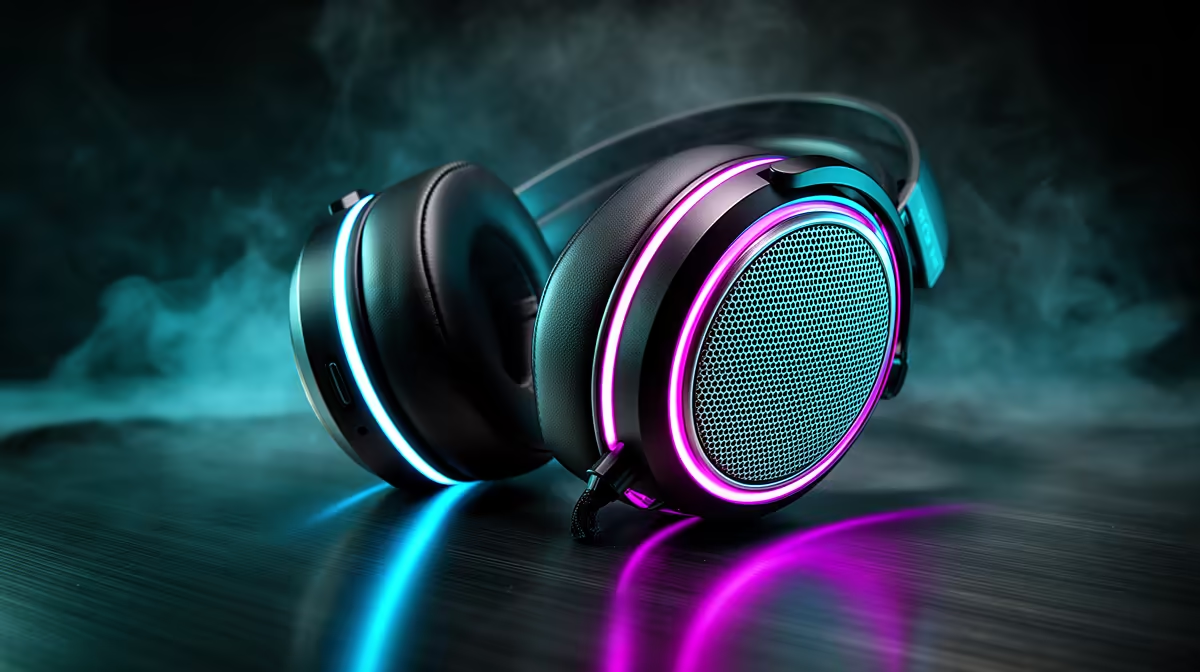
Your desk already glows. A keyboard, mouse, and case fan all pulse to the same Chroma beat, but the microphone sitting centre-stage runs a cold white ring that belongs in a different setup entirely. Integrating 8-mode customisable RGB audio gear into a unified lighting theme takes about five minutes once you understand which mode does what and how a single USB cable carries both your voice and your light show without any compromise.
Quick Answer
Plug your RGB mic into an available USB port, open the matching software, and assign it to your existing lighting ecosystem. All eight modes from static to reactive are selectable there. One USB-C to USB-A cable handles both the 48 kHz audio stream and the LED array simultaneously.
🌈 What the Eight Modes Actually Cover
The eight presets span a deliberately wide range. Static holds a single colour, ideal for a clean brand look during a stream. Breathing pulses that colour slowly, reading as calm and focused. Spectrum cycle rotates through the full colour wheel continuously. Wave sweeps colour across the device, which looks impressive when multiple peripherals run the same effect in sequence.
Reactive triggers a colour flash each time the capsule detects audio, so your mic visibly responds when you speak. Strobe fires rapid bursts, useful for short hype moments but too aggressive across a long session. Ripple radiates colour outward from the centre like a drop hitting water. Off kills the LEDs entirely, the right call for a professional meeting where a pulsing ring light would distract.
⚡ One Cable Carries Both Audio and Lighting
A single USB-C to USB-A cable does everything. USB 2.0 supplies 500 milliamps per port, which covers both a 48 kHz audio stream and the LED array without any quality trade-off. The audio signal and lighting data travel as separate types on the same line. The operating system sees the mic as a sound device; the RGB software sees it as a lighting controller. Neither path interferes with the other.
🔧 Syncing to Your Existing Ecosystem
If your keyboard and mouse already run Razer Chroma, your mic joins that network in the Synapse app and pulses with everything else. The same applies to ASUS Aura Sync, SteelSeries GG, and Corsair iCUE on matching hardware.
Mixed brands are workable through OpenRGB, a free open-source app that talks to hardware from multiple manufacturers. It handles static, breathing, and shared colour matching reliably across brands, which is enough for a coherent desk theme.
Pro Tip ⚡
Set your mic to static in your brand's primary colour and leave it there. Reactive modes look lively in a short clip but grow distracting across a three-hour stream. A clean static ring also photographs well for promotional content without post-processing.
Most RGB mics also include a physical rear button that cycles through all eight modes without opening any software. Useful for quick changes mid-session when you do not want to tab out of a game.
One important note: most mics override your chosen mode with a solid red ring when you engage the hardware mute. This is intentional. The visual cue confirms at a glance that no audio is being captured. Resist disabling it since it genuinely prevents on-air mistakes.
Frequently Asked Questions
How do the 8 RGB modes typically differ?
They range from fully static to fully animated. Static holds one colour. Breathing pulses it slowly. Spectrum cycle rotates through all colours. Wave sweeps colour across the device. Reactive flashes on detected sound. Strobe fires rapid bursts. Ripple radiates colour outward. Off kills the LED. Each suits a different session energy, from a quiet study stream to a high-energy gaming broadcast.
Can I sync my mic's RGB with my keyboard and case?
Yes, if all devices share one ecosystem such as Razer Chroma, ASUS Aura Sync, or Corsair iCUE. For a mixed-brand desk, OpenRGB bridges the gap and assigns a shared static or breathing effect across manufacturers. It does not replicate every reactive preset, but it handles the colour matching that makes a desk look unified.
Does running the RGB drain audio performance over USB?
No. USB 2.0 delivers 500 milliamps, ample for both the audio stream and the LED array running simultaneously. The two functions travel as separate data types on the same cable and are handled independently by the operating system. Enabling the lights adds no noise, latency, or quality loss to your recordings.
Will the RGB stay on when I mute the microphone?
Usually the mic overrides your preset with a red indicator on mute. The override is intentional and useful on a live stream where a quick glance confirms you are silenced. Some software lets you customise the mute colour, but disabling the override entirely is not recommended.
Is software required to change the lighting modes?
Not always. Most RGB mics include a rear cycle button that steps through all eight modes without any application open. Software adds custom hex colours, full brightness control from 0 to 100 percent, and profile saving that loads a specific effect automatically when you launch a game.
Ready to complete the look of your RGB setup? Browse the RGB microphone range at Evetech and find the model that matches your existing lighting ecosystem, so your whole desk finally pulses together.










