Arcade terminology becomes confusing when a physical control and the signal it represents are treated as the same thing. A fightstick joystick vs directional pad explanation is clearer when the lever, selected input function and on-screen response are examined separately.
Quick Answer
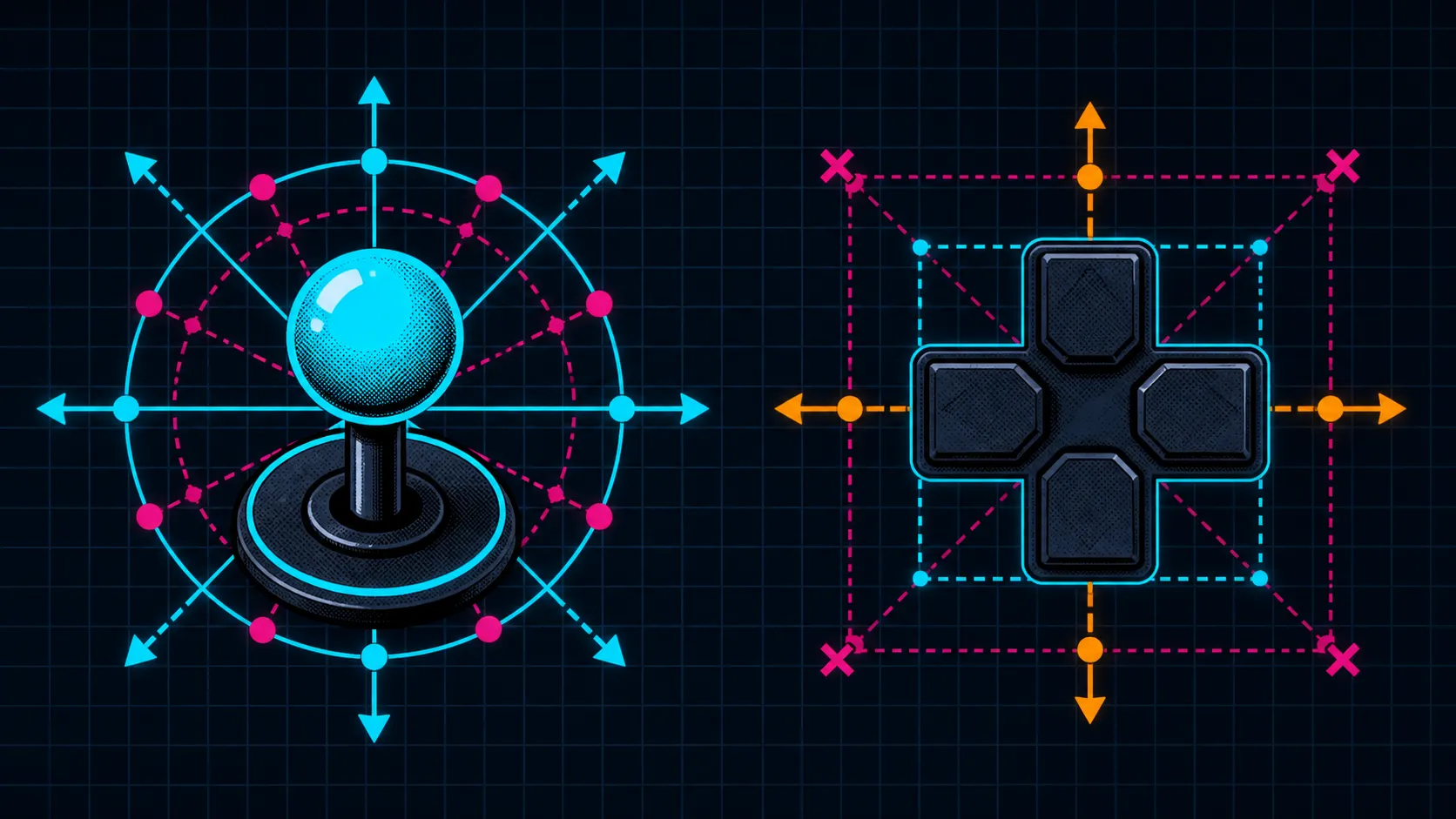
The C2 uses a Sanwa lever for physical directional movement and a separate toggle to change how that movement is reported.
The joystick is the hand-operated lever, while a directional-pad function is one way directional input can be presented to a platform or game. The R1,799 GameSir C2 combines Sanwa Denshi arcade parts with a multi-functional directional toggle. Confirm the toggle's exact choices before selecting one.
🕹️ Identify what the hand actually moves
On an arcade layout, the lever gives the player a larger directional control than the compact pad found on many handheld controllers. Movement passes through the controller's input system and reaches the platform as a recognised direction. Physical shape and reported function are therefore connected, but they are not identical concepts.
This matters during troubleshooting. If a cursor moves unexpectedly, do not immediately blame the lever mechanism. First ask which directional function is active, whether the platform recognises the controller and how the game maps that input.
The gaming-controller page provides useful layout comparisons for players deciding between a desk-oriented lever and handheld direction controls.
🧭 Treat the selector as its own layer
The C2's multi-functional directional toggle gives the user a setup choice, but the mode names and positions should come from GameSir-specific guidance. Avoid assuming that a familiar selector on another fightstick works the same way.
Once the intended function is chosen, observe up, right, down and left in an uncluttered menu. Re-centre the lever between movements. This does not measure skill or performance; it simply confirms that the selected layer produces the expected directional responses.
🎯 Match the control to the player's method
A lever uses a different arm, wrist and finger pattern from a small directional pad. Some players enjoy the wider motion and arcade separation; others prefer the compact travel and familiar grip of a standard controller. Neither preference is a technical defect.
Compare the two with one repeated task. Use the same game, same character or menu and same platform. Give the less familiar device time before judging it, and log misdirections rather than relying on the loudest successful moment. The result belongs to that player's use case, not every fighting game.
Supporting desk items can be explored in the gaming-accessories collection after the chosen control posture reveals an actual need.
🔧 Diagnose from signal outward
For incorrect movement, begin with the current toggle selection and a four-direction menu test. Then inspect game mapping and platform recognition. Only after those layers are understood does it make sense to investigate a physical fault.
The Sanwa Denshi name identifies the parts maker in the C2, not a fault diagnosis or guaranteed outcome. Methodical isolation is still the shortest route to a trustworthy answer.
A useful teaching exercise is to narrate the layers while moving once: "hand moves lever, controller reports direction, platform receives it, game assigns an action". If an unexpected result appears, point to the layer currently under test. This vocabulary helps a new fightstick user avoid calling every directional issue a broken joystick or every input function a physical pad.
The lever's light, short throw suits rapid repeated inputs, while the hardware selector changes interpretation without an in-game remap. That distinction helps a player solve input-mode mismatch without confusing the joystick itself with a console-style directional pad.
Practise the selected interpretation long enough for movement habits to stabilise before judging it.
Frequently Asked Questions
Is every arcade lever reported as a directional pad?
No universal input function should be assumed. The controller's selector, platform handling and game mapping determine how its directional signal is interpreted.
What does the GameSir toggle contribute?
It lets the C2 provide multiple directional functions. The exact options must be confirmed through the model's instructions and observed response.
Why test directions in a menu first?
A menu exposes movement cleanly without complex commands or match pressure. It separates basic recognition from player execution.
Can Sanwa Denshi parts guarantee accurate movement?
The maker identity does not guarantee a universal accuracy result. Configuration, component condition, game handling and technique still matter.
Which systems support this C2 control arrangement?
The named platform list comprises both PlayStation generations, PS4 and PS5; Microsoft's Xbox One and Series X/S; Nintendo Switch; and PC. Do not extend it to hardware outside those six without a separate compatibility answer.
What does this lever-based option cost?
The GameSir C2 price is R1,799. Compare the arcade layout and directional setup feature against the control format you already use comfortably.
Ready to compare lever and handheld direction control?
Explore Evetech's controller range around your real platform, play position and preferred movement style.