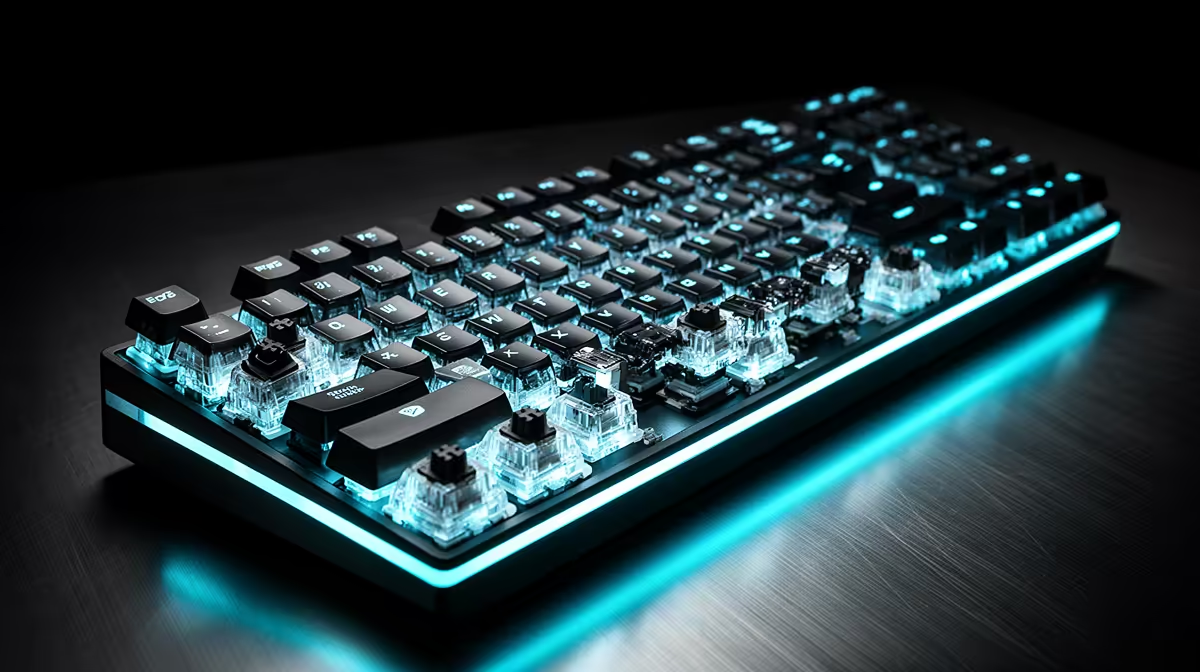
A mechanical contact can chatter for a moment after it closes, and the keyboard needs to decide which signal counts. Keyboard debounce time filters that bounce; lowering it trades delay margin against the risk of repeated inputs.
Quick Answer
Debounce filters the rapid electrical transitions that a contact-based mechanical switch can produce as its contacts close or open. Lowering the debounce window can reduce one small part of input delay, but a worn or dirty switch can then register several presses. Use the keyboard's default first, lower it one step and test every key. Magnetic Hall-effect and TMR boards do not use closing electrical contacts for sensing, though their software may expose other filters or rapid-trigger deadzones. Do not treat those controls as the same setting.
Contact bounce needs a filter
Metal contacts can touch, separate and touch again over a short interval during one physical press. Firmware waits or applies an algorithm so the operating system receives one event.
A long debounce setting can add delay. A very short setting can let chatter through. Switch design, age, firmware and scan behaviour decide the safe range.
There is no universal lowest value. A number that works on a new optical or mechanical board can fail on another switch technology.
Lower it with a repeatable test
Save the default profile. Type each letter repeatedly, hold modifiers and run a key-event tester that does not need broad permissions.
Lower one supported step, reconnect if required and repeat. Keep the setting through a full work and gaming session.
If double letters appear, restore the previous value. Do not keep lowering it to chase a theoretical advantage you cannot feel or measure.
Fix a chattering key
Return to default debounce, update official firmware and clean the disconnected keyboard according to its guide. Test another supported USB port and computer.
One key that still doubles can have worn contacts or damage. A higher debounce may hide it for a while, but warranty or switch replacement is the proper route when supported.
Know which keyboard technology you have
Traditional mechanical switches use closing metal contacts. Optical switches sense a light path, while Hall-effect and TMR boards read a magnetic field. Their firmware can still filter noise or movement, but it is not contact bounce in the same physical mechanism.
Read the exact setting description. A magnetic board may call a control release sensitivity, rapid-trigger reset distance or deadzone. Changing it can create unintended repeats without changing contact debounce.
Do not copy a mechanical keyboard's debounce value into another sensing technology. Start from each maker's default and diagnostic tool.
If an optical or magnetic key repeats at defaults, check calibration, obstruction, firmware and hardware support rather than raising a contact filter that may not exist.
Browse gaming keyboard deals for switch and firmware details. Check the current keyboard favourites for complete-board support and stable defaults.
FAQ
Should you lower debounce time?
Only when the board supports it and every key passes repeat testing. Defaults favour stability.
Does debounce affect competitive play?
It contributes a small part of input timing. Frame time, polling, scan rate and display latency remain.
Can debounce fix a chattering switch?
A longer value can mask bounce. Persistent chatter at defaults deserves cleaning, switch service or warranty support.
Save the default debounce, lower one supported step and keep it only after every key survives a full typing and gaming session.