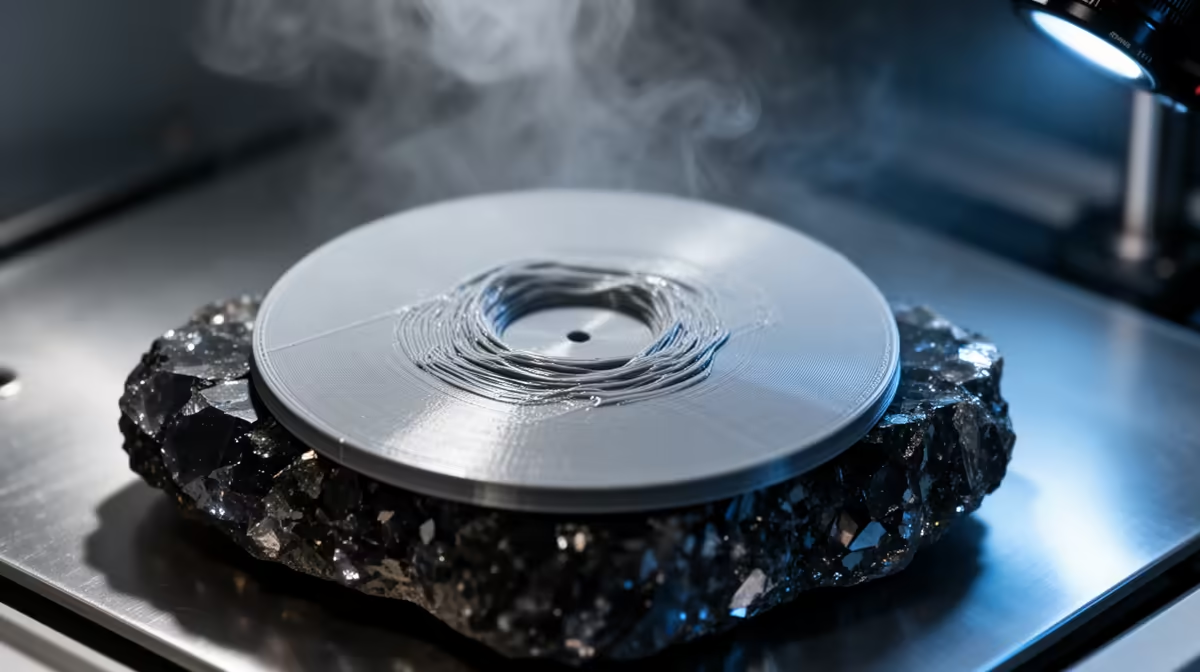
A wide, flat first layer is the hardest geometry for any filament printer to hold down, and when the centre of a large flat-base print balloons upward or the sheet curls off the plate, the cause is almost always cooling stress that has nowhere to escape. The lower layers grip the heated bed while everything above them shrinks at its own rate, and the longer the footprint, the more that pulling force concentrates until something lifts.
Quick Answer
Big flat bases warp because contraction stress builds along their length faster than bed adhesion can resist it. Spread that stress out: add an 8 to 10 mm brim or corner mouse-ears, let the bed soak until the surface temperature is even, keep PLA at 55 to 60C and PETG nearer 75 to 80C, and switch off the part-cooling fan for the first two or three layers.
Why the middle and edges lift first
As molten plastic cools it shrinks. The bottom layers are pinned to the plate, so they cannot contract freely, while fresh layers above them shrink and tug inward. On a small part that tug is trivial. On a 150 mm baseplate it accumulates across the whole span, and the stress finds the weakest point, usually a sharp corner or the unsupported centre, and peels it away from the bed. Sharp corners almost always lift before flat edges because the force converges there.
The fixes that actually hold a big base flat
Start with adhesion area. A brim of 8 to 10 mm adds a thin sacrificial collar around the part that resists the upward pull and peels off cleanly afterward. For tall or particularly stubborn corners, mouse-ears (small printed discs at each corner, also called brim ears) add adhesion exactly where lifting begins without wasting filament under the whole part. Most slicers can place these automatically or you can drop them into the model.
Next, fix your bed temperature and let it stabilise. Heating the plate is only half the job; the surface needs time to reach an even temperature edge to edge before the print starts, otherwise the corners sit cooler than the centre and lift first. A two to five minute soak after the bed hits target makes a real difference on large prints.
Finally, slow the cooling. Running the part-cooling fan at full speed on the first few layers chills the plastic before it has bonded, which is exactly what triggers warping. Disable the fan for the opening layers and only ramp it up once the base is established. For ABS or ASA, an enclosure and a bed around 95 to 110C is close to mandatory; PLA and PETG are far more forgiving but still reward a clean, level, grease-free surface. A flexible PEI sheet helps too, and you will find common adhesion aids and spares among the most popular accessories at Evetech.
Frequently Asked Questions
Why does only the centre of my flat print rise, not the corners?
When the corners are well anchored, the contraction stress has nowhere else to go and bows the unsupported middle upward instead. A brim that grips the corners harder, plus an even bed soak, usually pulls the centre back down.
Is a brim or a raft better for large flat bases?
A brim is usually enough and far easier to remove. A raft sacrifices a full printed layer under the part and is heavier on filament and time, so reserve it for badly warped materials or an uneven bed.
Does turning off the cooling fan affect print quality?
Only for the first two or three layers, where bonding to the bed matters more than crisp detail. Once the base is down you can return the fan to normal so overhangs and fine features still print cleanly.
What bed temperature should I use for PLA on a big flat print?
Set the bed to 55 to 60C for PLA and let it soak so the surface is uniform. PETG prefers roughly 75 to 80C. The exact figure varies by brand, so trust an even, stable plate over a single number.
Chasing flat, reliable first layers on big prints? Browse the range of 3D printers stocked at Evetech to find a machine with a properly heated, level bed that holds large bases down from the first layer.