


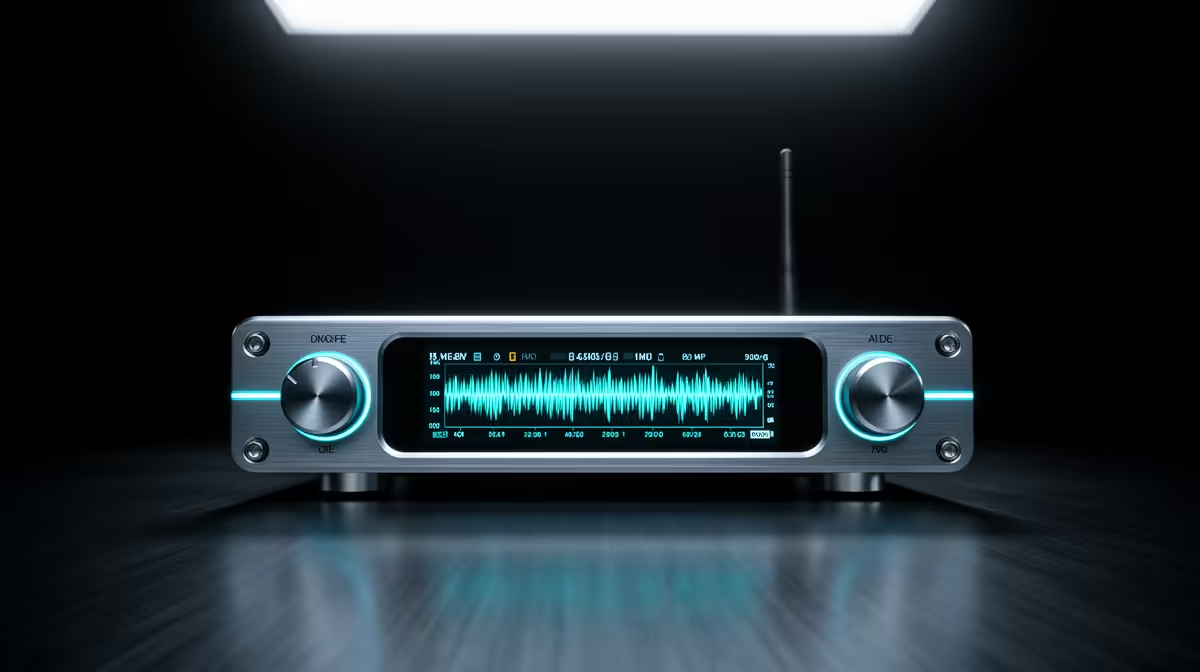
Audio clipping is not something you fix in post. Once the waveform is flattened at the top, the distorted audio is baked in, and no amount of editing recovers the original signal. LCD live monitoring gives you the one tool that actually prevents it: a real-time view of your signal level before it hits the ceiling.
Quick Answer
Yes, an LCD meter on your transmitter or receiver actively prevents clipping by showing you when peaks are climbing toward the distortion zone. Spot the rising bar, trim the input gain, and the take stays clean. It does not replace ear monitoring but it catches visual warnings faster than headphones alone.
🔆 How the LCD Meter Translates Signal Into a Warning
The display maps audio level as a bar or a series of segments that rise with the volume of what the mic is picking up. Calibrated meters mark a zone above roughly minus 6dB in a contrasting colour, typically orange shifting to red. That band is your warning window: the signal is loud enough to be strong, not yet damaged, but close enough that a sudden shout or burst of applause will push it over.
When peaks press into that zone during normal speech, you have time to act. Most wireless transmitters let you step the input gain down in small increments directly on the unit without touching the camera. Making that adjustment before the streamed segment begins is the difference between a clean recording and one that distorts at the loudest moment.
The meter does not show tone or clarity. A healthy level can still sound thin if mic placement is poor. The display confirms the signal is positioned correctly, not that everything else is right.
🎙️ What the LCD Cannot Replace
Headphone monitoring and the LCD display are solving different problems. The meter tells you where the level sits numerically. Your ears tell you whether the source sounds right: whether there is background hiss building up, whether the gain structure is clean, whether the presenter is starting to project in a way the current gain setting cannot accommodate.
Use both together. Watch the display to confirm peaks are sitting between minus 12dB and minus 6dB during the calm passages. Monitor through earphones to catch the quality problems the meter cannot encode: handling noise from a poorly placed transmitter clip, low-frequency rumble from an HVAC system, or the thin and distant sound of a mic that has fallen off-axis.
On a live stream with no possibility of a second take, losing either reference is a risk you do not need to take.
🎯 Using the Dual-Channel Display for Interviews
When two presenters are both wearing transmitters, a dual-channel receiver splits the LCD into two separate level meters, one for each input. This matters more than it might appear. Speakers naturally project at different volumes: a confident host may hit minus 8dB consistently while a softer guest barely reaches minus 18dB. Those two signals need different gain settings, and watching both meters at once shows you immediately when an imbalance has crept in before the recording locks it in.
During setup, ask both presenters to speak at the volume they will use on air rather than their polite, softer voice. Set gain on each channel separately so both meters sit in the same comfortable window. When the actual stream begins, glance at the display rather than reacting to what you hear in the mix, because the blend of two voices often masks a quiet channel that the meter would catch immediately.
Frequently Asked Questions
What level should peaks hit on the LCD for speech recording?
Target an average around minus 18dB to minus 12dB with occasional peaks rising no higher than minus 6dB. That range keeps the signal strong enough to record cleanly while leaving a buffer above it. Speech that consistently touches the top of the meter on normal sentences will clip the moment the presenter laughs or raises their voice.
Can I adjust gain from the transmitter rather than the camera?
Yes, and on most wireless systems this is the faster method. The transmitter is worn by the presenter, so you can trim the input level directly on the unit between takes or during a break without interrupting the camera setup. Some systems also allow gain adjustment from the receiver end, which suits a solo operator managing camera and audio simultaneously.
Is a clipped recording fixable in editing?
Hard clipping flattens the waveform permanently. Audio repair tools can reduce the harsh artefact slightly but cannot restore the original dynamic information. Prevention via the meter is the only reliable answer, since clipping baked into the source file is not something post-production fully recovers.
Does the LCD meter reading match the levels in streaming software?
Often not exactly. The transmitter reads signal at input, before any downstream compression or camera adjustment. Use the on-unit display to set starting gain, then verify in your streaming software's meter and adjust if the two readings differ.
Ready to stream without clipping anxiety? Browse the wireless microphone systems at Evetech fitted with LCD monitoring so you stay in control of levels from the moment the presenter is mic'd up.










