


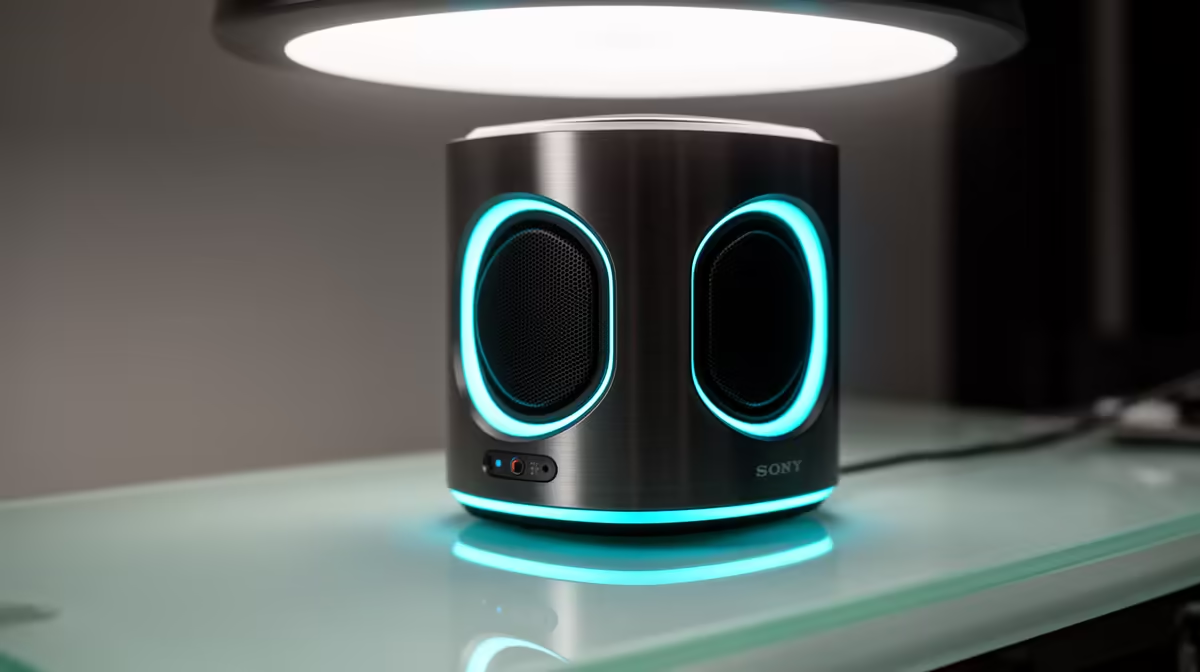
Live stream audio distortion is almost never a microphone failure. In the vast majority of cases the signal is being pushed past its headroom ceiling before it even leaves your interface, and the result is that familiar crackle and clip that makes your stream sound like a broken radio. Understanding where the problem starts is the fastest way to fix it permanently.
Quick Answer
Distortion happens when input gain is set too high and the signal clips at 0dB. Drop gain until peaks stay near minus 6dB. An AI mic array helps by automatically balancing your voice level and suppressing the room noise that tempts you to push gain higher than it should go.
🔧 The Real Cause of Clipping on Stream
Your audio path has a ceiling. Every moment of sound above that ceiling gets chopped flat, which is what you hear as a harsh crack or raspy buzz on loud syllables. The technical name is clipping, and it happens when input gain is turned up past the point where your louder words can pass through without hitting that digital limit.
The common mistake is treating gain like a volume dial. If your voice sounds quiet in the stream, the instinct is to push gain up. But gain amplifies everything, including background noise, and once peaks start touching or crossing 0dB on the meter, the damage is done. The target is for your loudest moments to register at around minus 6dB, leaving a buffer above that for the unexpected.
Room noise is the hidden driver. A fan or street traffic pushes the background up, so your voice needs to sit well above it, which means higher gain and a narrower margin before peaks clip. Addressing the noise floor is often more effective than tweaking gain directly.
🎙️ How an AI Mic Array Changes the Equation
An AI microphone array tackles the clipping problem from two directions at once. First, it uses beam-forming to isolate your voice from the surrounding noise, so the effective noise floor drops considerably without you needing to crank gain. Second, it applies real-time level balancing, gently compressing louder peaks and lifting quieter moments so the overall signal stays within a stable, safe range.
The practical effect is that you can set gain lower than you otherwise would, because the array is already doing the work of keeping your voice prominent in the mix. A lower gain setting means more headroom before clipping occurs, and the real-time levelling means sudden loud moments are smoothed rather than slammed into the ceiling.
For streamers in South African homes where fan noise or street traffic is a constant presence, this matters more than the spec sheet suggests. Controlling the noise floor through processing rather than room treatment is a practical route when acoustic padding is not an option.
✨ Fixing Distortion Without New Hardware
If you already have a standard mic and do not want to upgrade immediately, the core fix is straightforward. Open your audio software, pull the input gain down until your loudest normal speech peaks between minus 12dB and minus 6dB on the meter, then move slightly closer to the mic to compensate for the quieter input level.
A pop filter or proximity shield reduces the plosive spikes that hammer the meter when you say hard consonants close to the capsule. Those sharp transients often cause the worst clipping because they are brief enough to slip past your level check but loud enough to clip badly on playback.
Monitor your meters while streaming, not just before. Levels that look fine during a soundcheck can run hot once you are animated on stream, talking louder than your test voice.
Frequently Asked Questions
Why does my voice clip even when the room is quiet?
If the room is quiet but the signal still clips, the gain is almost certainly set higher than needed. A quiet room tempts you to push gain up so your voice sounds full, but even without background noise, loud syllables can cross 0dB easily. Set gain so your loudest test words reach around minus 6dB, then accept the quieter baseline and let your software handle output level separately.
Can software noise gates help with distortion?
A noise gate cuts audio below a set threshold and is useful for removing background hiss between sentences, but it does not prevent clipping. Clipping is an input problem and happens before the gate processes the signal. Fix the gain first, then consider a gate if residual noise between your words is still an issue.
Will a better cable reduce distortion on a USB mic?
For USB microphones, the cable carries digital data rather than an analogue signal, so cable quality matters less than on analogue gear. A short, undamaged cable is all you need. If you are seeing dropouts rather than distortion, try a different USB port or a powered USB hub, since power delivery issues can cause USB audio instability.
Ready to clear up your stream audio for good? Browse the microphone and audio interface range at Evetech and find the setup that keeps your levels stable and your voice clean, whatever your room sounds like.










