



550W PSU Planning for RTX 5080 Super Builds in SA
550W for RTX 5080 Super needs a full-build check, not a simple yes. Review GPU guidance, CPU draw, transient load, connectors, PSU quality, and upgrade plans before deciding.
Read moreA mini DC UPS is a compact 12V battery unit built to power a router and ONT through a cut, far cheaper than a full AC UPS because it skips the inverter stage those low-draw devices do not need. Evetech stocks mini DC UPS units sized for that fibre-uptime case.
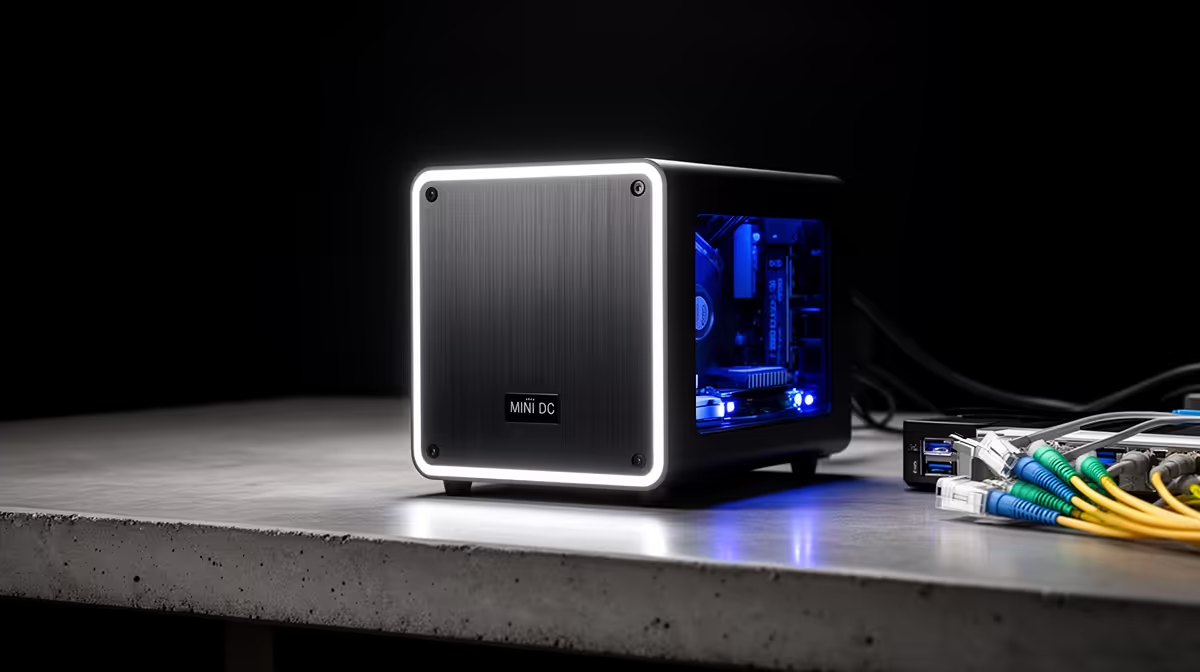
A mini DC UPS stores battery energy and supplies compatible low-voltage DC equipment such as a router and fibre ONT. It can avoid the DC-to-AC-to-DC conversion path of a full UPS, which suits small network loads.
It is safe only when output voltage, polarity, connector, current capacity and total watts match every device.
Record ONT and router output voltage, polarity symbol, current and barrel size. They may differ.
Do not use one split lead unless the mini UPS provides the required outputs and total current. A fitting plug does not prove compatibility.
Browse networking equipment for device specifications and accessory best sellers for supported DC leads.
Use measured watts or adapter-backed estimates for ONT and router. Add them and compare with the output rating.
Leave supported headroom. Check whether the unit can supply different voltages at the same time.
Run the network normally, then use the maker's safe input-loss test. Confirm the ONT and router do not reboot.
Check link stability, heat and runtime. Stop for swelling, smell or unstable output.
Place the unit in a ventilated dry location. Record new runtime and retest through service.
Use approved batteries or service. Do not open a sealed unit outside user instructions.
A full AC UPS turns battery DC into mains-like AC, then each network adapter converts it back to DC. A mini UPS can supply the device voltage more directly.
The direct path can reduce conversion loss, but exact efficiency and self-consumption vary. Use runtime evidence rather than theory alone.
Do not remove the original adapters from the record. They remain the utility-power reference.
Some mini UPS units offer 5V, 9V, 12V or PoE outputs. Each has its own current limit, and the total may be shared.
Use only the rail and polarity stated for the device. Cover or label unused plugs so they are not connected by mistake.
PoE voltage and pin mode must match the network device. Do not improvise passive PoE.
Home equipment can stay powered while the provider network is offline. Check the ONT optical status before resetting the router.
Keep support details and account references secure. A battery cannot restore an upstream fault.
Test voice or work tools after failover so you know whether the connection remains useful.
A new router or ONT can use another voltage, connector or power draw. Recheck every line before reusing the mini UPS.
Do not carry an old split lead into the new setup by habit. Label cables with the device model.
Repeat the transfer and runtime test with the new network chain.
Yes when every voltage, polarity, connector and the combined current match.
Surge performance varies. Check the exact ratings and keep it inside a coordinated property protection plan.
No. It is built for low-voltage network equipment, not a desktop AC load.
Copy both adapter labels, total the network load, and buy a mini UPS only when voltage, polarity, connector and current all match.
Yes when every voltage, polarity, connector and the combined current match.
Surge performance varies. Check the exact ratings and keep it inside a coordinated property protection plan.
No. It is built for low-voltage network equipment, not a desktop AC load. {{PRODUCTS: { facets: { query: "router" }, limit: 12, title: "Mini DC UPS", style: "4" } }}
550W for RTX 5080 Super needs a full-build check, not a simple yes. Review GPU guidance, CPU draw, transient load, connectors, PSU quality, and upgrade plans before deciding.
Read more
8000Hz polling is overrated for most SA gamers because gains can be tiny next to battery drain and monitor limits. Mbombela players should weigh mouse feel, game support, and system stability before chasing the number.
Read more
Magnetic switches are taking over SA gaming keyboards because actuation can be tuned. For Sandton gamers, rapid trigger, reset control, and profile depth can help, but layout, key feel, and software quality still matter.
Read more
Polokwane oled monitor value questions need cautious SA context because pricing can move with availability, exchange rates, specs, and warranty support. Treat the trend as a planning signal, not a fixed price promise.
Read more
Arc B580 budget builds for Midrand gamers can shift with exchange rates, supply, specs, and model tier. Treat the title as a buying prompt, then compare SA warranty, timing, and build priorities.
Read more
ROG Ally X may beat the LCD Steam Deck for SA gamers who value stronger handheld performance, more memory, and Windows flexibility. Compare battery life, controls, game libraries, and Polokwane support needs before deciding.
Read more
Minisforum's M2 Pro pairs Core Ultra X7, Arc B390 graphics and 32GB onboard memory in 1.8 litres. SA buyers should weigh its fixed memory and $1,439 launch offer against local mini PCs.

Lenovo says Legion Go failures linked to BIOS N3CN42WW are not user error. Affected SA owners should stop retrying the update, preserve proof and open a support case.

Smart monitors can add apps and convenience, but they also add privacy settings and unwanted-software risk. SA buyers should audit the operating system before paying for extras.

A fake 113GB GTA VI ISO reportedly used empty padding around a small malware payload. SA gamers should delete unofficial builds, keep Windows security active and wait for official channels.

ASUS calls the ROG GT-BN98 the first Wi-Fi 8 gaming router. SA buyers should fix coverage and client limits before paying for a future wireless standard.

Apple's M6 Mac mini adds faster AI, graphics and networking in the same compact format. SA buyers should wait for a rand listing before comparing value.

The Vulcan II XP adds hot-swappable switches, sound damping and gaming controls to a full-size wired board. SA buyers should compare feel before features.

Microsoft says Windows on Arm now has over 7,000 verified apps and games. SA buyers should still check each driver, game and work tool before switching.
550W for RTX 5080 Super needs a full-build check, not a simple yes. Review GPU guidance, CPU draw, transient load, connectors, PSU quality, and upgrade plans before deciding.

Skyrim HD texture packs that actually run on RX 9070 helps SA readers plan hardware, settings, compatibility, and upgrade trade-offs. Check GPU, CPU, RAM, storage, monitor, and stability needs without risky performance claims.
8000Hz polling is overrated for most SA gamers because gains can be tiny next to battery drain and monitor limits. Mbombela players should weigh mouse feel, game support, and system stability before chasing the number.

Wi-Fi 7 or Wi-Fi 6e for streaming on twitch and youtube should be judged by fit, not a single winner. Compare compatibility, latency, capacity, upgrade path, cost planning, and South African setup needs.