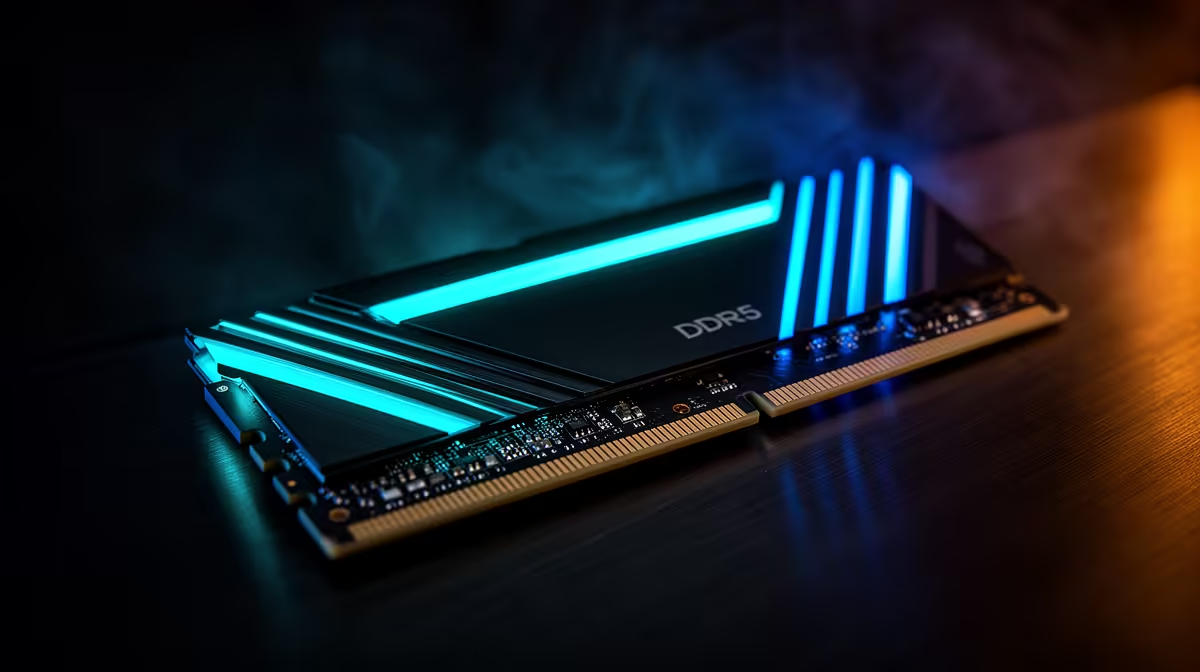
DDR5-6000 and 6000MHz are often used to describe the same retail kit, but 6000MT/s is the accurate transfer rate. The memory clock is about 3000MHz because double data rate moves information on both edges of each clock cycle.
Quick Answer
If CPU-Z or another monitor shows a DRAM Frequency near 3000MHz for a DDR5-6000 profile, the memory is running at the expected rate. Double the clock reading to get the effective mega-transfers per second. Use MT/s when comparing kits and keep timings beside it.
Browse Evetech's DDR5 kit catalogue and popular memory choices using the advertised transfer rate. Confirm that the motherboard and CPU support the selected profile.
Clock and Transfer Rate
Hertz measures clock cycles per second. Transfers per second measures how often data moves. DDR sends data twice per memory clock, so a 3000MHz clock produces 6000MT/s.
The numbers stay linked across common DDR generations. DDR4-3200 runs a memory clock near 1600MHz. Software may label the field DRAM Frequency, Memory Clock or MCLK.
Marketing often shortens DDR5-6000MT/s to DDR5-6000 or calls it 6000MHz. That shorthand is common, though it mixes the physical clock with the effective transfer figure.
Check the Active Profile
The SPD tab in a hardware tool shows profiles stored on the module. The Memory tab shows the current operating clock and timings. Do not mistake a stored XMP or EXPO option for the speed active now.
After enabling the profile in BIOS, restart and read the live clock. A value near half the advertised MT/s is correct. If it remains at a lower JEDEC rate, check profile selection, slot layout, firmware and stability.
Data rate alone does not describe latency. DDR5-6000 CL30 and CL40 share a transfer rate but use different primary timings. Full performance also depends on the memory controller, ranks and workload.
Do Not Confuse Memory With Fabric Clocks
Ryzen monitoring can show MCLK, UCLK and FCLK. MCLK is the memory clock, UCLK belongs to the memory controller and FCLK is the fabric clock. They can use different ratios on newer platforms. A 3000MHz MCLK does not require every related clock to display 3000MHz.
Intel tools may expose the memory ratio or controller gear instead. Use the processor generation's own terminology. Copying an expected ratio from another platform can make a correct configuration look broken.
Bandwidth Is Wider Than One Module
MT/s describes transfers on each pin, while total theoretical bandwidth also depends on bus width and active channels. Installing a matched pair in the recommended slots usually gives the desktop platform both channels. One module can show the right transfer rate while offering a narrower aggregate path.
Verify channel mode, total capacity and stability beside the live rate. A higher number that produces memory errors is worse than a lower profile that completes correct work.
FAQ
Is 3000MHz wrong for DDR5-6000?
No. It is the underlying memory clock; double data rate produces 6000MT/s.
Why does Task Manager show 6000?
Windows may present the effective transfer rate while another tool exposes the physical clock.
Does higher MT/s always make a PC faster?
No. Timings, platform ratios, capacity and the application determine the gain.
Read the live DRAM clock, double it for the DDR transfer rate and compare timings plus platform support before deciding the memory is running slowly.