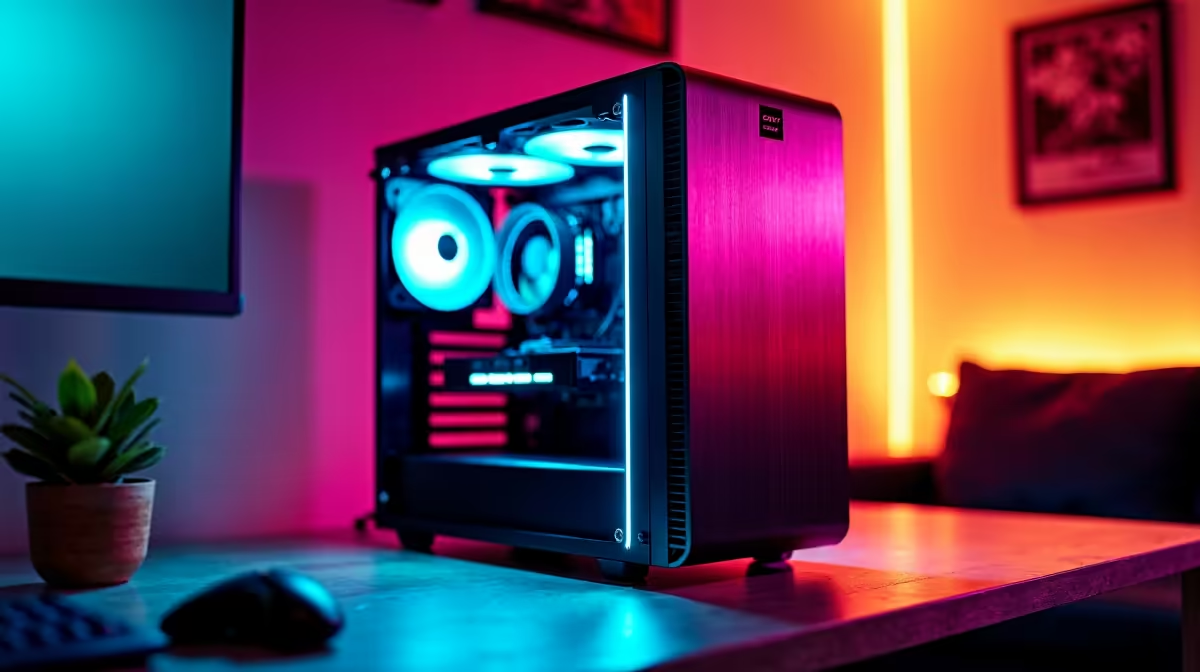
A music-production PC is powerful enough to serve home media, but sharing the roles may undermine the quiet, stable environment needed for recording. A media server should remain available for the household, while audio work may require restarts, driver changes and exclusive access to storage. Separate systems are cleaner when both uses are frequent.
Compare uptime with studio needs
List simultaneous streams, video formats, remote access, library size and required transcoding. Then list audio interfaces, plugins, low-latency drivers and recording schedules. Test a media stream during a demanding session. Any audio glitch, disk contention or fan ramp shows why the services should not share the production workstation.
The Minisforum UM750L with Ryzen 5 7545U, 16GB memory and 1TB storage is a verified compact-PC reference at R4,600. It may suit selected media-server software, subject to codec, operating-system, network and storage checks. The ORICO MetaCube Mini single-bay NAS enclosure is verified at R1,070, but it needs a compatible drive and is not itself a complete backup.
Use wired networking where practical and restrict remote administration. Keep media accounts separate from studio accounts, apply updates and maintain approved backups of irreplaceable recordings. Large media files can often be recreated, but session projects cannot. Check drive health and test a restore. The music PC can host the service during a trial, yet a compact dedicated server is usually better when household access must continue while the studio is being changed or shut down.
Planning a home media host? > Compare verified mini PCs and storage hardware with Evetech around codecs and uptime.