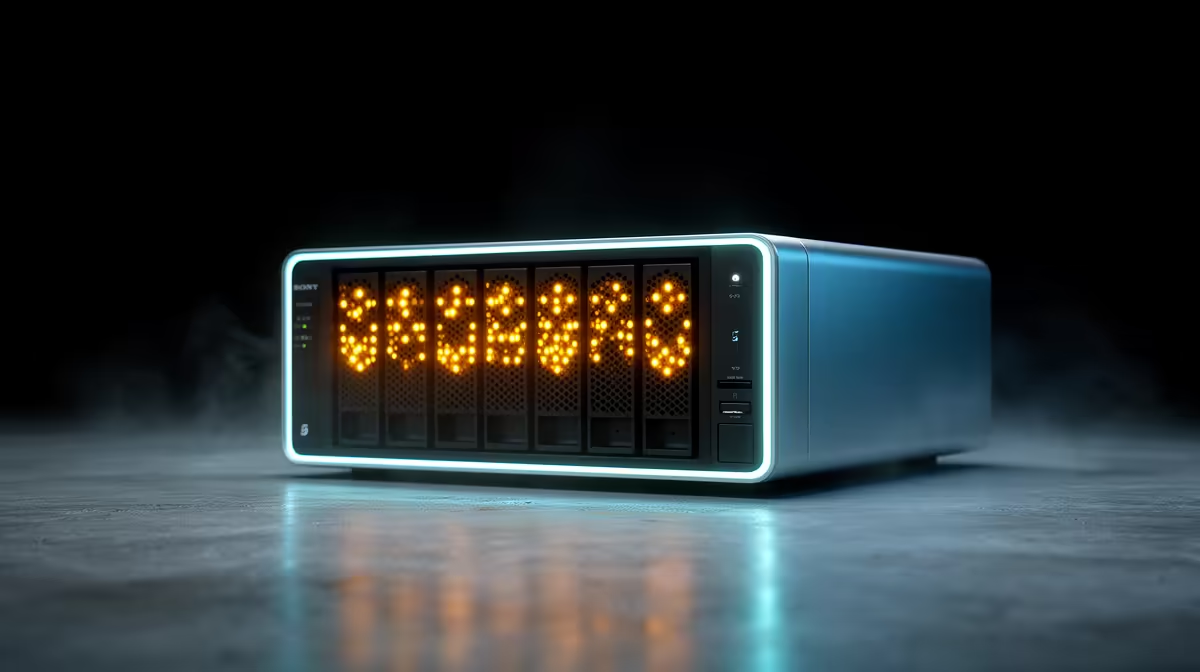
A NAS that springs to life with an insistent beep and a blinking light is not malfunctioning at random. It is talking to you. A NAS beeping and flashing after startup is the unit raising a specific hardware alarm, and the combination of beep pattern and front-panel LED tells you exactly which fault it has detected, whether that is a failed fan, an overheating drive, or a degraded volume. Read the signal rather than silencing it.
Quick Answer
A NAS that beeps and flashes after startup is reporting a hardware fault. A repeating beep usually signals a condition like a fan failure, an overheating drive, or a degraded storage volume, and the front-panel LED pattern plus the system log pinpoints the exact alarm. Match the beep and light to the manufacturer's codes, then act on what they indicate.
Reading the signal
The beep is the urgent attention-grabber and the LED is the detail. Most NAS units use a small set of patterns: a single short beep at normal boot is fine, while a repeating or continuous beep after startup means something is wrong. The status and drive LEDs then narrow it down, an amber or red drive light points at a specific bay, while a flashing status light points at a system-level condition.
The catch is that the exact meanings differ by brand and model, so the manufacturer's beep-code and LED reference for your specific unit is the authoritative source. Pull it up alongside the unit, note the precise pattern you are seeing, and you can usually name the fault before you even open the log.
The common culprits
A few faults account for most post-startup alarms. A fan failure is one of the most frequent, since the unit detects the fan has stopped or dropped below a safe speed and beeps to warn of the heat risk. An overheating drive triggers a similar alarm when a bay exceeds its temperature threshold. A degraded volume, where one drive in a redundant array has failed or dropped out, sets off an alarm because your data protection is compromised even though the unit still runs.
Each points to a different action. A fan alarm means checking the fan for dust or failure and replacing it. An overheat alarm means improving airflow and confirming the unit is not boxed into a hot corner. A degraded-volume alarm means identifying the failed drive from the LEDs and the log, then replacing it so the array can rebuild. For replacements and spare drives, the diskless NAS range at Evetech is a useful reference for compatible units and their bays.
Using the system log
The front-panel signals tell you the category. The system log, viewable once you reach the interface, gives you the specifics, the exact drive, the temperature reading, the timestamp. Always confirm the log against the beep code before swapping hardware, because a single LED can sometimes cover more than one condition. The log removes the guesswork.
If the alarm is a degraded volume, act promptly. The array is still serving data, but it is running without its usual redundancy, so a second drive failure before you rebuild could mean real data loss. Having a spare drive on hand turns a stressful alarm into a quick swap, and the best-selling SSDs at Evetech cover the flash side for units that use solid-state caching or all-flash bays.
Frequently Asked Questions
Can I just silence the beep and ignore it?
You can mute the alarm to stop the noise, but do not ignore what it is reporting. The beep flags a real fault, fan, heat, or a degraded array, and silencing it without fixing the cause risks data loss or hardware damage down the line.
How do I know which drive has failed?
The drive-bay LEDs point to the affected bay, usually with an amber or red light, and the system log names the specific drive. Cross-check both before pulling anything, so you replace the failed drive rather than a healthy one.
Is a degraded volume an emergency?
It is serious but not instant catastrophe. The array still works, but it has lost its redundancy, so replace the failed drive and let it rebuild as soon as you can. A second failure before the rebuild completes could cost you data.
What does a fan-failure alarm require?
Check the fan for dust, obstruction, or failure, and replace it if it has stopped. Until airflow is restored, the unit risks overheating its drives, so treat a fan alarm as a prompt to act rather than a minor nuisance.
Why does the beep code differ from guides online?
Beep and LED meanings vary by brand and model. Always use the reference for your exact unit rather than a generic guide, and confirm against the system log, which gives the precise condition behind the signal.
Replacing a faulty unit or adding redundancy after a scare? Compare current options in the diskless NAS range at Evetech and keep a spare drive ready for the next alarm.