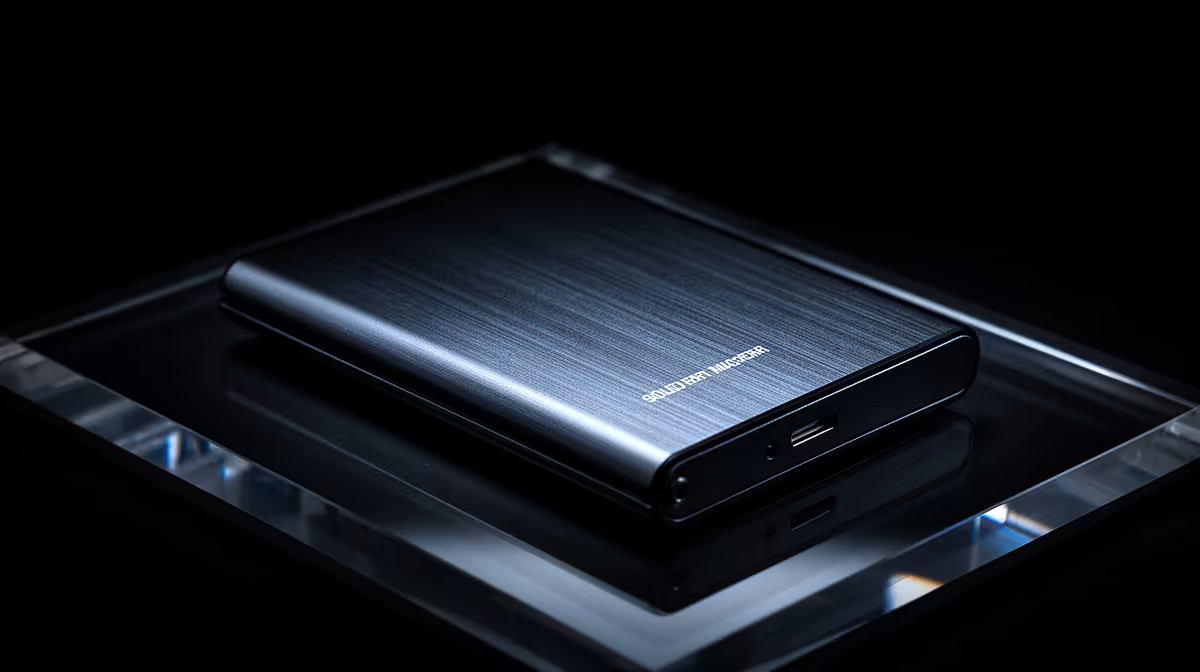
Every drive in the array shows green, yet the volume will not mount and the NAS reports the pool as inactive. The drive that died was the small NVMe you added for speed, not one of the bulk HDDs. That mismatch is the whole story. A NAS pool inaccessible after an SSD cache failure is usually locked out because a write-back cache was holding dirty data on the SSD that never made it to the spinning disks.
Quick Answer
The pool is almost certainly locked because the cache was in write-back mode and the failed SSD still held unflushed dirty blocks the filesystem expects to find. The HDDs are healthy, but the Btrfs or EXT4 metadata references data that only ever lived on the dead cache. Do not write to the array. Stop the NAS from making changes, image every drive, and recover offline, because forcing the pool back online can finalise the corruption.
Why a healthy HDD pool still locks out
In write-back caching, incoming writes land on the fast NVMe tier first and get reported back to the host as complete, then flush down to the HDD pool in the background. That is what makes the cache feel quick. The catch is that for a window of time the only copy of those latest writes is on the SSD. If the cache drive fails inside that window, the filesystem on the HDD pool contains pointers to blocks that were never flushed. The disks themselves are fine, but the volume is internally inconsistent, so the NAS refuses to mount it rather than serve corrupt data.
This is the difference between write-back and read or write-through caching. A read cache or a write-through cache holds nothing unique, so losing it is a performance hit and nothing more. A write-back cache that dies mid-flush takes a slice of your most recent data with it, which is exactly why the pool goes inactive.
First moves when the pool goes inactive
The instinct to reboot, repair, and remount is the one that turns a recoverable situation into a lost one. Slow down.
- Stop writing to the array immediately. Do not let scheduled tasks, backups, or sync jobs touch it.
- Do not click any prompt that offers to repair, rebuild, or force the pool online until you understand what it will do.
- If the data matters, image every drive, the HDDs and the failed SSD, before attempting anything. The original drives should never be written to during recovery.
- Note your exact model, firmware version, RAID level, and cache mode. A firmware bug can be the real trigger rather than the SSD itself.
The reason imaging comes first is that serious recovery reconstructs the base array from clones of the HDDs, then detects the SSD cache partition and overlays it as a delta so the orphaned blocks merge back into the filesystem. That only works if the drives are untouched. Once you have safe images, an attempt that goes wrong costs you nothing.
Vendor quirks worth knowing
Both major platforms have had cache-related faults. Older QTS 5.0 builds on QNAP units had a known issue where a sudden SSD cache failure would leave the storage pool inactive, and the fix involved both a firmware update and a specific recovery procedure rather than a simple remount. Synology publishes its own steps for a crashed SSD cache and for repairing cache in high-availability clusters. If you are on dated firmware, check the vendor advisory for your exact version before you act, because the safe path on one build is not the safe path on another. When you do replace the failed drive, matching it to a model the platform supports matters, and the SSD best sellers list at Evetech is a quick way to find a suitable cache or pool drive.
Preventing the next lockout
The lasting fix is configuration, not luck. Run write-through or read-only caching unless you genuinely need write-back, because those modes keep no unique data and a cache failure becomes a non-event. If you do run write-back for the speed, mirror the cache across two SSDs so a single drive failure does not strand dirty data. Keep firmware current, since several of these lockouts trace back to bugs already patched. And treat the cache as an accelerator, never as the only home for recent writes: a current backup off the NAS is what turns a worst-case cache failure into an inconvenience. If you are rethinking the whole unit, the diskless NAS enclosures stocked at Evetech let you build a setup with a mirrored cache from the start.
Frequently Asked Questions
Why is my pool inactive when all the hard drives are healthy?
Because the cache was in write-back mode and the failed SSD held the only copy of your most recent writes. The filesystem on the HDDs points to blocks that were never flushed, so the NAS marks the pool inconsistent and refuses to mount it.
Should I just force the pool back online?
Not before you image the drives. Forcing a pool online can finalise the corruption and remove your options. Make safe clones of every drive first, then attempt recovery against the copies.
Would write-through caching have prevented this?
Yes, in effect. Write-through and read-only caches hold no unique data, so losing the SSD is only a speed penalty and the pool stays mountable. The risk is specific to write-back mode holding unflushed dirty data.
How do I avoid this happening again?
Use a mirrored pair of cache SSDs if you must run write-back, keep firmware updated to clear known cache bugs, and maintain a current off-NAS backup so recent writes never live solely on the cache.
A cache failure should cost you speed, not data. Set up a mirrored cache and a current backup, and when you need reliable drives, browse the NAS enclosures and SSDs stocked at Evetech to build storage that fails safe.