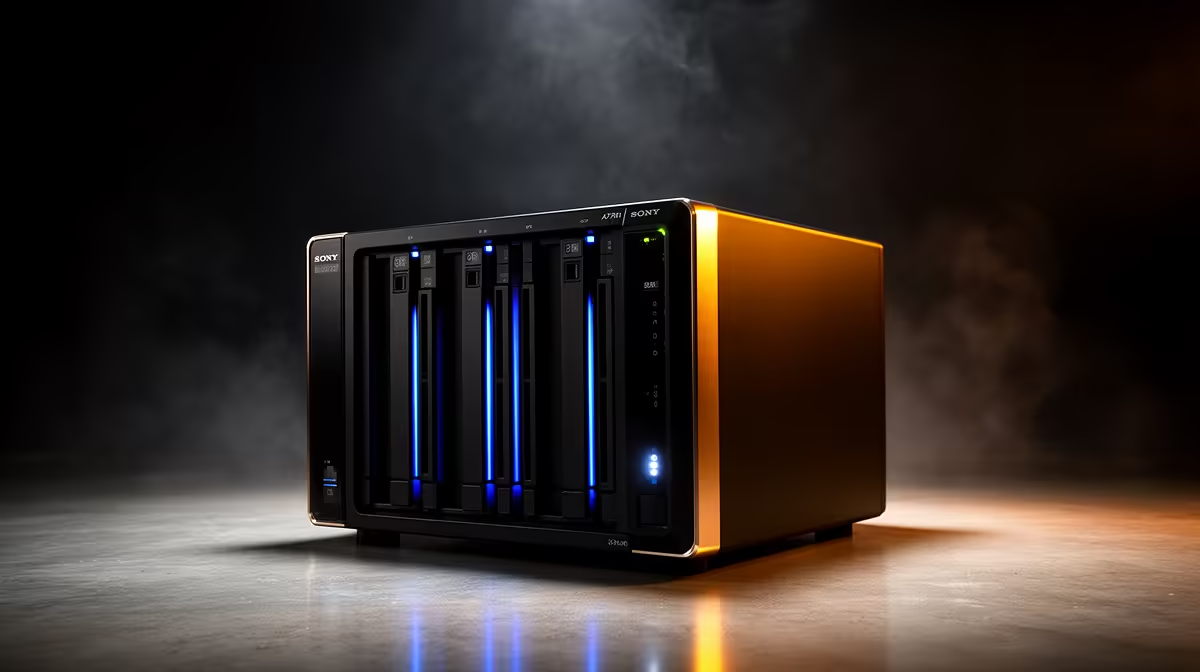
Both store your files, both cost real money, and from across the room they look like similar boxes. But a NAS versus an external hard drive is not a question of which is bigger or faster, it is a question of how many devices need the data and what happens when a drive dies. Pick the wrong one and you either overspend on features you will not touch, or you outgrow a USB drive within months.
Quick Answer
An external hard drive plugs into one computer over USB and works only with that machine. A NAS connects to your router and lets every device on the network reach it at once, run RAID for drive-failure protection, and host media and backup services a USB drive simply cannot. Choose a NAS for a household, an external drive for one machine.
The core difference: connection
An external hard drive is direct-attached storage. It connects to a single computer through a USB cable, and only that computer can see it. Unplug it, walk to another room, plug it into a different machine, and it works there instead. It is simple, portable and cheap.
A NAS, short for network-attached storage, plugs into your router rather than a computer. That puts it on your home network, where every device, your laptop, your partner's laptop, the TV, your phone, can reach it at the same time. It behaves like a private cloud that lives in your house, with no monthly fee and no third party holding your files.
What a NAS does that a drive cannot
Beyond shared access, a NAS adds capabilities an external drive has no concept of. It runs RAID, where two or more drives mirror or stripe data so that if one drive fails, your files survive on another. It runs services: a media server that streams your video library to any screen, scheduled automatic backups from every device, even apps in containers.
A useful caution here: RAID keeps the NAS online when a drive dies, but it mirrors every change in real time, meaning an accidental deletion or a ransomware attack lands on both drives simultaneously. A proper setup separates RAID for uptime from an independent backup for true data safety. The diskless NAS enclosures at Evetech let you pick the bay count and add your own drives to match the capacity and redundancy you need.
What an external drive does better
The external drive is not the loser here, it is the right answer for a lot of people. It costs far less for the same raw capacity, needs no setup beyond plugging it in, and travels in a bag. If only one computer needs the extra space, or you want a cheap second copy of important files to keep offline, a USB drive is the sensible, frugal choice.
It also makes a fine companion to a NAS. Many people run a NAS as their central, always-on store and keep an external drive as the offline backup that RAID cannot replace.
How to choose
Ask one question first: does more than one device need this storage at the same time? If yes, lean NAS. If a single machine just needs more room or a simple backup, an external drive does the job for less. Then weigh redundancy: if losing the data would hurt, a NAS with RAID plus a separate backup is worth it; if it is convenience storage, a drive is fine.
Budget and capacity follow from there. An external drive is the lower upfront cost; a NAS costs more but earns it through shared access, redundancy and services. Whichever direction you choose, the SSD range at Evetech is worth browsing, since solid-state storage slots naturally into a NAS cache or a fast portable drive.
Frequently Asked Questions
Can multiple devices use a NAS at the same time?
Yes, that is its defining feature. A NAS sits on your network, so every device connected to that network can read and write to it simultaneously. An external hard drive only serves the single computer it is plugged into.
Is RAID on a NAS the same as a backup?
No, and treating it as one is a common mistake. RAID protects against a drive physically failing, but it copies accidental deletions and ransomware across drives too. A safe setup pairs RAID for uptime with a separate backup for true protection.
Is a NAS worth it for one person?
It can be, if you have several of your own devices, want automatic backups, or run media streaming. If a single computer just needs more space, an external drive is cheaper and simpler and likely the better fit.
Which is cheaper?
An external hard drive, clearly, for the same raw capacity and with no setup. A NAS costs more upfront because you are paying for the enclosure, network features, RAID and services, not just the storage.
Can I use both together?
Yes, and many people do. A NAS works as the central always-on store with RAID, while an external drive serves as the offline backup that RAID alone cannot provide. The two complement each other well.
Sorting out home storage that grows with you? Browse the NAS enclosures and best-selling SSDs at Evetech and build storage that fits how many devices, and how much safety, you actually need.