


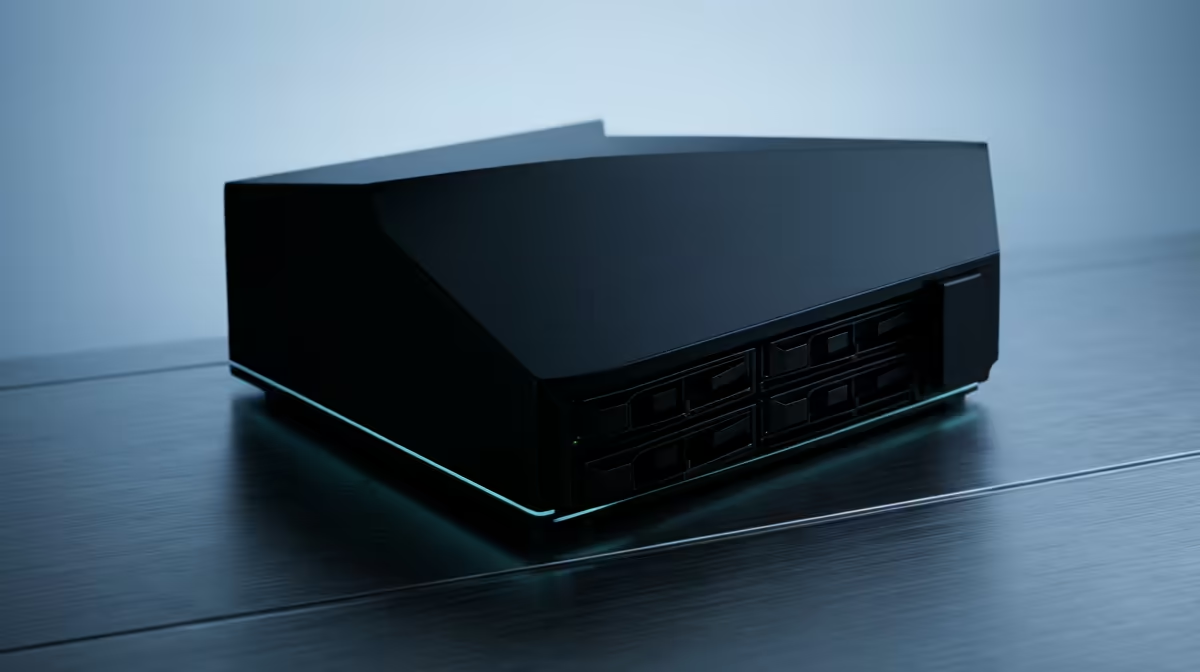
Two boxes get tossed around in every home lab thread, and people use them as if they were the same thing. They are not. A NAS is purpose-built network storage that does one job extremely well. A server is a general-purpose machine that runs whatever you throw at it, from virtual machines to self-hosted apps, and can store files as a side effect. Knowing which you actually need saves money and frustration.
Quick Answer
A NAS is dedicated network storage, optimised for holding and serving files reliably. A server is a general computer that runs virtual machines, containers, and self-hosted services, and can also store files. For most home labs, start with a mini PC as your server, then add a NAS later when you need bulk, redundant storage.
What a NAS is built to do
A NAS, Network Attached Storage, is a box of hard drives with just enough computer attached to share them over your network. Its whole design is around storage: multiple drive bays, drive redundancy so a single failure does not lose your data, and a simple interface for backups, media, and file shares.
Because it is specialised, a NAS is efficient, quiet, and low-power. It is the right tool when your goal is to keep a large amount of data safe and accessible to every device in the house. What it is not built for is heavy general computing.
What a server does that a NAS does not
A server is a full computer. In a home lab it runs the things you want to self-host: a media streaming app, a home automation platform, a network ad-blocker, virtual machines, containers, a personal cloud. It has the processing power and memory to run many of those at once.
Home labs often run a hypervisor like Proxmox on the server, letting one box host several virtual machines and containers side by side. That flexibility is the point. A server can pretend to be a dozen machines; a NAS is happiest being one very good file store.
The lines blur a little, since some NAS units run a few apps and some servers store plenty of files. But the design intent is clear: NAS for storage first, server for compute first.
The practical home lab path
Most people overbuy at the start. You do not need a rack of equipment to begin.
Start with a mini PC as your server
A compact mini PC makes an excellent first home lab server. It is small, quiet, sips power, and has the cores and memory to run a hypervisor with several containers and a couple of virtual machines. You learn the software side (Proxmox, Docker, self-hosting) on hardware that costs and consumes far less than a full tower. The mini PC range at Evetech covers boxes from light single-service machines up to ones with the RAM for real virtualisation.
Add a NAS when storage outgrows the server
Once your media library, backups, and data outgrow the server's internal drive, that is the moment to add a NAS. Let the server handle compute and point it at the NAS for bulk, redundant storage. The two work together: server for apps, NAS for the data those apps rely on. To gauge which compact machines people are choosing for this role, the PC best sellers list is a quick reference.
Frequently Asked Questions
What is the core difference between a NAS and a server?
A NAS is built specifically to store and share files reliably over the network. A server is a general-purpose computer that runs applications, virtual machines, and services, and can store files too. Storage focus versus compute focus.
Can a server do everything a NAS does?
Largely, yes, since a server can share files over the network. But a dedicated NAS does storage more efficiently, with better drive redundancy, lower power use, and a simpler interface for backups and media.
Which should I buy first for a home lab?
Start with a mini PC as your server to learn virtualisation and self-hosting. Add a NAS later when your data outgrows the server's internal storage. This staged approach keeps the initial cost and complexity low.
Do I need drive redundancy at home?
For anything you would hate to lose, yes. A NAS with redundancy keeps your data intact if a single drive fails. It is not a replacement for a real backup, but it prevents one dead drive from ruining your day.
Building your first home lab? Start with a capable, quiet server box from the mini PC range at Evetech and add storage as your projects grow.









