


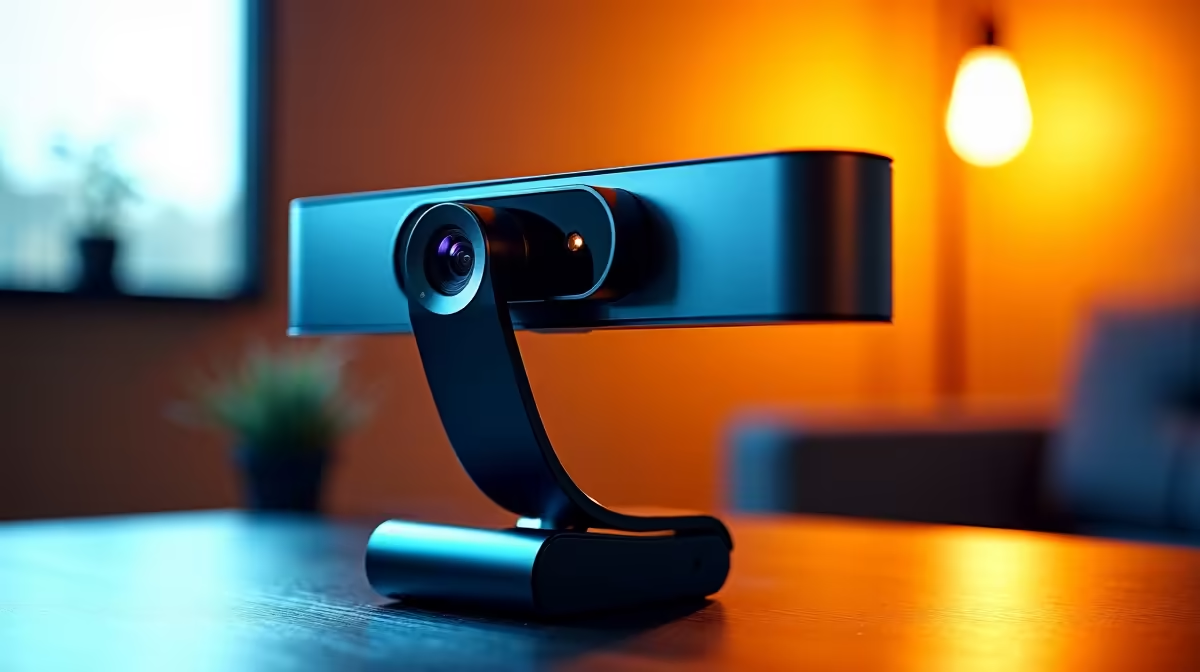
Getting sharp on camera is partly about lens quality and partly about lighting, but neither of those factors compensates for the one adjustment that costs nothing: optimal webcam mount height. Position the lens at the wrong height and every call broadcasts a warp of your face that no software filter can fully fix. Position it correctly and the framing looks natural without any additional gear.
Quick Answer
Place the webcam at your seated eye level, roughly 1.1 to 1.2m off the floor, so the lens looks directly at your face with no vertical angle. This matches natural face-to-face eye contact and keeps your posture neutral over long meetings.
🔧 Why Eye Level Is the Target
The human eye reads eye-to-eye contact as natural conversation. When a camera sits higher than your face, it produces a mild downward angle that slightly enlarges the forehead and compresses the chin. When it sits lower, the angle reverses and the nose and nostrils move to the centre of the frame. Neither extreme is flattering, and both pull the viewer's attention away from what you are saying.
Eye level framing avoids both distortions. The proportions of the face stay accurate, the sight line matches where you are actually looking, and the viewer registers the conversation as direct rather than offset.
The physical target is the lens sitting at approximately the same height as your pupils when you are seated in your normal working position. For most adults at a standard 740mm desk with an ergonomic chair, that puts the camera between 1.1m and 1.2m off the floor, roughly 300 to 400mm above the desk surface.
⚡ What Goes Wrong With the Default Position
The monitor clip that ships with most webcams solves a packaging problem, not a framing problem. It positions the lens at the top of the panel, which for a 600 to 700mm monitor puts it considerably above eye level.
A laptop's built-in camera is often worse. The lens sits at the screen's top edge, and because a laptop screen is typically shorter than a monitor, the angle is more severe. On a 14-inch laptop sitting flat on a desk, the camera is sometimes 150 to 200mm below seated eye level, producing an upward-looking shot that reads as informal at best and unflattering at worst.
The fix in both cases is physical elevation. For a laptop, a riser of 100 to 150mm brings the screen and its camera close to eye level. For a monitor webcam, a height-adjustable stand that drops the camera below the top of the screen is the correct solution.
🎯 Adapting to Sit-Stand Desks
A sit-stand desk changes the calculation every time you switch modes. When seated, eye level sits around 1.1 to 1.2m off the floor. When standing at a raised desk, that same eye line shifts to roughly 1.4 to 1.6m depending on height. A camera fixed to the monitor top will be below eye level in standing mode even though it was above eye level in seated mode.
The practical answer is a height-adjustable mount with a wide column range. Reaching the lens up to standing eye level requires a mount that extends well beyond the 300 to 400mm needed for seated work. If you take calls while standing, confirm the mount's maximum column extension before buying, not after.
Frequently Asked Questions
What is the right webcam height for video calls and conferencing?
Seated eye level, typically 1.1 to 1.2m off the floor, roughly 300 to 400mm above a standard desk. At this height the lens looks directly at your face with no vertical angle, producing framing that reads as natural eye-to-eye contact.
Does webcam height affect posture as well as framing?
Yes. A lens too low makes you look down to maintain eye contact, rounding the shoulders and straining the neck across long meetings. Eye-level framing lets you sit upright with the screen at a comfortable viewing angle, so posture stays neutral through a two-hour call rather than deteriorating midway.
How far above the desk is seated eye level usually?
Roughly 300 to 400mm above a standard 740mm desk. A telescoping column covering 200 to 450mm of travel reaches this range from a desktop base without needing additional risers.
Can a laptop camera reach ergonomic height without a stand?
Rarely. The built-in lens sits at the screen top, and a laptop screen is shorter than a monitor, so the camera sits below eye level in most seated positions. A riser of 100 to 150mm brings it much closer to the correct height without needing an external webcam.
Should a standing desk change how high the webcam sits?
Yes. Standing raises the eye line to approximately 1.4 to 1.6m for most adults. A mount height that works perfectly at a seated desk will sit below eye level once you raise the desk surface. If you regularly take calls while standing, use a mount with enough column travel to reach the higher eye-level position, and adjust the column each time the desk mode changes.
Ready to put your webcam at the right height for every call? Browse the height-adjustable webcam stands and desktop mounts at Evetech to find the column range that fits your seated and standing positions.










