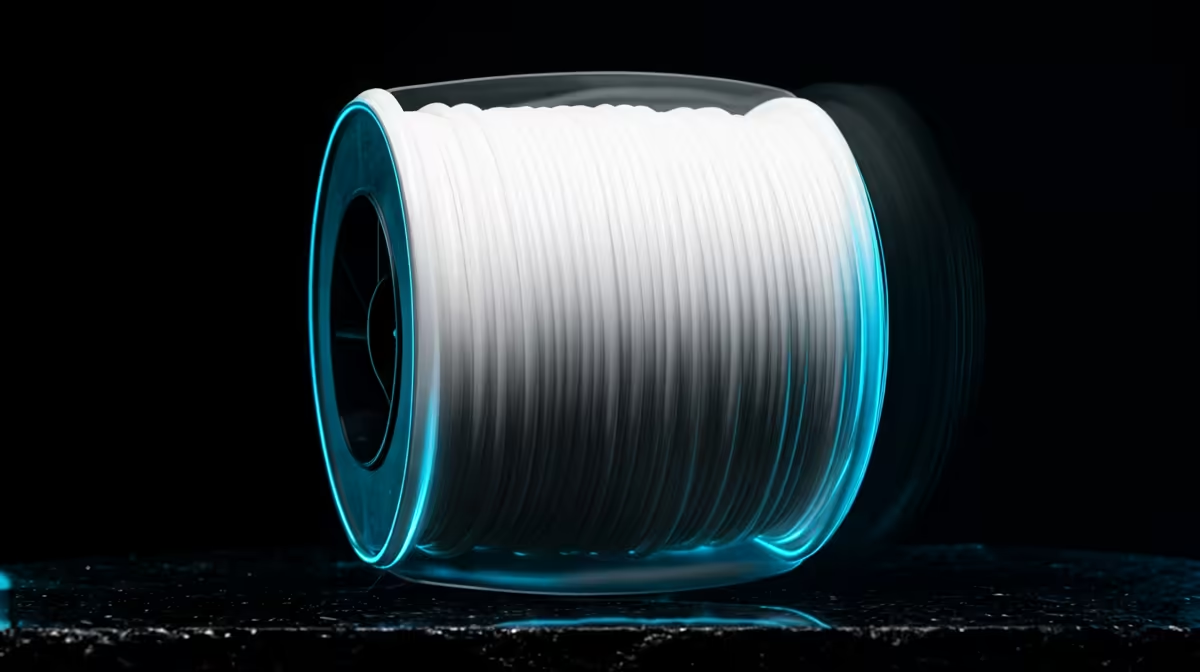
The plus on a spool of PLA+ is not a marketing flourish, it is a chemistry change. Standard PLA is a pure poly-lactic acid that prints beautifully and snaps cleanly if you flex a part too far. PLA+ keeps that same easy-going nature but blends in impact modifiers and flexibilisers so a printed bracket bends a little before it breaks. For anyone tired of finding cracked clips at the bottom of the print bed, that one additive is the whole story.
Quick Answer
PLA+ is standard PLA with toughening additives mixed in. It prints at the same 200 to 220C, sticks to the same bed, but resists impact and layer-splitting far better, so functional parts survive drops and stress that would shatter plain PLA.
What the additives actually change
Pure PLA is brittle in a very specific way. It holds detail and gloss, but the bond between layers is its weak point, and a sharp knock along a layer line will crack a part clean through. PLA+ formulations add small amounts of flexibiliser and impact modifier that let the polymer absorb a hit and flex instead of fracturing. You also tend to get slightly better layer adhesion, which matters most on tall, thin, or load-bearing prints.
The trade-off is modest. PLA+ usually costs a little more per kilogram and can be marginally glossier, which some makers love and some find distracting on matte models. Print quality on fine detail is essentially identical, so you are not giving up surface finish to gain durability.
When the upgrade is worth it
Switch to PLA+ for anything that gets handled, clipped, screwed, or dropped: phone stands, tool holders, RC parts, enclosures, hinges, and snap-fit cases. The extra toughness pays for itself the first time a part survives a fall off the desk.
Stick with standard PLA for display models, miniatures, cosplay props, and anything purely decorative. You save a few rand per spool and lose nothing on a part that only has to look good. Browsing the 3D printers and filament section gives you a feel for which brands carry both grades so you can keep one of each on the shelf.
Dialling in your slicer
PLA+ is forgiving but it likes a touch more heat to reach its full strength. If your standard PLA profile runs at 200C, nudge PLA+ to 210 to 215C and keep the bed around 60C. Slow the first layer slightly for adhesion, and if you see stringing, drop the temperature in 5-degree steps until it cleans up. A small selection of nozzles, glue sticks, and spare beds in the printer accessories and best sellers makes those tuning sessions far less frustrating.
Frequently Asked Questions
Is PLA+ stronger than ABS?
Not across the board. ABS handles higher temperatures and outdoor heat better, but PLA+ often beats it on impact resistance at room temperature while being far easier to print without warping or fumes.
Do I need an all-metal hotend for PLA+?
No. PLA+ prints at the same low temperatures as standard PLA, so any printer that handles regular PLA will handle PLA+ without hardware changes.
Why did my PLA+ print still crack?
Usually under-extrusion or too low a temperature, which weakens layer bonding. Raise the nozzle temperature by 5 to 10C and check that your flow rate is calibrated before blaming the filament.
Can I mix PLA and PLA+ on the same model?
You can print them on the same machine, but not in the same continuous print without a swap. Their settings are close enough that switching between prints needs only a small temperature tweak.
Is the colour range the same?
Largely yes. PLA+ comes in most of the same colours as standard PLA, though very matte finishes are sometimes only offered in the pure grade because additives can add a slight sheen.