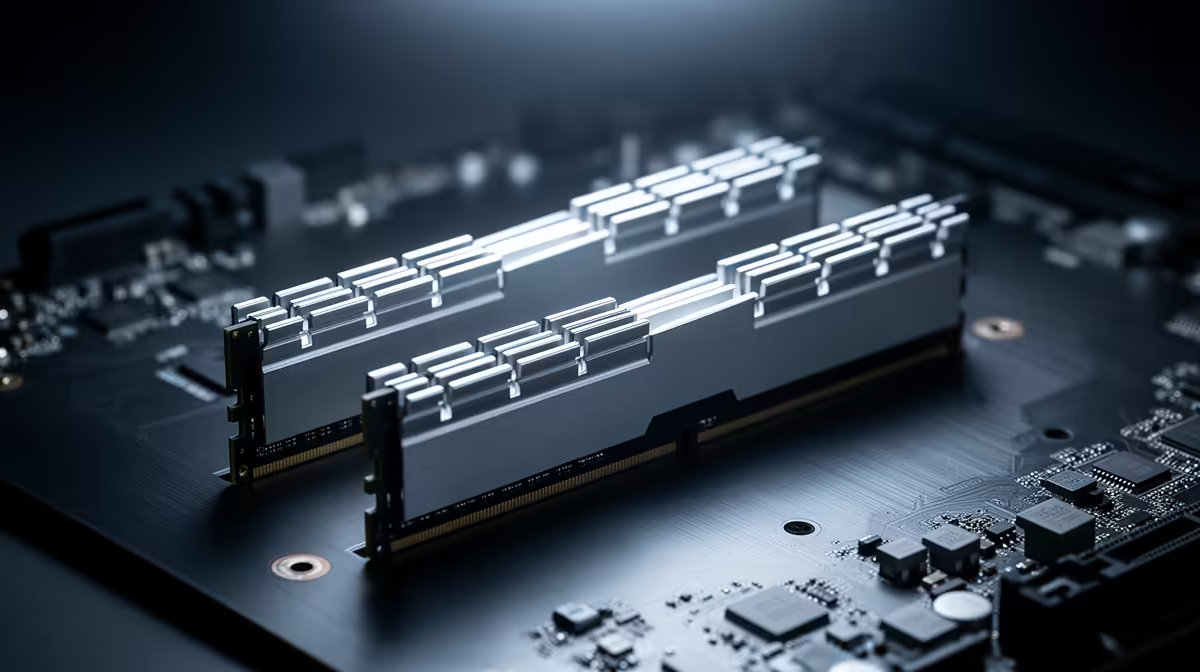
The two empty slots closest to the CPU look like the neatest place for a pair of modules. On a four-slot board, that layout may put both sticks on the wrong electrical path. For most desktop boards, RAM slots A2 and B2 give two modules the preferred dual-channel connection.
Quick Answer
Install a two-stick kit in A2 and B2 unless the motherboard manual shows another layout. These are often the second and fourth slots from the CPU, with one module on each memory channel. In July 2026, Evetech listed the 8GB KLEVV Bolt X DDR4-3200 stick at R1,599; correct slot placement costs nothing and should happen before you tune the kit.
🗺️ Let the board diagram settle it
Look for labels printed beside the slots or open the memory-installation page in the manual. The physical order may read A1, A2, B1, B2 from the CPU, but compact boards and unusual layouts can differ.
Slot colour helps on some boards and confuses matters on others. Use the labels. Evetech's DDR5 memory selection tells you how many modules come in a kit; the motherboard manual tells you where that pair belongs.
📡 Why A2 and B2 often train better
Many consumer boards use a signal layout optimised for one module at the end of each memory channel. A2 and B2 occupy those preferred positions. Placing a pair in A1 and A2 can leave one channel unused, while A1 and B1 may reduce the stable speed on some boards.
A correct pair gives the CPU access to both channels. Games with a CPU or integrated-graphics limit can lose performance when the memory runs through one channel.
✅ Confirm the result after first boot
Enter BIOS and check total capacity plus the slot map. In Windows, open a hardware-information tool and confirm two-channel operation where the software reports it. Then enable XMP or EXPO and run a memory test.
If the PC refuses to boot in A2 and B2, test one module at a time in A2. A fault that follows one stick or one slot needs diagnosis before you fill every socket. The memory best-seller page provides replacement context if the test identifies a failed kit.
Frequently Asked Questions
Which slots should you use for two RAM sticks?
Use A2 and B2 on most four-slot desktop boards. Follow the exact diagram in your motherboard manual.
What happens when RAM is in the wrong slots?
The PC may run in one channel, train at a lower speed or fail to apply the memory profile.
How do you know which slots are A2 and B2?
Read the labels printed on the board or the slot diagram in the manual. They are often second and fourth from the CPU.
Does slot order affect gaming performance?
Yes, when the wrong layout disables dual-channel operation or reduces stable memory speed.
Is slot colour a reliable guide?
No. Colour conventions differ between boards, so use the labels and manual.
Should four RAM sticks fill every slot?
Yes, four modules use all four slots. Check the supported speed for that heavier memory-controller load.
Choosing a two-stick kit for dual-channel memory?
Compare matched RAM kits at Evetech, open the motherboard slot diagram, and place the modules before you enable XMP or EXPO.