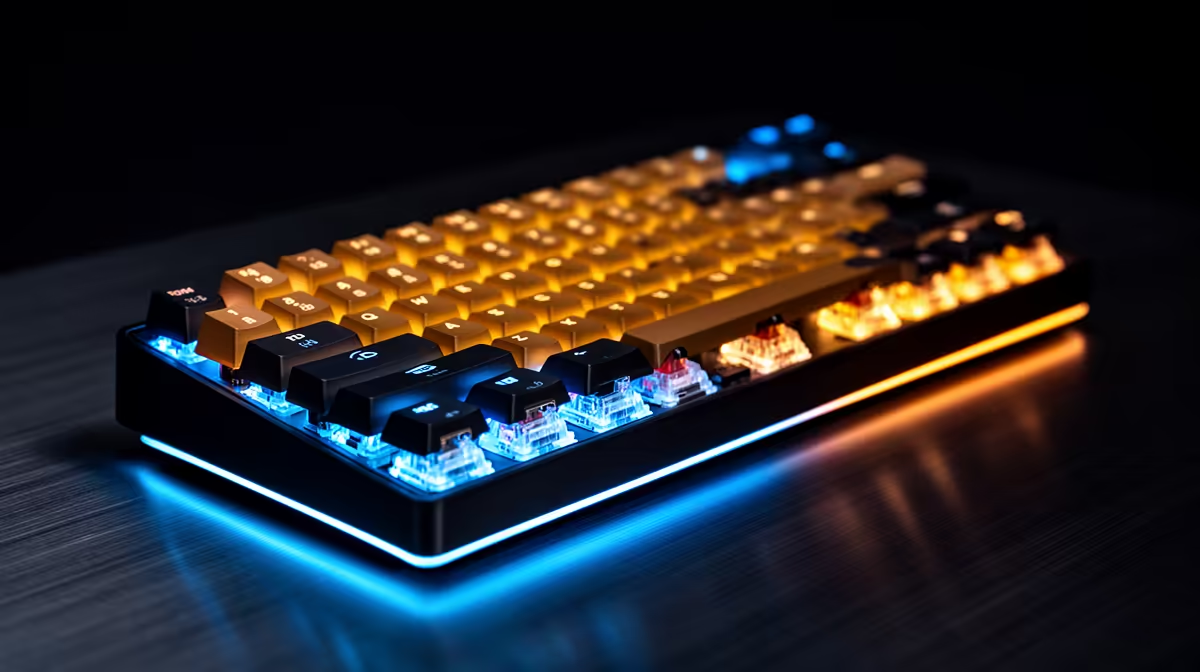
Rapid trigger changes how far one key moves before it activates and resets. That makes it a sensitivity control rather than a multi-key command. Game rules can still change, so legality belongs to the publisher and the event you enter.
Quick Answer
Basic rapid trigger watches one physical key travel down and up. It can report release after a short return movement, which helps repeated directional taps. Snap Tap, last-input priority, macros and scripts are separate features because they can resolve or generate more than one action.
Valve's CS2 guidance tells players to disable Snap Tap-style input automation. It does not turn every magnetic keyboard into prohibited hardware. Compare popular gaming peripherals with gaming accessory choices, then inspect the exact controls on the named model.
One Key Still Means One Action
On a Hall Effect or TMR board, a sensor tracks the switch magnet through its travel. You choose an actuation depth and a return distance. The keyboard reports the same key press and release sooner in that physical movement.
That behaviour can sharpen counter-strafing or repeated rhythm inputs. Your finger still creates each direction and release. A sensitive setting cannot decide when to move or aim for you.
Automation Starts Elsewhere
An opposing-input mode looks at two keys such as A and D and chooses what to send while they overlap. A macro can issue a sequence from one activation. Those behaviours go beyond adjusting the threshold of one key.
Do not trust a marketing name to describe the rule outcome. A keyboard app may place rapid trigger, SOCD priority and macros on the same performance page. Open each control and check the vendor explanation.
Build a Plain Ranked Profile
Start from defaults. Enable one-key rapid trigger on movement keys at a moderate distance. Leave macros, turbo, multi-action binds and opposing-key priority off.
Save the profile onboard, reconnect the keyboard and test key output. Press movement keys one by one, then overlap opposing directions to confirm that no hidden priority mode is active. Repeat this check after firmware updates.
For a tournament, read the current event rulebook and ask an official about any feature the document does not name. A publisher can update its policy, and an organiser can apply equipment rules beyond public matchmaking.
Tune for Control
The shortest value can cause unwanted inputs when your fingers rest on the keys. Begin in the middle of the available range and lower the reset distance in small steps. Keep chat, abilities and shortcuts at deeper values when per-key tuning is available.
Practise on the same profile you plan to use. Stable, deliberate movement matters more than a minimum number in the software.
FAQ
Can rapid trigger get you kicked from CS2?
Valve's published notice names Snap Tap-style multi-action automation. Keep that feature disabled, use one-key actuation tuning, and check newer official guidance before playing.
Is every Hall Effect feature allowed?
No. The sensor hardware supports several behaviours. Publishers and events can allow ordinary sensitivity adjustment while restricting automation.
Should you ask a tournament organiser?
Yes, when the rulebook is unclear. Give the model, firmware and an exact description of the active profile rather than asking about the keyboard name alone.
Keep rapid trigger to one-key sensitivity, verify the active profile, and choose gaming gear whose settings you can explain.