



550W PSU Planning for RTX 5080 Super Builds in SA
550W for RTX 5080 Super needs a full-build check, not a simple yes. Review GPU guidance, CPU draw, transient load, connectors, PSU quality, and upgrade plans before deciding.
Read moreThe Razer BlackShark V2 Pro earns its premium for competitive players who value precise footstep imaging and a comfortable long-session fit over heavy bass. Evetech stocks it alongside cheaper options, worth it mainly for players who compete.
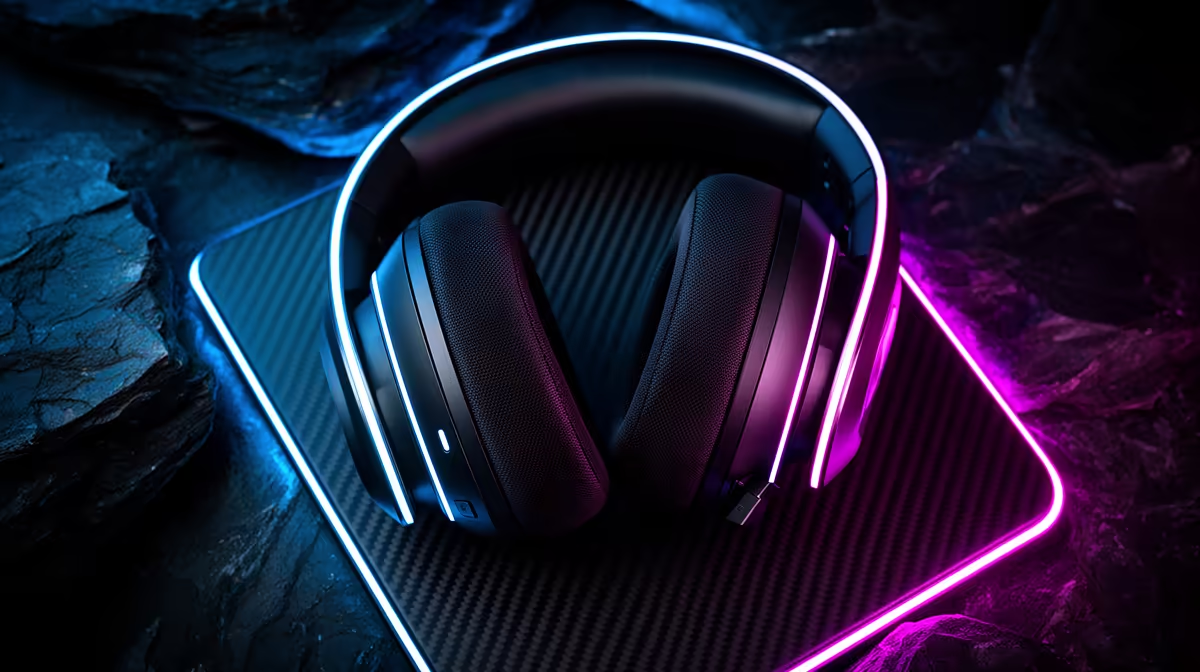
Competitive headset value lives in the cues you can place and the comfort that survives a long session. The Razer BlackShark V2 Pro should be compared with current alternatives on fit, mic path, battery and actual game imaging.
The Razer BlackShark V2 Pro is worth considering in 2026 when you play competitive shooters for hours, want a light wireless headset and can confirm that its tuning, microphone and platform support suit your setup. Its value comes from the whole fit and feature set, not a promise that one headset reveals every footstep. Casual players may get the comfort and clear team chat they need from a cheaper model.
BlackShark V2 Pro listings can refer to different release years and platform editions. Check the full product code, supported connection, included cable or wireless dongle, microphone design and battery claim on the exact box. A review of another revision can send you towards features your unit does not have.
Platform support matters too. A USB wireless receiver that works on PC may have different console support. If you move between devices, list each one and confirm the connection method before buying.
Competitive sound is about separation, imaging and a frequency balance that keeps useful cues clear. Strong bass can mask quiet movement in a busy mix. Yet every game builds its audio differently, and your head-related hearing cues are personal.
Use a familiar map for the test. Listen for front-to-back placement, vertical cues, reload distance and the point at which several effects blur together. Keep spatial processing consistent. Stacking a game headphone mode with another virtual-surround layer can make direction harder to read.
Equalisation can trim a harsh peak or reduce booming effects. Begin with small changes and save one neutral profile for music and films.
Check weight, clamp, pad depth and heat after a full match block. Glasses can break the seal or create pressure at the temples. Large ears may touch the driver cover even when the headset feels soft for ten minutes.
Wireless freedom helps when you move around, but charge routine belongs in the comparison. Look at battery reporting, charging connector and whether the headset remains useful when the battery is low. Confirm wired audio support on the exact revision rather than assuming the charge cable carries sound.
Record your voice with the fan, keyboard and speakers running. Listen for clipped consonants, breath noise and room sound. Place the boom near the corner of your mouth, then lower input gain before adding software processing.
A headset microphone can be excellent for team chat while a separate mic gives a streamer more control. Buy for the job you have now.
Compare the exact BlackShark model with current alternatives on the peripheral best-seller page, then check cables, stands and other essentials in the gaming accessories range.
No. Its light fit and wireless design can suit general play, but the premium makes more sense when you value those traits every week.
It can. Try a neutral EQ profile and judge vocals, bass control and treble comfort with material you know.
Use raw recordings from the exact revision in a room like yours, then test placement before relying on noise filters.
Check the BlackShark V2 Pro revision, platform support and full-session fit, then compare its wireless features with one cheaper headset.
No. Its light fit and wireless design can suit general play, but the premium makes more sense when you value those traits every week.
It can. Try a neutral EQ profile and judge vocals, bass control and treble comfort with material you know.
Use raw recordings from the exact revision in a room like yours, then test placement before relying on noise filters.
550W for RTX 5080 Super needs a full-build check, not a simple yes. Review GPU guidance, CPU draw, transient load, connectors, PSU quality, and upgrade plans before deciding.
Read more
8000Hz polling is overrated for most SA gamers because gains can be tiny next to battery drain and monitor limits. Mbombela players should weigh mouse feel, game support, and system stability before chasing the number.
Read more
Magnetic switches are taking over SA gaming keyboards because actuation can be tuned. For Sandton gamers, rapid trigger, reset control, and profile depth can help, but layout, key feel, and software quality still matter.
Read more
Polokwane oled monitor value questions need cautious SA context because pricing can move with availability, exchange rates, specs, and warranty support. Treat the trend as a planning signal, not a fixed price promise.
Read more
Arc B580 budget builds for Midrand gamers can shift with exchange rates, supply, specs, and model tier. Treat the title as a buying prompt, then compare SA warranty, timing, and build priorities.
Read more
ROG Ally X may beat the LCD Steam Deck for SA gamers who value stronger handheld performance, more memory, and Windows flexibility. Compare battery life, controls, game libraries, and Polokwane support needs before deciding.
Read more
Minisforum's M2 Pro pairs Core Ultra X7, Arc B390 graphics and 32GB onboard memory in 1.8 litres. SA buyers should weigh its fixed memory and $1,439 launch offer against local mini PCs.

Lenovo says Legion Go failures linked to BIOS N3CN42WW are not user error. Affected SA owners should stop retrying the update, preserve proof and open a support case.

Smart monitors can add apps and convenience, but they also add privacy settings and unwanted-software risk. SA buyers should audit the operating system before paying for extras.

A fake 113GB GTA VI ISO reportedly used empty padding around a small malware payload. SA gamers should delete unofficial builds, keep Windows security active and wait for official channels.

ASUS calls the ROG GT-BN98 the first Wi-Fi 8 gaming router. SA buyers should fix coverage and client limits before paying for a future wireless standard.

Apple's M6 Mac mini adds faster AI, graphics and networking in the same compact format. SA buyers should wait for a rand listing before comparing value.

The Vulcan II XP adds hot-swappable switches, sound damping and gaming controls to a full-size wired board. SA buyers should compare feel before features.

Microsoft says Windows on Arm now has over 7,000 verified apps and games. SA buyers should still check each driver, game and work tool before switching.
550W for RTX 5080 Super needs a full-build check, not a simple yes. Review GPU guidance, CPU draw, transient load, connectors, PSU quality, and upgrade plans before deciding.

Skyrim HD texture packs that actually run on RX 9070 helps SA readers plan hardware, settings, compatibility, and upgrade trade-offs. Check GPU, CPU, RAM, storage, monitor, and stability needs without risky performance claims.
8000Hz polling is overrated for most SA gamers because gains can be tiny next to battery drain and monitor limits. Mbombela players should weigh mouse feel, game support, and system stability before chasing the number.

Wi-Fi 7 or Wi-Fi 6e for streaming on twitch and youtube should be judged by fit, not a single winner. Compare compatibility, latency, capacity, upgrade path, cost planning, and South African setup needs.