


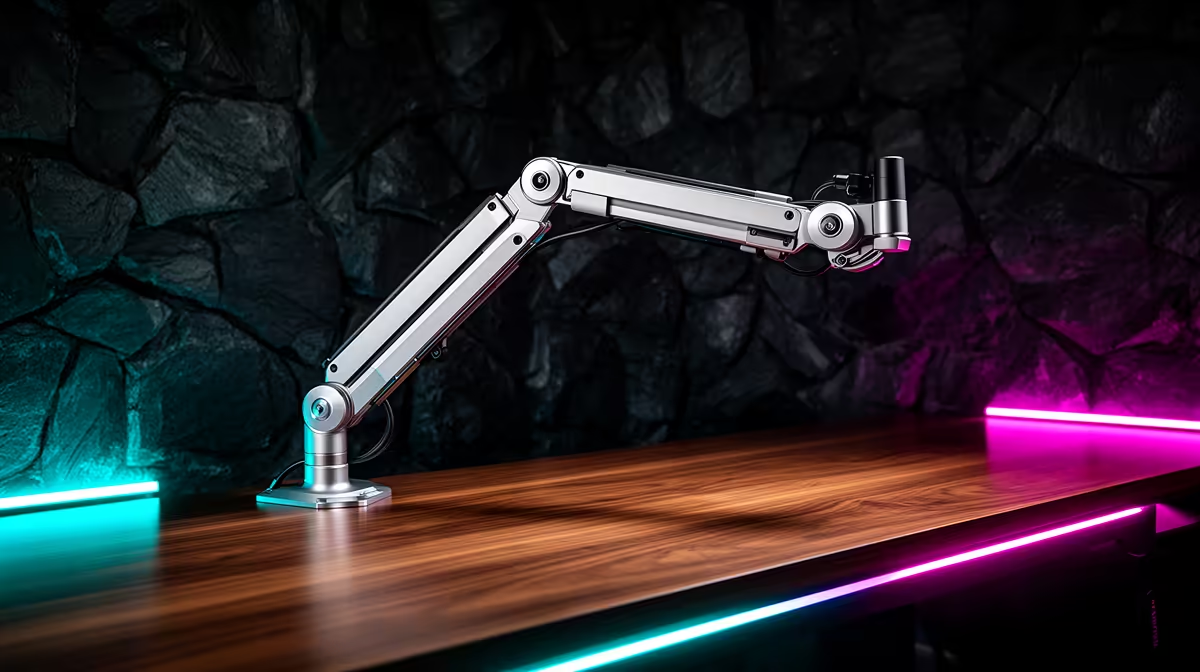
The base of your desktop mic stand is quietly stealing space you need. That roughly 12-centimetre footprint sits right in front of your keyboard, the exact zone where your hands rest between takes. A rotating metal boom arm clamps to the desk edge instead, lifting the microphone overhead while returning every centimetre of working surface to you, and it does something the stand cannot do: it brings the mic to your mouth rather than making you bend to reach the mic.
Quick Answer
A rotating metal boom arm reclaims desk space by clamping to the edge and floating the mic above the surface, removing the 12-centimetre stand base from your working area. It also raises the mic to mouth height so you sit upright, reducing the neck strain caused by leaning toward a low desk stand during long streams.
🔌 How the Arm Frees the Desk Surface
A desktop stand base is not a small object. Most measure between 10 and 14 centimetres across and sit flat on the surface, occupying prime real estate directly in front of the monitor. On a 100 to 120-centimetre desk, standard for many South African home office and gaming setups, that base lands squarely in the keyboard and mouse zone.
The boom arm moves the mount point from the surface to the edge. The clamp jaw grips the desk rim, typically up to around 55 millimetres thick, and the arm extends horizontally above the working area. The mic floats in position without touching the surface. Your keyboard, notebook, mouse and everything else gets every square centimetre back.
The arm's rotating joint extends this further. Swing the arm clear when you need the space, rotate it back when you record. That repositioning takes one hand and under a second.
🧠 Posture Is the Other Half of the Upgrade
Most desktop mic stands top out between 20 and 28 centimetres above the surface. A seated adult at a standard desk has their mouth at 35 to 45 centimetres above the desktop. That gap is bridged by leaning forward and tilting the chin down, which is exactly what you see in home recording setups where the creator is clearly hunched toward the mic.
Over a 30-minute session the lean is tolerable. Over a two-hour stream it becomes genuine neck and upper back strain. A boom arm set to mouth height removes the compensation entirely. You sit in the same upright position for a 15-minute clip or a three-hour session.
🔧 Choosing and Installing the Right Clamp
Most rotating metal boom arms use a C-clamp that grips between 20 and 55 millimetres of desk thickness. Confirm the clamp range before purchase. Position it at a corner rather than the middle of the desk edge for full swing across both horizontal axes. Tighten the clamping screw hand-tight until the base has no rock or tilt under load.
Once the clamp is secure, attach the arm column and confirm the locking collar is fully engaged before loading the microphone weight.
Frequently Asked Questions
How does a boom arm reclaim desk space?
A desk stand occupies the surface area directly beneath its base plate. An arm clamps to the rim of the desk and lifts the mic above the working area, so the surface under the mic stays completely clear.
Can a boom arm genuinely improve posture during long streams?
Yes. Raising the mic to mouth height stops the forward lean a low stand requires. Over a long session, the difference in neck and shoulder comfort is significant.
What clamp size do I need for a gaming desk?
Most rotating metal arms open to around 55 millimetres, which covers standard desk thicknesses. Check the clamp throat spec before purchasing and measure your desk edge to confirm the fit.
Will a metal boom arm scratch the desk finish?
Padded clamp jaws on a quality arm prevent surface marks. If your desk has a soft lacquer or glossy finish, placing a thin strip of felt between the clamp jaw and the desk provides extra protection.
Does routing the cable through the arm help with desk tidiness?
Noticeably. Arms with internal or clip-on cable routing channels keep the mic cable inside the arm structure rather than hanging loose. It removes the cable from the keyboard zone and stops it tangling with the mouse lead.
Ready to reclaim your desk and stop hunching over a low stand? Browse the metal boom arm range at Evetech and find the mount that puts the mic at mouth height while giving your full desk surface back.










