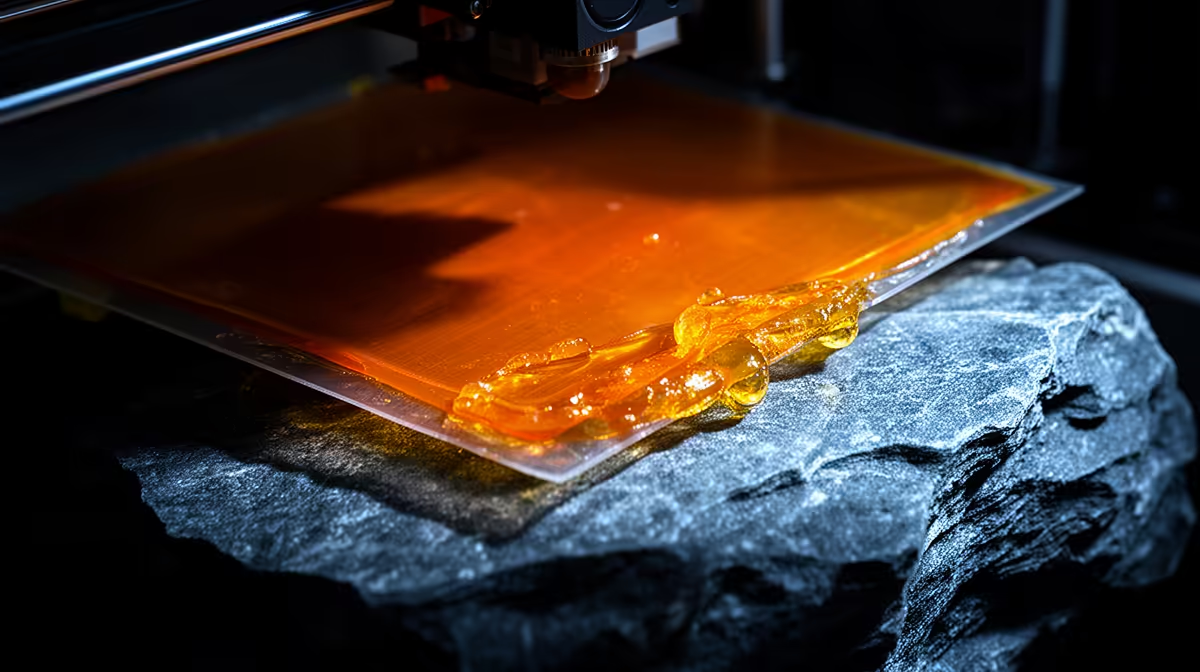
You lift the build plate at the end of a resin job and find nothing on it, then peer into the vat and spot your model stuck flat against the FEP. A resin print cured to the FEP film instead of the build plate means peel suction won the tug-of-war against plate adhesion. The bond to the plate was simply weaker than the force pulling the print down, and that is almost always an exposure or geometry problem you can fix in the slicer.
Quick Answer
Raise your bottom-layer exposure (often into the 40 to 60 second range for the first four to six layers), add a few extra bottom layers, and slow the lift speed. For broad flat-bottomed models, hollow them or angle the part so less area faces the FEP at once. Re-level the plate and reset Z=0 if adhesion still fails.
Why Suction Beats the Plate
Every layer cure ends with a peel: the plate lifts and the cured layer separates from the FEP. That separation generates suction, and the wider and flatter the layer, the more suction it creates. Your print stays on the plate only while the bond to the plate is stronger than that downward pull. Under-cured bottom layers, a poorly levelled plate, or a huge flat first layer all tip the balance toward the film.
The first cure is the most important one in the whole job. Bottom layers are deliberately over-exposed so they grip the plate hard. If that exposure is too short, the resin tacks lightly to the plate, the peel rips it free, and it ends up welded to the FEP instead.
Dial In Exposure and Lift
Start with bottom exposure. Bump it up in 10-second steps and add five bottom layers to what you currently run. On most MSLA machines a healthy bottom exposure sits around 40 to 60 seconds for the first handful of layers, far longer than the normal layer time. Then reduce lift speed so the motor accelerates gently and applies less shock to the fresh bond.
If the part is a large flat slab, geometry is fighting you. Hollow the model and add drain holes, or tilt it 20 to 45 degrees on the plate so no single layer presents its full footprint to the FEP. A raft also helps, since it bonds broadly to the plate and peels off the finished print cleanly afterwards. Keep your vat and film in good order too; the printing consumables and add-ons at Evetech cover the FEP sheets and tools you will go through over time.
Check the Hardware Basics
A loose FEP that has lost tension sags during the peel and grabs the print. Tighten the vat frame screws evenly until the film is drum-tight. An unlevel plate is the other silent killer: if one corner sits even half a millimetre too far from the screen, that side never cures hard enough to hold. Re-level, confirm Z=0, and run a small test before committing to a long print. If your current machine keeps fighting you, it may be worth comparing newer options in the 3D printer range at Evetech.
Frequently Asked Questions
How much should I raise bottom exposure?
Increase it in 10-second increments and test after each change. Many resins want 40 to 60 seconds on the bottom layers, but the exact figure depends on your resin and screen, so step up until the print grips firmly without flooding detail.
Will slowing lift speed make prints take much longer?
It adds time, but only on the peel of each layer, not the cure. The trade is worth it: a slower, gentler lift dramatically cuts suction failures on tall or flat models.
Does the FEP itself wear out?
Yes. A cloudy, scratched, or stretched film loses tension and clarity, both of which encourage prints to stick to it. Replace the FEP once it goes hazy or fails to stay taut.
Why does only one corner of my print fail?
That points to an unlevel plate. The far corner sits too high above the screen to cure properly, so it never bonds and tears off into the vat during the peel.
Stop losing prints to the FEP. Grab fresh film, levelling tools and resin-printing consumables from the 3D printing accessories range at Evetech and get your next batch sticking to the plate first time.