Lighting can finish a windowed build, but memory shortages make every cosmetic premium easier to notice. RGB RAM value comes down to the price gap after capacity, speed, timings and compatibility are already right.
Quick Answer
RGB RAM is worth extra when lighting is part of the build you want and the exact kit still meets your capacity, speed, timing and clearance needs. The LEDs add no memory performance. Do not assume an RGB and non-RGB kit are identical because their names look close; module revision, timings and height can differ. Compare live exact-kit prices on the same day, since memory and lighting premiums move. In a tight budget, capacity and a stable supported profile come first. In a windowed show build, a modest lighting premium can be a valid design choice.
Match the memory specification first
Choose capacity from measured use, then check data rate, primary timings, voltage and module count. Confirm motherboard support and whether the kit carries the XMP or EXPO profile you intend to use.
Only compare the lighting premium after those details match. A cheaper non-RGB kit with different timings is another memory product, not a clean price control.
Module height can affect the cooler
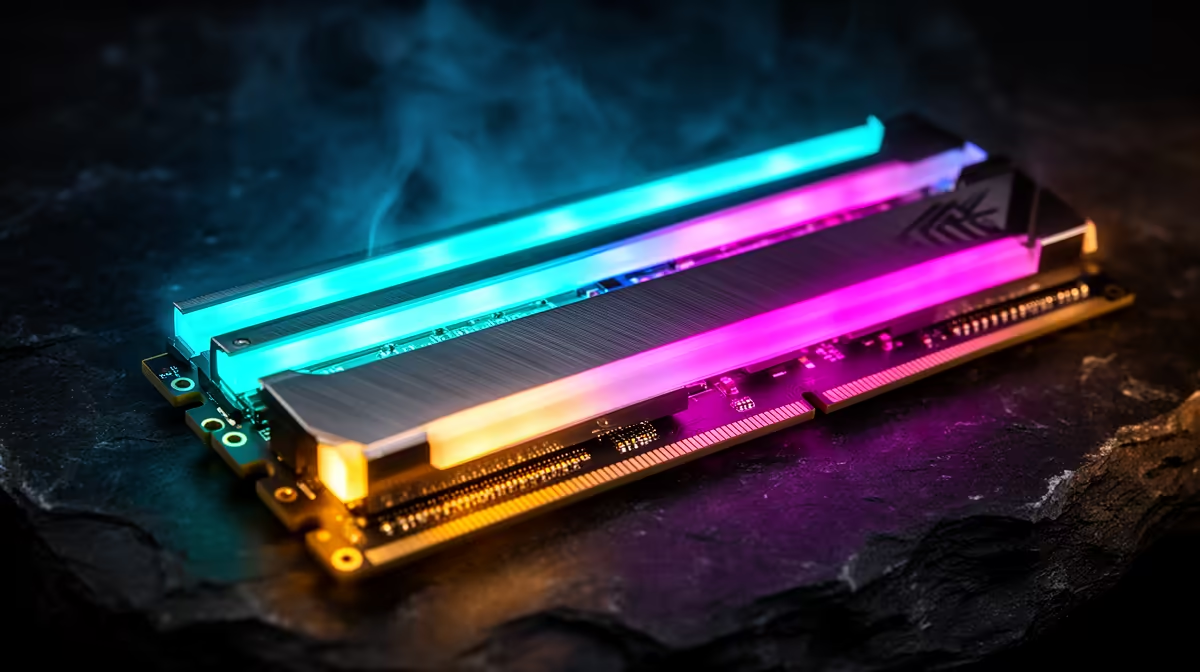
RGB light bars often make a DIMM taller. Large air coolers can overhang the memory slots, forcing a fan upward or blocking installation. Measure the stated module height and cooler clearance.
Moving the cooler fan can raise total height and interfere with the case panel. Solve that fit on paper before buying a kit for its appearance.
Lighting software joins the system
Check whether the memory works with your motherboard lighting control or needs another application. Several RGB tools can conflict, consume background resources or lose synchronisation after updates.
Set the memory profile and test stability before installing lighting extras. If the LEDs fail while the memory remains stable, treat it as a lighting issue rather than changing DRAM voltage.
Design the visible result
Tinted glass, cooler position and case lighting change how much of the RAM you see. A non-RGB kit may disappear under a tower cooler. An RGB kit can be the main light source in a clean build and let you reduce other strips.
Keep lighting separate from a memory fault
If the PC crashes, return the memory to supported defaults and test with lighting software closed. LEDs draw little beside the rest of the system, but the control application, profile or unstable memory overclock can confuse diagnosis.
A dead LED does not mean the memory cells failed, and working lights do not prove the kit is stable. Record the fault and use the seller or manufacturer support route for the exact product. Avoid removing heat spreaders or light bars; adhesive, sensors and memory packages can be damaged, and support terms may be affected.
For a show build, also check how lighting behaves before Windows loads. Onboard colour storage and shutdown behaviour vary by kit and motherboard.
Browse current DDR5 memory and popular memory kits to compare exact specifications and live prices.
FAQ
Does RGB RAM improve frame rate?
No. Performance comes from capacity, data rate, timings, controller behaviour and stability.
Can tall RGB RAM block a CPU cooler?
Yes. Check DIMM height, cooler overhang, fan position and case clearance.
Is non-RGB RAM always cheaper?
No fixed gap applies. Compare exact matched specifications and live prices when you buy.
Compare RGB and non-RGB DDR5 kits only after capacity, timings, support and cooler clearance match.