Quick Answer
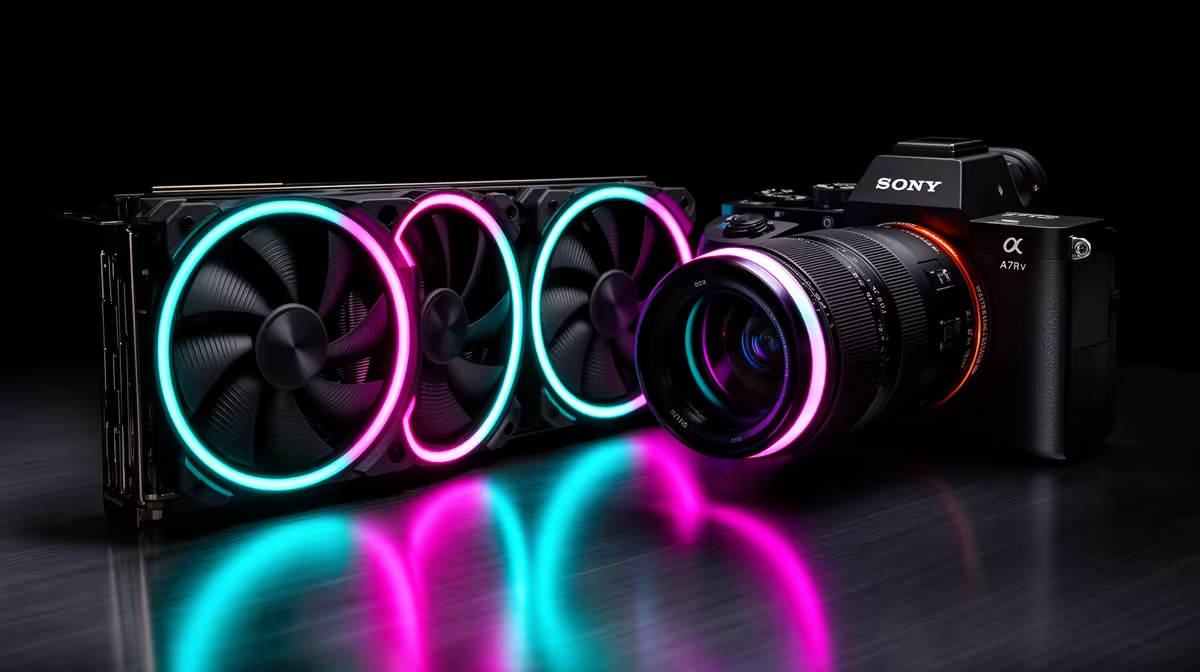
The ROG AF 12S ARGB is ASUS's current high-performance 120mm fan used on ROG AIO coolers, featuring a dual-ball bearing motor, high-static-pressure blade design, and an outer ARGB ring called AURA Fan Edge that illuminates the full fan perimeter from the edge rather than only the hub. The result is a wider, more uniform lighting ring visible from outside the radiator without opening the case.
ROG AF 12S Fan Engineering and Airflow Specs 💨
The AF 12S (Axial-Force 12S) blade profile is designed for high static pressure to push air through radiator fin stacks efficiently at lower RPM. ASUS rates the AF 12S at up to 1,800 RPM with a maximum airflow of 47.33 CFM and a maximum static pressure of 2.17 mmH2O. The dual-ball bearing motor is rated for 50,000 hours, significantly longer than the sleeve bearings used in budget AIO fans, which typically last 20,000 to 30,000 hours. The bearing design also reduces precession noise at varying RPMs, making the AF 12S quieter under variable fan curve operation compared to single-bearing competitors. In a triple-fan 360mm configuration on a Ryzen 9 9900X, the AF 12S set running at 800 RPM delivers near-silent operation while maintaining temperatures below 80 degrees Celsius during gaming.
AURA Fan Edge: How It Differs from Standard Hub Lighting 💡
Most ARGB fans place LEDs at the hub, producing a central glow that fades toward the blade tips. ASUS AURA Fan Edge moves the LED strip to the outer edge of the fan frame, creating a full-perimeter illuminated ring. This ring is visible from the front and rear of the radiator because it sits at the outer circumference rather than behind the blade sweep. The effect is a clean, consistent ring of light that matches the radiator mounting frame dimensions, making the cooler appear as a uniformly lit panel rather than a spinning light source. The AURA Fan Edge connects to the same 5V ARGB header as standard hub lighting, so it syncs with Armoury Crate alongside other ASUS Aura Sync components such as RAM, GPU, and motherboard headers.
Compatibility and Build Considerations 🔧
The AF 12S ARGB fans ship as standard with ROG Ryujin III 360 and ROG STRIX LC II 360 ARGBs. They also support PWM speed control through the standard 4-pin fan header and use the 3-pin 5V ARGB header for lighting. If you are replacing worn fans on an older ROG AIO, the AF 12S is a direct fit for 360mm and 240mm radiator frames. In South Africa, ROG 360mm AIOs including the AF 12S fans are priced from approximately R3,200 to R4,500, positioning them in the upper-mid to premium segment of the AIO market.
Sync AURA Fan Edge With Existing ASUS Components ⚡
If your motherboard is an ASUS ROG or ASUS Prime board with Aura Sync, the AURA Fan Edge lighting will automatically detect and sync colour and animation presets through Armoury Crate without manual configuration. Enable Aura Sync in Armoury Crate and select group mode to animate the fans, RAM, and GPU header simultaneously as a single lighting zone.
FAQ
Are the ROG AF 12S fans replaceable on older ROG AIOs?
Yes. The AF 12S uses standard 4-pin PWM and 5V 3-pin ARGB connectors, making it compatible with any AIO that uses 120mm fans and a 5V ARGB lighting header on the radiator.
What is the noise level of the AF 12S at typical gaming fan speeds?
At 800 RPM, the AF 12S operates below 22 dB, which is below the ambient noise floor of most rooms. At maximum 1,800 RPM the fan is audible at around 33 dB but still quieter than many budget fans at similar speeds.
Does AURA Fan Edge require an extra header on the motherboard?
The edge ring uses the same 5V 3-pin ARGB connection as the hub LEDs on standard fans. It does not require a separate header, but both the hub and edge lighting require their own ARGB connector if they are independently addressable on higher-end fan variants.
Want ROG ARGB cooling for your gaming build?
Evetech stocks ROG AIO coolers featuring AF 12S ARGB fans and AURA Fan Edge lighting, with full Aura Sync compatibility details listed on each product page.