


Quick Answer
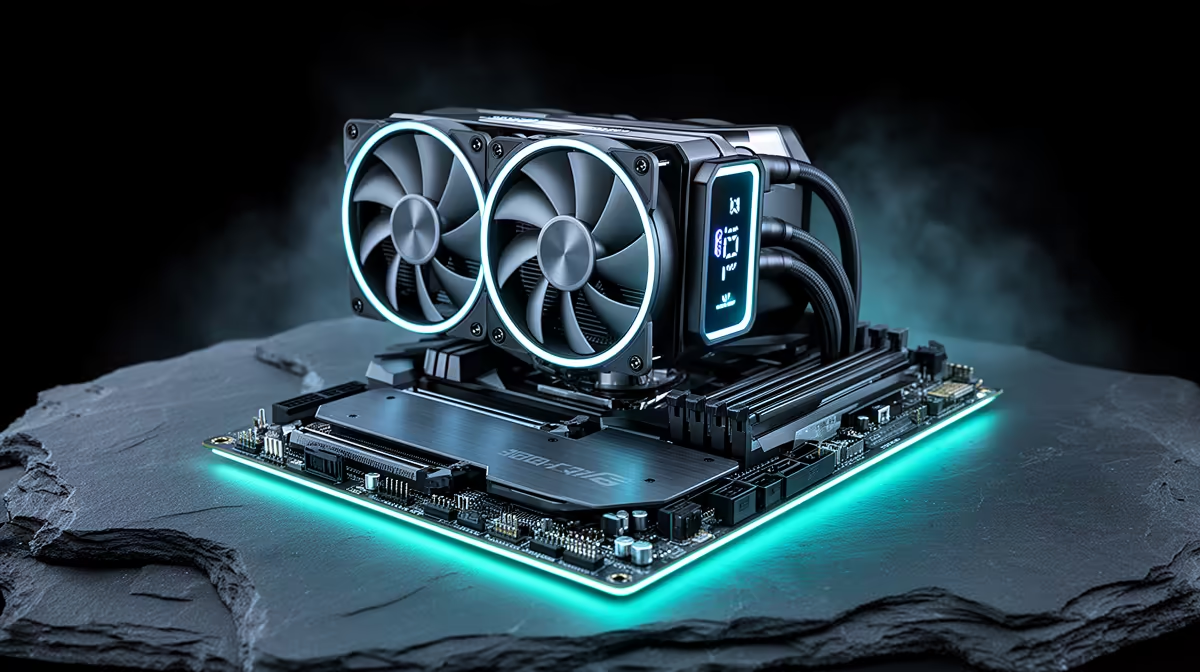
The ROG RYUO IV SLC 360 ARGB is a 360mm all-in-one liquid cooler with a 3.5-inch IPS LCD pump head display, ASUS Asetek Gen 8 pump, three ROG ARGB 120mm fans with daisy-chain connectivity, and reinforced sleeved tubing. It targets premium AM5 and LGA1851 desktop builds where both thermal performance and visual presentation matter, sitting in the R4,500 to R6,000 range at Evetech.
Pump and Cold Plate Technology 🔧
The RYUO IV SLC uses ASUS's implementation of the Asetek Gen 8 pump platform, which delivers approximately 1.6 LPM flow rate at maximum RPM.
The cold plate uses a micro-fin copper construction with channel spacing optimised for uniform heat extraction across the full IHS area of AM5 CPUs.
LCD Display and Armoury Crate Integration ✨
The 3.5-inch IPS LCD display sits on the rotatable pump head and connects to the motherboard via USB 2.0 header. Through ASUS Armoury Crate, users can display live CPU temperature, coolant temperature, fan RPM, CPU load, clock speed, and GPU temperature. The display also supports custom images and animated GIFs in common formats, with up to 480x480 effective resolution on the round panel.
The pump head physically rotates 270 degrees, allowing the ASUS ROG logo and display orientation to be positioned correctly after the radiator is mounted regardless of whether it sits at the top, front, or side of the case. This is a genuinely useful feature for cases like the Lian Li O11 Dynamic or Fractal Design Torrent, where the best radiator position is not always at a standard angle from the CPU socket.
Fan System and Cable Management 🖥️
Three ROG ARGB 120mm fans are included, each rated for 2,000 RPM maximum with 2.8mm H2O static pressure. The static pressure rating is well suited for pushing air through the 27mm-deep copper radiator fin stack. The daisy-chain design reduces cable management complexity: all three fans are wired in series, so only one PWM header connection and one 5V ARGB connection are needed from the motherboard for the full fan array.
For South African builders assembling in popular cases like the ASUS ROG Hyperion, MSI MAG Forge 320R, or Lian Li Lancool III, the single-cable fan run is a clear quality-of-life benefit. Routing one PWM cable and one ARGB cable instead of three of each means the build area behind the motherboard tray stays manageable even with additional ARGB strips and GPU power cabling.
Sync ROG AIO to Aura on First Boot ⚡
On first startup with the RYUO IV installed, open Armoury Crate before adjusting any settings and let it complete its initial device scan. The software will detect the AIO, set pump speed profiles, and configure the LCD. Running the scan before manual changes prevents profile conflicts that can cause the display to go blank after a Windows update.
FAQ
Is the RYUO IV SLC 360 compatible with AM5 and LGA1851?
Yes. The retail box includes mounting hardware for AMD AM4, AM5, and Intel LGA1700 and LGA1851 sockets. Installation guides for each platform are included, and ASUS Armoury Crate provides platform-specific pump and fan curve recommendations.
How loud is the RYUO IV SLC 360 under gaming load?
Under a typical gaming load where the CPU runs at 50 to 80 percent, the fans sit at around 1,200 to 1,400 RPM, producing 25 to 28 dBA. This is effectively silent from normal seated gaming distance. Under a stress test at full 230W package power, fans ramp to 1,800 RPM and peak at roughly 32 dBA, which is audible in a quiet room but not intrusive with gaming audio.
Does the USB connection for the display draw much power?
No. The USB 2.0 connection provides both data for sensor feeds and power for the LCD display. Total draw is under 1W for the display and USB logic combined. There is no meaningful system power impact from running the display continuously.
Building a premium ASUS ROG desktop? The ROG RYUO IV SLC 360 ARGB is stocked at Evetech alongside ROG motherboards and cases to complete your build with matched aesthetics and unified software control.










