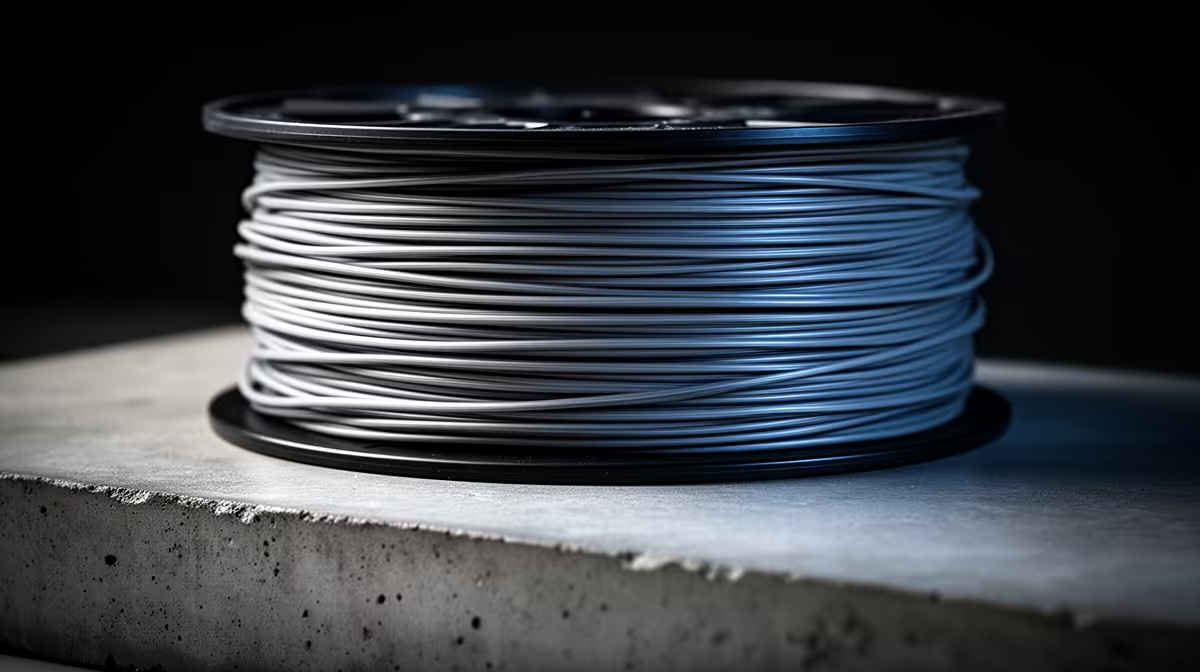
When the top of a print comes out rough, pitted, or pocked with tiny craters instead of a smooth skin, the most common culprit is moisture in the filament. Rough top surfaces are usually the visible result of trapped water boiling out of the plastic as it passes the nozzle, popping the molten bead and leaving a bubbled finish. Inadequate cooling and miscalibrated flow then make the damage worse. Fix all three and the surface comes back clean.
Quick Answer
Dry the filament first, because moisture popping out of the plastic is the leading cause of pitted top surfaces. Then add or increase top-layer cooling so the skin sets crisply, and calibrate your flow so the top is neither starved nor over-filled. A few hours in a filament dryer plus a flow check usually restores a smooth finish.
Why moisture wrecks the top layer
Filament absorbs water from the air, and PLA, PETG, and especially nylon and TPU drink it readily. When wet filament hits the hot nozzle, the trapped water flashes to steam and bursts through the molten plastic. You hear it as faint crackling or popping during printing, and you see it as bubbles and pits on the surface, most obvious on the exposed top layers where there is nowhere to hide the texture.
The fix is to drive the water back out. A dedicated filament dryer or a low oven set to the material's recommended temperature for several hours removes the moisture, and storing spools in a sealed box with desiccant afterwards keeps it out. If your prints were clean a month ago and have slowly gone rough, an open spool absorbing humidity is the most likely explanation.
Cooling and flow, the other two levers
Once the filament is dry, look at cooling. The top surface needs the part cooling fan working so each pass of the skin sets quickly and holds a flat, even finish. Too little cooling lets the top layers stay soft and slump, which reads as a rough, uneven surface even with dry filament. Make sure your fan is running on the upper layers and is not blocked or failing.
Flow is the third piece. If your extrusion multiplier is too low, the top layers come out starved, with gaps and a scratchy texture where the lines do not quite merge. Too high, and the surface over-fills and ridges up. Run a flow calibration, adjusting in small steps until the top skin lays down as a smooth, continuous sheet. Increasing the number of top layers, or slowing the top-layer speed slightly, also helps the skin bridge cleanly over the infill beneath it.
Keep good consumables on hand while you dial this in, since a worn nozzle or poor-quality filament can mimic these faults. The 3D printing accessories among Evetech's best sellers cover the nozzles, dryers, and tools that keep surface quality consistent print after print.
Frequently Asked Questions
How do I know if my filament is wet?
Listen for crackling or popping at the nozzle during printing, and look for bubbles or pits on the surface. Wet filament may also produce stringing and a brittle, rougher print overall. If the spool has been open in humid air for weeks, assume it has absorbed moisture.
How long should I dry filament?
It depends on the material and the dryer, but several hours at the recommended temperature is typical, and badly saturated spools may need longer. Drying at too high a temperature can deform the spool, so use the band suggested for that filament type.
Can cooling alone fix a rough top surface?
Not if moisture is the real cause. Cooling helps the top layers set flat and crisp, but if wet filament is popping at the nozzle, you must dry it first. Treat cooling and flow as the finishing steps after the filament is dry.
What flow setting fixes a pitted top?
There is no single number. Run a flow calibration and adjust in small steps until the top skin is a smooth, continuous sheet with no gaps or ridges. Adding a top layer or two and slowing the top-layer speed also improves the finish.
Does this happen more with certain materials?
Yes. PETG, nylon, and TPU absorb moisture far more readily than PLA, so they show pitting sooner if stored badly. Keeping these materials sealed with desiccant between prints is the simplest way to avoid the problem.
Consistent surface quality starts with a dependable machine and good filament handling. Browse the 3D printers stocked at Evetech to find a printer with reliable cooling and extrusion that makes a smooth top layer the default rather than a fight.