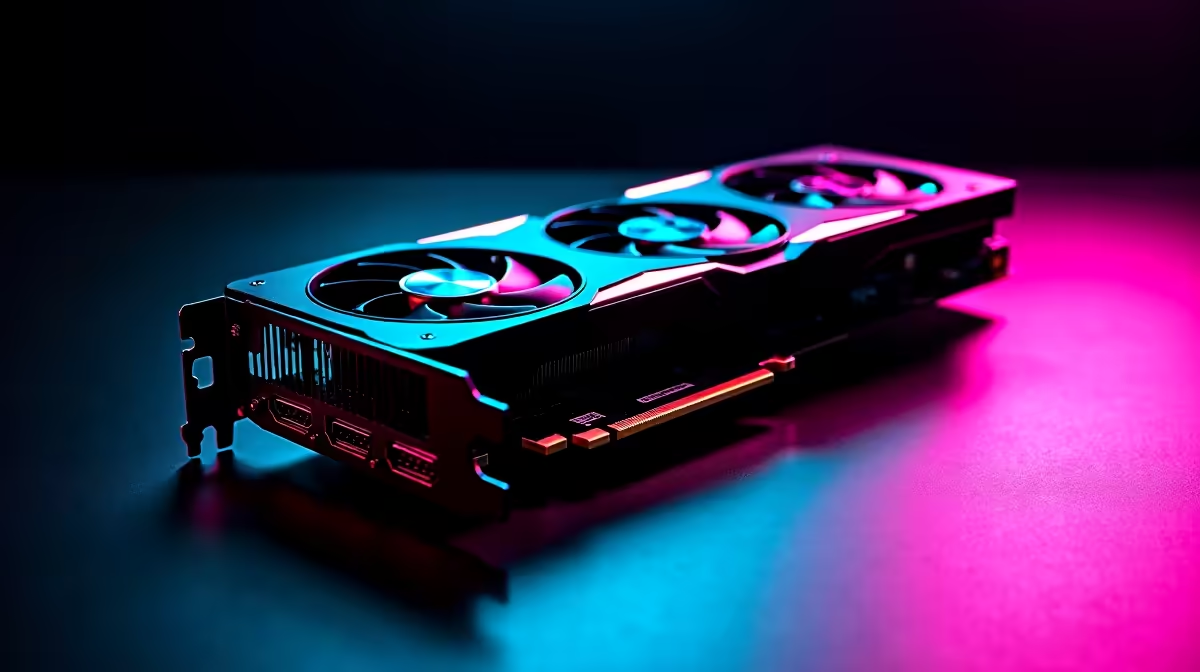
South African summers are unforgiving. When the heat hits, your gaming rig feels it too. If you own an NVIDIA RTX 3050, you might be watching those thermals closely. You want maximum frames without melting your hardware. Let us dive into this RTX 3050 temperature guide to understand normal temps and how to keep it cool.
Understanding Normal Temps for the RTX 3050 🌡️
The RTX 3050 is a highly efficient GPU. It draws less power than many older graphics cards. This means it generally runs cooler right out of the box.
When you are just browsing or watching YouTube, idle temps should sit between 35°C and 45°C. Once you load up a heavy game, expect those numbers to climb. Under full gaming load, normal temps range from 65°C to 75°C. If you hit 80°C, do not panic... but it is time to check your airflow.
Why Your GPU Might Be Running Hot
Heat buildup usually comes down to environment and airflow. A cramped case with poor ventilation traps hot air. If your chassis cannot breathe, even the best gaming PC deals will start to thermal throttle.
Dust is another silent killer. It clogs up heatsinks and stops fans from spinning freely. We always ensure our pre-built PCs feature balanced intake and exhaust setups to prevent this exact issue.
Actionable Steps to Keep It Cool 🌬️
You do not need to spend thousands of ZAR to fix thermal issues. Start with a simple clean. Grab a can of compressed air and clear out any dust bunnies hiding in your heatsink.
Next, look at your physical environment. Make sure your PC is not pushed flush against a wall. If you prefer portable gaming on laptops, use a dedicated cooling pad to boost fresh airflow underneath the chassis.
Cooling Pro Tip ⚡
Customise your fan curve using MSI Afterburner. Setting your fans to spin up earlier can drop your RTX 3050 temperatures significantly before thermal throttling even begins.
If your case fans are old or noisy, it might be time for an upgrade. You can easily find high-quality replacements by checking out our specials page. Adding a single extra exhaust fan can drop your system temps by several degrees... keeping your frames high and your hardware safe.
Ready to Upgrade Your Gaming Experience?
Whether you need better cooling or a complete system overhaul, Evetech has you covered with the best prices in South Africa. Explore our massive range of PC upgrades and build the ultimate cool and quiet gaming rig today.