


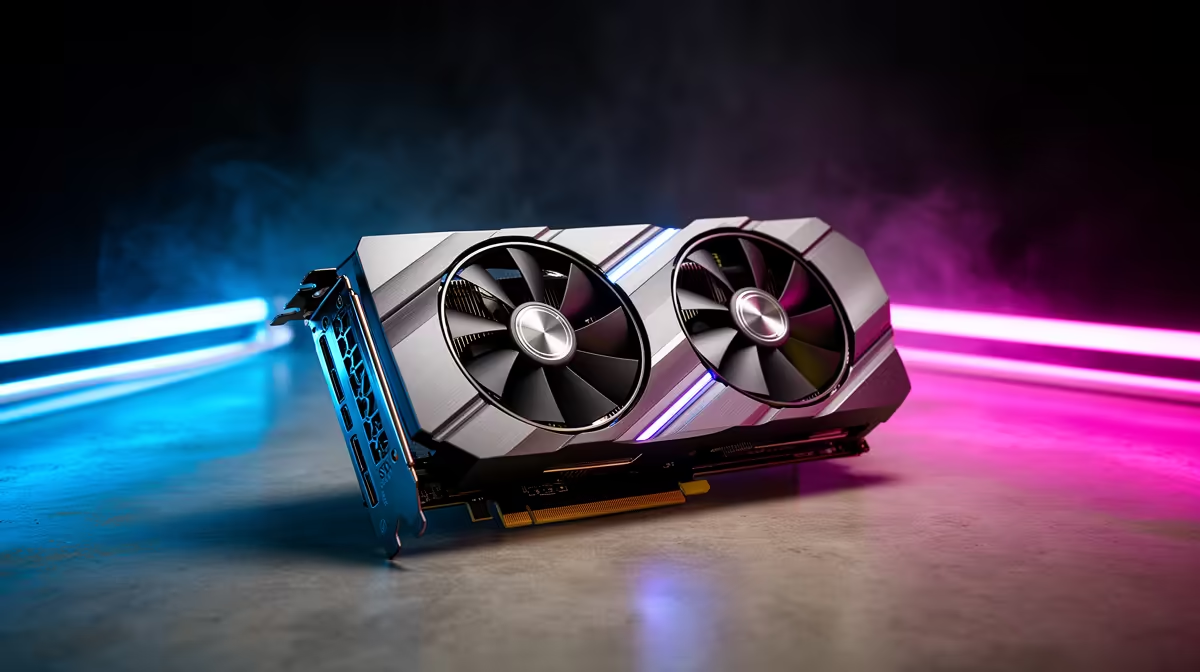
Tunic looks gentle, but 4K still asks the PC to be tidy, quiet and well matched. With an RTX 5090 the goal is not raw headroom but a system that lets the card stay relaxed, so check the display, airflow and power planning first.
Quick Answer
An RTX 5090 runs Tunic past 140fps at 4K maxed out, so it is more than enough. The smarter check is whether your monitor, CPU, storage and 850W-1000W power setup make the 4K experience smooth without wasting the roughly R49,999 to R64,999 the card costs at Evetech.
Tune The 4K Adventure Setup
Tunic benefits from a clean 4K image because its readable shapes, small paths and bright effects are part of the experience. Use the display's native resolution, confirm the refresh rate in Windows, and keep scaling simple before blaming the GPU. If the image feels soft, check game resolution, desktop resolution and cable choice in that order. For couch play or controller use, test the distance from the screen too: a 4K monitor looks excellent up close while a living-room TV needs careful sharpness and input settings.
Check The PC Around The Card
A high-end GPU sits underused if the rest of the build is untidy. Make sure the CPU is not stuck in an old power profile, the memory runs at its intended speed, and the game lives on a responsive NVMe SSD. Tunic should not force extreme upgrades, but it can still expose basic setup mistakes. Cooling matters: warm South African rooms push a cramped case into louder fan behaviour, so leave clear intake space and keep cabling away from the GPU fans.
FAQ
What frame rate does Tunic hit at 4K on an RTX 5090?
Comfortably past 140fps at 4K maxed out. Tunic is so light that the RTX 5090 has huge headroom, which only a 4K high refresh panel makes visible.
Is an RTX 5090 sensible for Tunic at 4K?
Only as part of a wider setup. For Tunic alone the roughly R49,999-plus card is heavy overkill; it earns its place if the same PC handles demanding AAA games at 4K.
What cable should I use for 4K Tunic?
A DisplayPort 2.1 or HDMI 2.1 cable rated for 4K at your monitor's refresh. The wrong cable can quietly drop you to a slower mode and soften the picture.
card models, confirm case length, PSU connectors, monitor input and the airflow path. Small setup mismatches cause more frustration in a light game than the game itself.










