



550W PSU Planning for RTX 5080 Super Builds in SA
550W for RTX 5080 Super needs a full-build check, not a simple yes. Review GPU guidance, CPU draw, transient load, connectors, PSU quality, and upgrade plans before deciding.
Read moreAs the cheaper cut of AMD's current midrange graphics card, the RX 9060 XT 8GB matches its 16GB sibling until textures or ray tracing push past its VRAM ceiling at 1440p. Evetech buyers on a tighter budget can lean on it for 1080p; the 16GB card ages better.
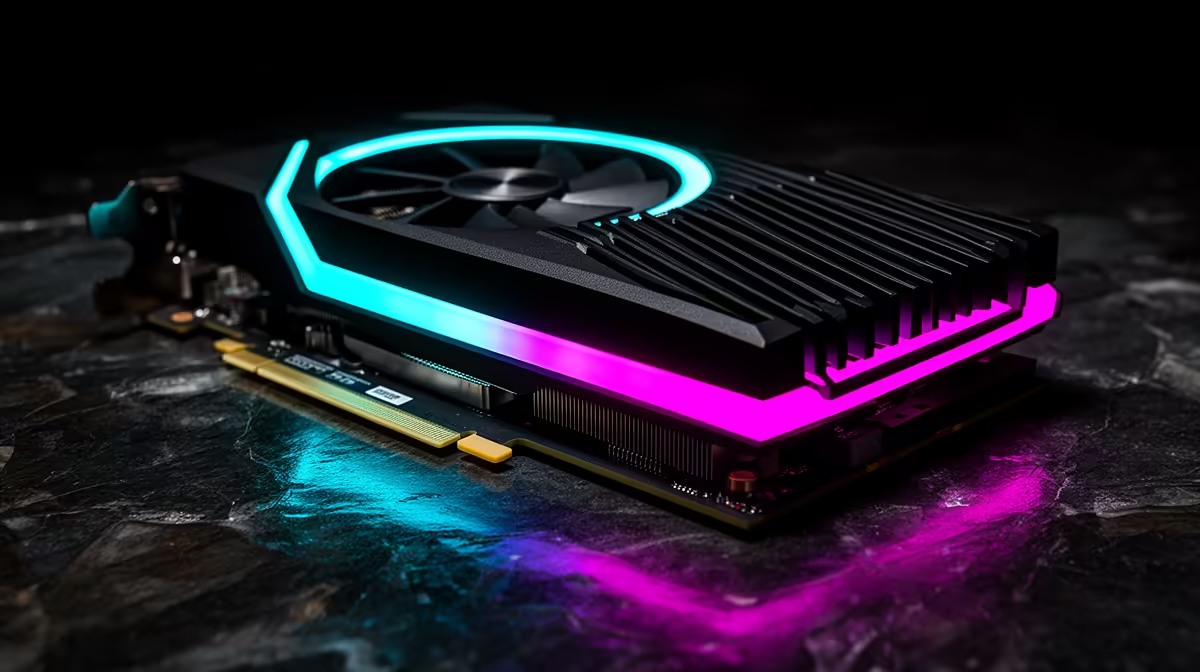
The RX 9060 XT 8GB uses the same core GPU configuration as the 16GB model. It can match its sibling while a game fits comfortably in memory. High-resolution textures, ray tracing and some 1440p workloads expose the 8GB ceiling.
Choose 8GB for a cost-controlled 1080p build when the saving has a useful job elsewhere. Choose 16GB for 1440p, texture-heavy games, mods or a longer ownership window.
The July price pack does not include a named RX 9060 XT example, so compare live cards in the general graphics card catalogue, check GPU best sellers, and use the dedicated RX 9060 XT range for the two memory variants.
AMD lists 32 compute units, 2,048 stream processors and a 2,530MHz game clock for the RX 9060 XT family. The 8GB and 16GB versions use GDDR6 on a 128-bit interface.
The official board-power figure is 150W for the 8GB version and 160W for the 16GB model. Partner designs can change clocks and cooling, so check the named card.
When the workload stays below 8GB, memory capacity alone does not create a frame-rate difference. Cooling, clocks and benchmark variance can still separate two models.
A game can respond to limited VRAM by lowering texture quality, moving assets through system memory or producing uneven frame times. Ray-tracing data and high-resolution texture packs raise the demand.
Watch frame-time graphs, texture pop-in and one-percent lows. An average frame rate can hide a short stall. Use the game's memory indicator as a guide rather than a perfect measurement.
At 1080p, the 8GB card can run a broad library with settings chosen around the title. At 1440p, the 16GB version provides a safer capacity margin even when both share the same processor resources.
Compare two named cards with similar cooler and warranty. If the 8GB saving upgrades the CPU, SSD or monitor, it can improve the complete entry build. If the price gap is small, 16GB is the cleaner choice.
Do not pay a premium cooler price on the 8GB model that reaches the cost of a sensible 16GB card. Check case size, power connector and noise as well as memory.
Confirm the motherboard slot, case clearance and power supply before upgrading. Update motherboard firmware through its supported process and enable Resizable BAR where the platform allows it. When changing GPU brands, remove the old driver through the normal vendor instructions and install the current Radeon software. A weak older processor can limit high-refresh 1080p before either memory version is full.
They share the core specification. The 8GB card falls behind when memory capacity becomes the constraint or partner-card settings differ.
It remains workable for many games with tailored textures and ray tracing. Check the demanding titles you plan to keep.
Yes, unless the 8GB discount is large and you accept more setting management. The extra capacity gives newer games more room.
Compare the two RX 9060 XT memory versions at live prices, then choose 8GB only when its saving improves the rest of your 1080p build.
They share the core specification. The 8GB card falls behind when memory capacity becomes the constraint or partner-card settings differ.
It remains workable for many games with tailored textures and ray tracing. Check the demanding titles you plan to keep.
Yes, unless the 8GB discount is large and you accept more setting management. The extra capacity gives newer games more room. {{PRODUCTS: { facets: { query: "RX 9060 XT" }, limit: 12, title: "RX 9060 XT Deals", style: "4" } }}
550W for RTX 5080 Super needs a full-build check, not a simple yes. Review GPU guidance, CPU draw, transient load, connectors, PSU quality, and upgrade plans before deciding.
Read more
8000Hz polling is overrated for most SA gamers because gains can be tiny next to battery drain and monitor limits. Mbombela players should weigh mouse feel, game support, and system stability before chasing the number.
Read more
Magnetic switches are taking over SA gaming keyboards because actuation can be tuned. For Sandton gamers, rapid trigger, reset control, and profile depth can help, but layout, key feel, and software quality still matter.
Read more
Polokwane oled monitor value questions need cautious SA context because pricing can move with availability, exchange rates, specs, and warranty support. Treat the trend as a planning signal, not a fixed price promise.
Read more
Arc B580 budget builds for Midrand gamers can shift with exchange rates, supply, specs, and model tier. Treat the title as a buying prompt, then compare SA warranty, timing, and build priorities.
Read more
ROG Ally X may beat the LCD Steam Deck for SA gamers who value stronger handheld performance, more memory, and Windows flexibility. Compare battery life, controls, game libraries, and Polokwane support needs before deciding.
Read more
Minisforum's M2 Pro pairs Core Ultra X7, Arc B390 graphics and 32GB onboard memory in 1.8 litres. SA buyers should weigh its fixed memory and $1,439 launch offer against local mini PCs.

Lenovo says Legion Go failures linked to BIOS N3CN42WW are not user error. Affected SA owners should stop retrying the update, preserve proof and open a support case.

Smart monitors can add apps and convenience, but they also add privacy settings and unwanted-software risk. SA buyers should audit the operating system before paying for extras.

A fake 113GB GTA VI ISO reportedly used empty padding around a small malware payload. SA gamers should delete unofficial builds, keep Windows security active and wait for official channels.

ASUS calls the ROG GT-BN98 the first Wi-Fi 8 gaming router. SA buyers should fix coverage and client limits before paying for a future wireless standard.

Apple's M6 Mac mini adds faster AI, graphics and networking in the same compact format. SA buyers should wait for a rand listing before comparing value.

The Vulcan II XP adds hot-swappable switches, sound damping and gaming controls to a full-size wired board. SA buyers should compare feel before features.

Microsoft says Windows on Arm now has over 7,000 verified apps and games. SA buyers should still check each driver, game and work tool before switching.
550W for RTX 5080 Super needs a full-build check, not a simple yes. Review GPU guidance, CPU draw, transient load, connectors, PSU quality, and upgrade plans before deciding.

Skyrim HD texture packs that actually run on RX 9070 helps SA readers plan hardware, settings, compatibility, and upgrade trade-offs. Check GPU, CPU, RAM, storage, monitor, and stability needs without risky performance claims.
8000Hz polling is overrated for most SA gamers because gains can be tiny next to battery drain and monitor limits. Mbombela players should weigh mouse feel, game support, and system stability before chasing the number.

Wi-Fi 7 or Wi-Fi 6e for streaming on twitch and youtube should be judged by fit, not a single winner. Compare compatibility, latency, capacity, upgrade path, cost planning, and South African setup needs.