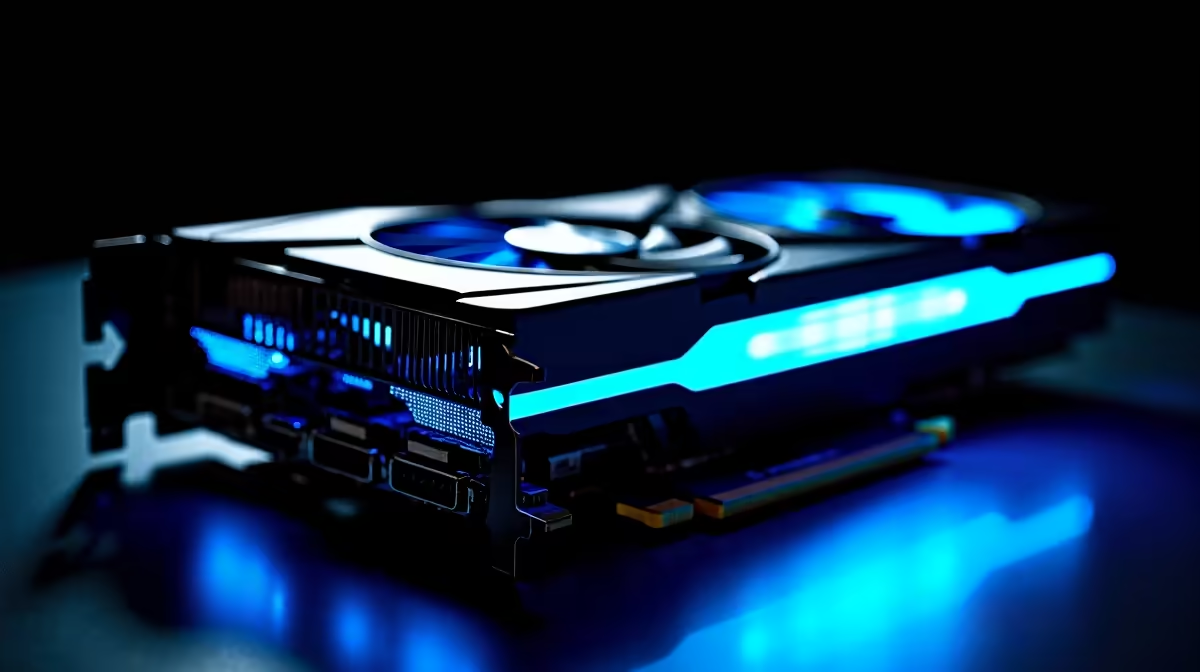
You just dropped serious ZAR on a brand new rig. You boot up your favourite title, expecting buttery smooth frames. Instead, you are met with stuttering and lag. Experiencing RX 9070 XT low FPS is incredibly frustrating for any South African gamer. Before you panic and assume your hardware is broken... let us walk through some proven troubleshooting steps to get your frame rates back where they belong.
Check Your Power and Thermals ⚡
The RX 9070 XT is a beast of a GPU. It needs clean power and excellent airflow to shine. If your power supply is struggling, your card will throttle heavily to survive. Make sure you have at least an 850W Gold-rated PSU.
Heat is another massive performance killer. South African summers are unforgiving on PC components. Check your case fans and ensure your cooling setup is fully optimised. If you are tired of building and troubleshooting yourself... you might want to explore our best gaming PC deals for systems stress-tested by professionals.
Driver Updates and Software Conflicts
Sometimes the fix for RX 9070 XT low FPS is surprisingly simple. Outdated Radeon drivers are the usual suspects. Always use the AMD Adrenalin software to perform a clean install.
Background apps can also hog vital system resources. Turn off unnecessary overlays from Discord or Steam. If you are upgrading an older rig, residual NVIDIA drivers might be causing conflicts. For those who prefer a hassle-free plug-and-play experience... checking out reliable pre-built PC deals is a smart move.
Driver Wipe Pro Tip 🔧
Always boot into Windows Safe Mode before running Display Driver Uninstaller (DDU). This ensures Windows does not try to auto-install generic drivers while you are wiping the old ones. It gives your new GPU the cleanest possible software environment.
Tweak Your In-Game Settings
Modern 2026 games are incredibly demanding. Pushing everything to maximum quality with full path tracing will bring almost any card to its knees. Check your in-game upscaling options first.
AMD FidelityFX Super Resolution is your best friend here. Setting FSR to quality mode can instantly boost your frame rates with almost no visual loss. Also, consider lowering volumetric clouds and shadow resolution. These settings consume massive VRAM but offer minimal visual improvement during fast-paced gameplay. If you travel often and need portable power instead of a desktop... we stock a massive range of laptops designed for peak mobile gaming.
Bottlenecks and Next Steps 🚀
Pairing a next-gen GPU with a five-year-old CPU will destroy your performance. Your graphics card can only render frames as fast as your processor prepares them. If your CPU usage is pinned at 100% while your GPU sits at 40%... you have a severe bottleneck.
Keeping an eye on the latest tech specials can help you snag those necessary component upgrades without breaking the bank. And if you realise your current setup just is not cutting it for flawless 4K gaming... you can always browse our store to upgrade your graphics card to an absolute top-tier flagship model.
Ready for Uninterrupted High-FPS Gaming?
Do not let hardware gremlins ruin your weekend gaming sessions. Whether you need a simple component upgrade or a completely new powerhouse rig, Evetech delivers maximum value. Explore our massive range of PC specials and find the perfect hardware to conquer your digital worlds.