


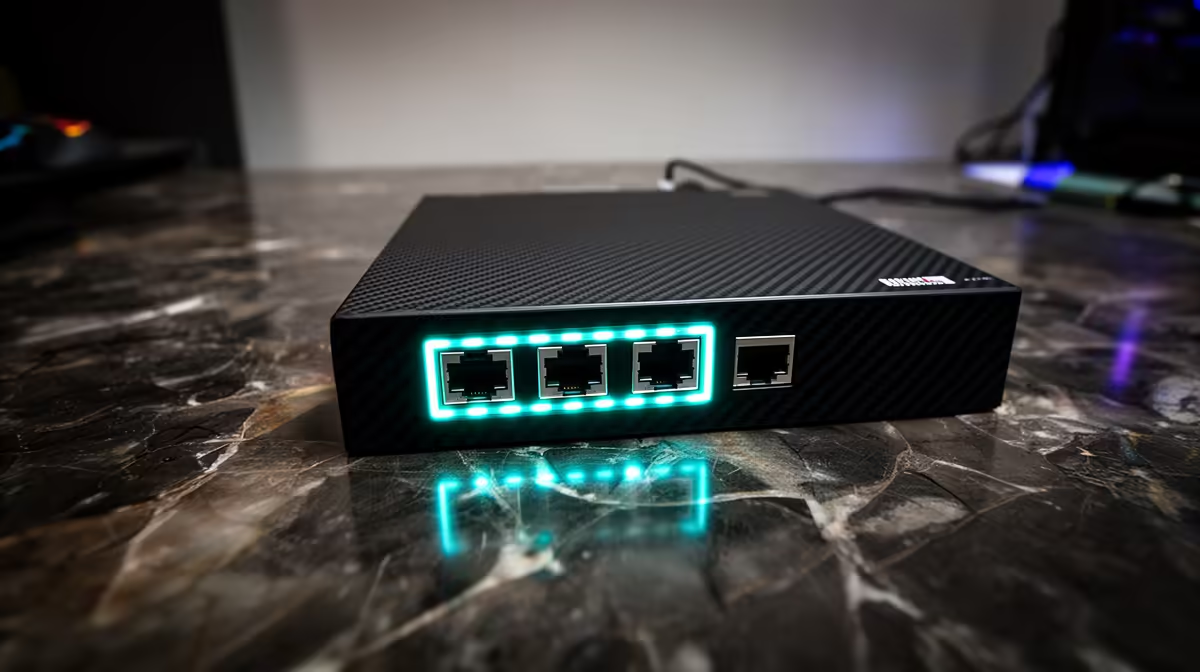
Streaming 4K video is unforgiving of an unstable connection. The moment your upload wavers, viewers see pixelated blocks, buffering spinners, and frames that never recover. South African fibre paired with a wired RJ45 connection changes that equation, giving your encoder a consistent pipe instead of the variable one that wireless hands you. The setup is straightforward, and the difference shows up in your dropped-frame counter immediately.
Quick Answer
4K broadcasting over SA fibre needs around 35 to 50Mbps upload with low jitter. Run your encoder directly to the router through a Cat5e or Cat6 cable. A wired link holds that rate steady throughout the stream where Wi-Fi drops frames under load.
🌐 What 4K Broadcasting Actually Demands From Your Connection
A 4K60 stream encoded at quality settings typical for platforms like YouTube Live or Twitch runs between 20 and 30Mbps upload under normal conditions. That figure looks manageable on a 100Mbps fibre line until you account for spikes. High-action scenes in a game or rapid camera movement push bitrate demand upward in bursts. Without headroom above your average, those peaks hit the ceiling and the stream stutters.
Planning for 35 to 50Mbps available upload keeps enough buffer above the average that burst moments pass cleanly. On a 100Mbps symmetrical fibre plan that headroom is easy to maintain, and the remaining capacity handles voice calls, software updates, or a second device without touching the stream allocation.
🔌 Why the Physical Cable Is Not Optional
Wi-Fi works on shared radio spectrum. Every other device in range competes for airtime on the same channels, and even a modern router handling that traffic introduces variable latency. Brief delays of 20 to 50 milliseconds occur regularly on a busy 5GHz network, and to the stream encoder those delays register as dropped packets. The output is frames that never reach the ingest server.
An RJ45 cable has none of that. Signals travel down copper with consistent sub-millisecond latency and no interference from neighbouring networks. Even in an apartment block in Cape Town or Durban where dozens of Wi-Fi networks overlap, a wired machine sits completely outside that chaos. The encoder sees a steady, predictable pipe and fills it smoothly.
⚡ Cable Category and What It Means for Your Setup
Cat5e handles gigabit speeds at runs up to about 100 metres, which covers virtually any home or small studio layout. Cat6 adds tighter shielding and better crosstalk rejection, making it the better choice for runs near power cables or through walls where interference is more likely. For a clean desk run, either handles 4K stream traffic with enormous headroom.
The RJ45 connectors at each end are standardised, so any Cat5e or Cat6 patch cable plugs into your router and your PC's onboard Ethernet port without adapters. Avoid cables with visible damage to the outer jacket, as the twisted pair inside can develop intermittent faults that show up as jitter rather than a complete dropout.
Frequently Asked Questions
Do I need a specific fibre plan tier for 4K streaming in SA?
A 50Mbps or 100Mbps fibre plan with a symmetrical or upload-generous split covers 4K streaming comfortably. The critical measurement is your actual sustained upload speed rather than the marketed figure. Run a speed test during peak evening hours, when most ISPs see heavier traffic, to confirm your real available upload before your first 4K broadcast.
Can a powerline adapter substitute for a direct cable run?
Powerline adapters carry your network signal over the electrical wiring in your walls and offer a path where running a cable is impractical. They improve on Wi-Fi in many scenarios, but household wiring was not designed for data, so they introduce more jitter than a proper direct cable run. For a 4K broadcast where frame consistency matters, a Cat6 cable run is still the more reliable route.
What happens if I stream 4K and game online at the same time?
A 4K stream uses upload bandwidth while online gaming primarily uses download bandwidth with minimal upload. On a 100Mbps line the two coexist easily. The stream claims its upload allocation and gaming uses a separate download channel, so both run in parallel without competing, provided your total usage stays inside your plan ceiling.
Does the router matter if the cable is wired?
Yes. A router with quality-of-service controls lets you prioritise traffic from your streaming PC, ensuring the broadcast gets its bandwidth allocation even when other devices on the network are active. Without QoS, a large download on another machine can briefly claim bandwidth that your stream encoder was counting on.
How do I confirm my wired connection is performing before going live?
Run a five-minute test stream to a private channel at your target 4K bitrate and watch the dropped-frame counter in your streaming software. Under 0.1 percent dropped frames over that test indicates a solid connection. If the counter climbs, check your cable for kinks or damaged shielding before troubleshooting the router or ISP.
Ready to lock in a stable 4K broadcast connection? Explore the networking accessories and streaming hardware available for South African creators, and build a wired setup that keeps your upload steady through every live session.










