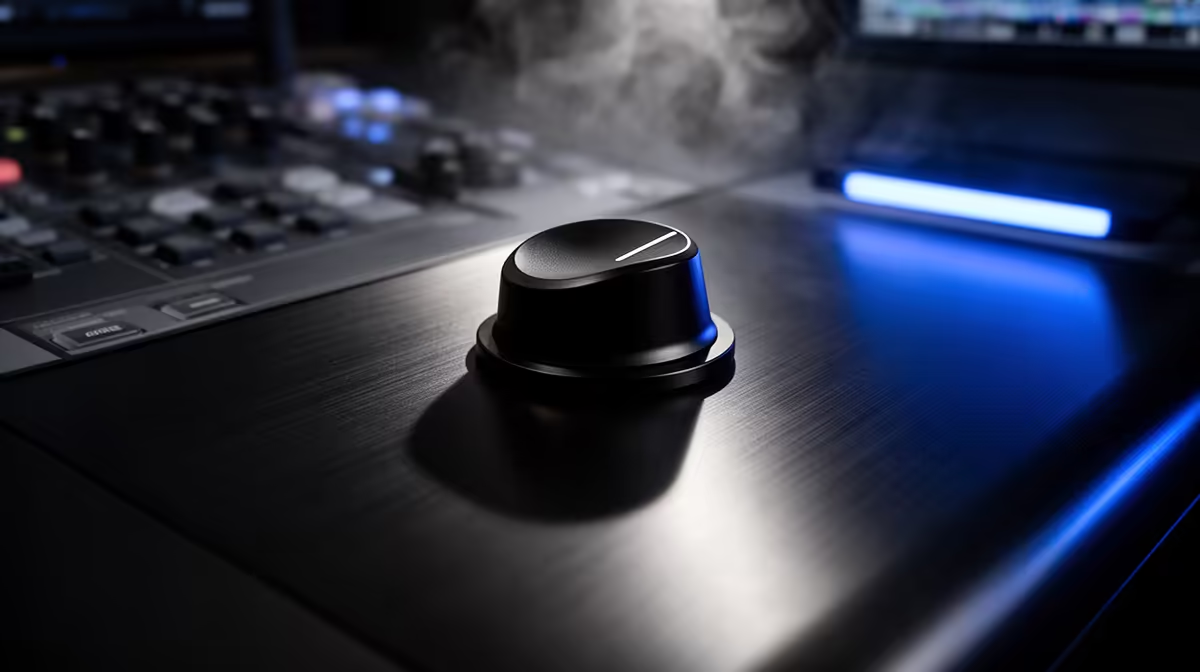
A software mute hotkey is only as reliable as the application it lives in. If OBS freezes at the wrong moment, if Discord loses focus during a hectic game, if the streaming software is busy processing a scene transition when the phone rings in the background, that hotkey may not fire. A hardware one-touch mute button cuts the mic signal before it ever reaches the software layer, which means application state is irrelevant. The mic is simply silent.
Quick Answer
A hardware mute button cuts the audio signal at the microphone before it travels over USB, so a frozen or unresponsive app cannot leave the channel accidentally live. An LED ring confirms the muted state instantly, giving reliable broadcast privacy with one tap rather than a keyboard shortcut that depends on software focus.
🔌 Why Hardware Mute Beats a Software Hotkey
Software mute tools work through the application layer. A keyboard shortcut set in OBS mutes the audio source inside OBS. A Discord mute toggle silences that app's input. Both solutions depend on the application being responsive, the keyboard focus being in the right place and the operating system processing the keystroke at the correct priority.
In a busy streaming session with multiple apps open, that chain of dependencies is longer than it looks. A brief GPU spike during a game scene can freeze OBS for a fraction of a second. Windows handling a background update download can deprioritise keypress events. The result is occasional unpredictable failure at the exact moments when reliability matters most.
Hardware mute eliminates the dependency chain. The button triggers a physical switch that interrupts the signal path before the mic transmits anything over USB. No software component is involved. Whether OBS is running, frozen, closed or mid-crash, the mic is not transmitting. This is not a minor reliability improvement. For anyone streaming professionally or managing a live broadcast where an accidental audio leak would be problematic, the hardware implementation is the only one that gives genuine certainty.
🔆 The LED Confirmation Ring
Knowing definitively whether the mic is live or muted is as important as the mute itself. The LED ring provides that confirmation without requiring any attention beyond a glance at the mic.
Most hardware mute implementations use a two-state indicator: a red ring for muted, a green ring or off for live. The exact colour scheme varies between manufacturers, so confirming the mapping for your specific model takes 30 seconds and prevents future confusion. Once learned, the ring becomes the broadcast privacy indicator you check at a glance without looking away from the monitor.
Some models include a soft pulsing animation while muted, providing a persistent reminder during long gameplay sections where it is easy to forget the mic was tapped off earlier.
🎯 When the Button Earns Its Keep
Three moments come up regularly in a streaming session where hardware mute proves its value. An unexpected interruption, a family member walking in mid-stream or a phone call arriving, is handled with one tap before anyone else hears the exchange. A sudden cough or sneeze is managed faster than any software toggle could respond. A private aside to a co-host during a group broadcast stays private because the LED confirms silence before speaking.
Each of these scenarios shares the same property: there is no time to navigate a menu or confirm that a software hotkey fired. The hardware button acts immediately and the LED confirms the result at a glance.
Frequently Asked Questions
Why is hardware mute more reliable than a software keyboard shortcut?
A software shortcut acts inside an application that must be running, focused and responsive to process the keypress. A hardware button interrupts the signal path at the mic before USB, making application state irrelevant. If OBS crashes during a stream or any other software hiccups, the hardware mute remains active and the mic stays silent. Software shortcuts are convenient; hardware mute is reliable.
How does the LED ring confirm I am actually muted?
The LED changes state immediately when the mute button is pressed, typically switching to a red ring for muted and returning to green or off when live. This visual confirmation is available at a glance from normal desk distance without shifting attention from the monitor. A pulsing LED on some models provides an ongoing reminder that mute is still active, preventing the common mistake of speaking on a muted channel.
Can the hardware mute hold through an app crash?
Yes. Because the mute acts at the mic hardware level before any USB data is transmitted, it requires no software to remain operational. If OBS or the communication platform crashes while mute is active, the mic transmits silence until the button is pressed again.
How quickly does a hardware mute button take effect?
Effectively instantly. The signal stops at the hardware layer, well before a software toggle could be processed by the operating system and application. For a sudden cough or an unexpected interruption, that response time is fast enough to matter.
Does hardware mute also stop recording software from capturing audio?
Yes. The mic sends a silent signal over USB when muted, so any recording application, whether OBS, Audacity or a communication platform, captures nothing while the button is active. The mute applies to all connected software simultaneously.
Ready to take control of your broadcast privacy with one tap?
Browse the USB microphone range at Evetech and find models with hardware mute and LED confirmation built for reliable live streaming.