


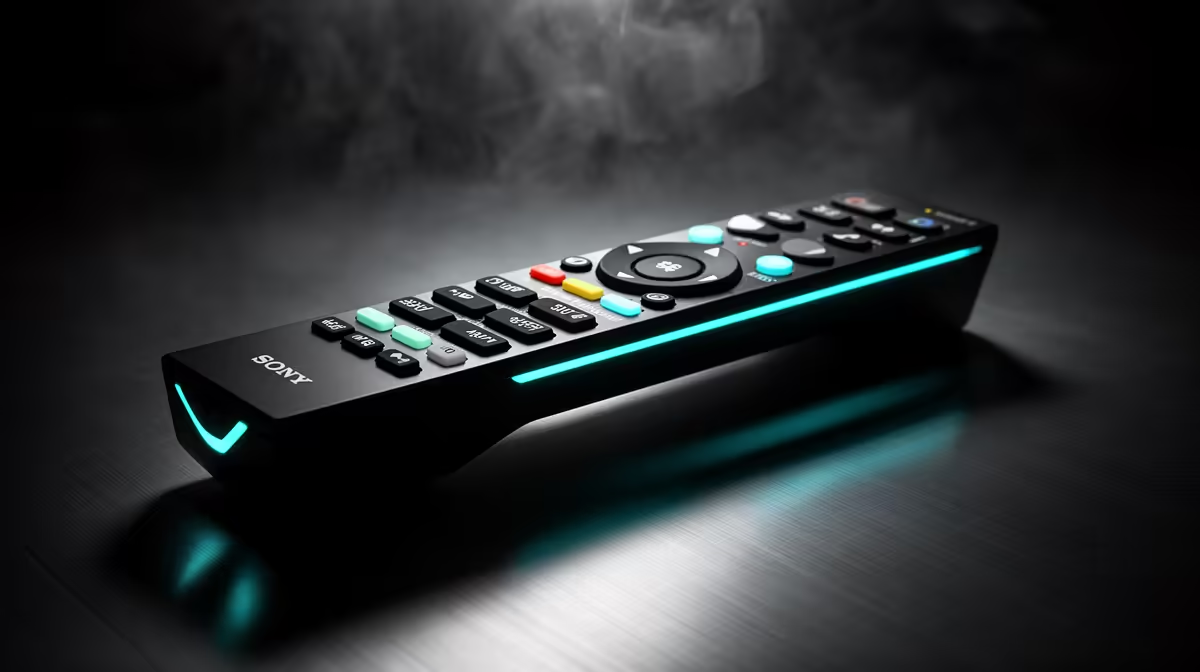
Mid-stream is the worst time to hunt through software menus. A scene change, a framing switch, an audio profile swap: any of these done by keyboard shortcut or mouse click pulls attention away from chat and gameplay at exactly the moment it is most needed. Smart remote and real-time preset features in broadcast gear exist specifically to remove that friction, putting production control into a single physical button press.
Quick Answer
Look for broadcast gear with at least three saved preset slots and a physical remote that recalls them in under a second. A good system stores framing, zoom level, and audio profile together per preset, so one button press flips the entire scene configuration without touching the PC.
🎯 What Presets Actually Store
The value of a preset system scales with how much it remembers. Basic implementations store only framing and zoom, which is useful but limited. More capable systems bundle the camera position, zoom level, active audio profile including gain and suppression settings, and sometimes pan-tilt coordinates into a single recalled state.
That bundled recall means a presenter can switch from a wide desk shot showing keyboard and monitor setup to a tight talking-head frame with a podcast-style audio profile in one button press, without any intermediate adjustment. The cut happens in under a second and the audio shifts with it, which is the production capability that used to require a technical operator handling separate controls.
Three preset slots is a practical minimum for a solo streaming setup. Wide shot, close shot, and a third configured for a product showcase, whiteboard, or reaction frame covers most scenarios a single creator runs across during a session. Five or more slots suit more complex productions with multiple content segments.
🔧 Physical Remote Versus Software Recall
A hardware remote within reach of the dominant hand offers faster access than any keyboard shortcut during a live broadcast. Software presets require the production interface to be active, which means backgrounding the game. A physical button fires the preset without any application switching, keeping the game full screen and chat visible throughout.
Build quality matters. A unit with tactile confirmation and minimal button travel is preferable to a flat touch surface that offers no feedback. Wireless remotes add the freedom to move away from the desk for standing demos, with latency under 50 milliseconds on a well-built system.
⚡ Real-Time Recall and Transition Quality
"Real-time" preset recall specifically means the transition from one stored state to another is smooth and fast enough to look deliberate on camera. A system that takes two to three seconds to complete a zoom or pan change between presets introduces a jerky interval that reads as a glitch rather than a production choice.
Well-implemented systems complete a preset transition in under one second, often under half a second, using motorised or electronic smoothing to control the rate of change. The result is a clean, professional-looking cut or a smooth glide between positions, whichever the preset system is configured to deliver.
Audio preset recall should be genuinely simultaneous with video. A system where the audio profile switches 200 milliseconds after the frame changes creates a brief audio gap that attentive viewers hear. Confirm with manufacturer documentation or reviews that audio and video presets recall in sync.
Frequently Asked Questions
How many preset slots does a professional solo streaming setup need?
Three covers the basic use case: a wide establishing shot, a standard close talking-head, and a third for product, reaction, or whiteboard content. Five slots suit more varied productions where scene variety across a long session keeps the content visually interesting. Beyond five, the benefit diminishes unless the production is genuinely complex or involves multiple repeating format segments.
What physical controls matter most on a broadcast remote?
Dedicated numbered buttons for each preset slot, a clearly tactile response to confirm the button registered, and a form factor that fits comfortably in one hand without blocking the other hand's use of a mouse or controller. A small footprint that sits on the desk beside the keyboard without occupying mouse space is ideal for a standard gaming desk layout.
Can preset recall handle pan and tilt positioning as well as zoom?
Many motorised PTZ camera systems do include pan and tilt coordinates in stored presets, which is particularly useful for content that moves between positions, like a standing whiteboard demonstration and a seated desk segment. Not all webcam-class broadcast cameras include physical motor drives, so confirm whether the camera type in question supports PTZ preset recall or only zoom and framing.
Does audio profile recall in presets work with external microphones?
That depends entirely on whether the camera system controls the external microphone through its own software chain. A camera that manages a directly connected USB microphone through the same interface can include that microphone's settings in presets. An external microphone routed through separate software or hardware is outside the camera's preset system and requires a separate macro or hotkey to manage alongside the camera preset.
Ready to run your stream like a production, not a one-person scramble? Browse the broadcast cameras and smart remote systems available for South African creators, and get preset control that keeps up with your content.










