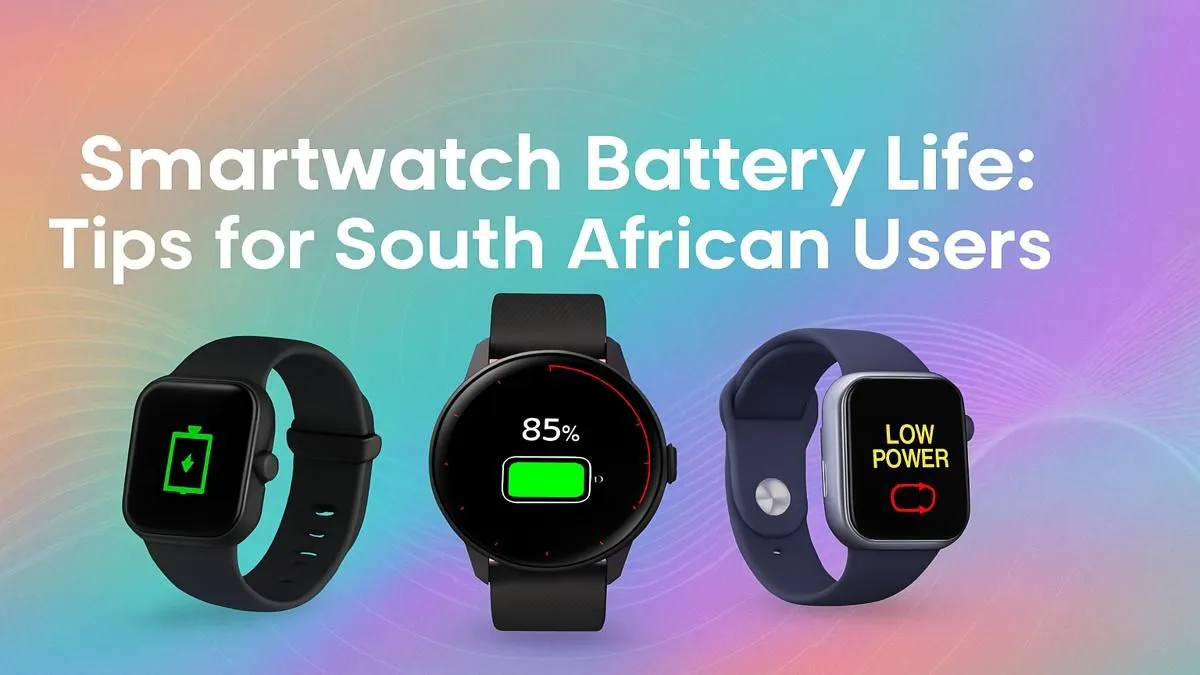
Nothing’s worse than your smartwatch dying halfway through the day, especially during an unexpected outage when it’s your main link to notifications. That low-battery warning can feel like a personal attack. But what if you could stretch that charge from your morning coffee right through to your evening binge-watch? We’ve gathered the most effective smartwatch battery life tips to help you reclaim your power and keep your wrist-tech running all day long in SA.
Optimise Your Display for All-Day Power
Your smartwatch's vibrant screen is its biggest power consumer. A few small tweaks here can make a massive difference to your device's stamina. These simple display adjustments are your first line of defence against poor smartwatch battery life.
Dial Down the Brightness
This might seem obvious, but auto-brightness isn't always your friend. It often sets the level higher than you actually need. Manually setting your screen brightness to a comfortable but lower level can instantly add hours to your charge. Also, consider reducing your screen timeout so the display isn't on when you're not looking at it.
Choose a Darker Watch Face 💡
If your device has an OLED or AMOLED screen—which most of today's smartwatches do—using a watch face with a predominantly black background is a power-saving superpower. On these displays, black pixels are simply turned off, consuming zero energy. A colourful, animated face might look cool, but it's constantly draining your battery.
Master Your Connections to Extend Battery Life
Your smartwatch is always talking... to your phone, to Wi-Fi, to GPS satellites. Managing these connections is a key strategy for extending your smartwatch battery life. You don’t need everything on, all the time.
Turn off features like Wi-Fi, NFC, and especially GPS when you aren't actively using them. If you're just at your desk, you don’t need GPS tracking your every move. Many modern devices from brands like Promate offer intuitive controls to quickly toggle these settings.
Pro Tip for Peak Performance 🔋
Use 'Theatre Mode' or 'Cinema Mode' not just at the movies, but anytime you don’t need the screen to light up with every wrist movement, like during a work meeting or while driving. This keeps the screen off and mutes notifications, saving a surprising amount of power without disconnecting you completely.
Cut Through the Notification Clutter
Does your wrist buzz for every single WhatsApp group message, email, and social media like? Each notification wakes the screen and uses the vibration motor, chipping away at your battery. Getting ruthless with your notifications is one of the best smartwatch battery life tips you can implement.
Go into your watch's companion app on your phone and curate which apps are allowed to send alerts to your wrist. Limit it to the essentials: calls, key messages, and calendar reminders. You'll not only save power but also improve your focus.
Know When It's Time for an Upgrade
While these tips work wonders, an old battery will inevitably lose its ability to hold a charge. If you're constantly fighting for power, it might be time for a new device. Modern smartwatches have more efficient processors and larger batteries, offering multi-day usage right out of the box. You can even find excellent affordable smartwatches under R1000 that deliver fantastic performance without breaking the bank.
Ready for a Battery That Won't Quit?
These tips will breathe new life into your current device, but the ultimate fix for battery woes is an upgrade. Explore our massive range of smartwatches and find a companion that can keep up with your life in South Africa.