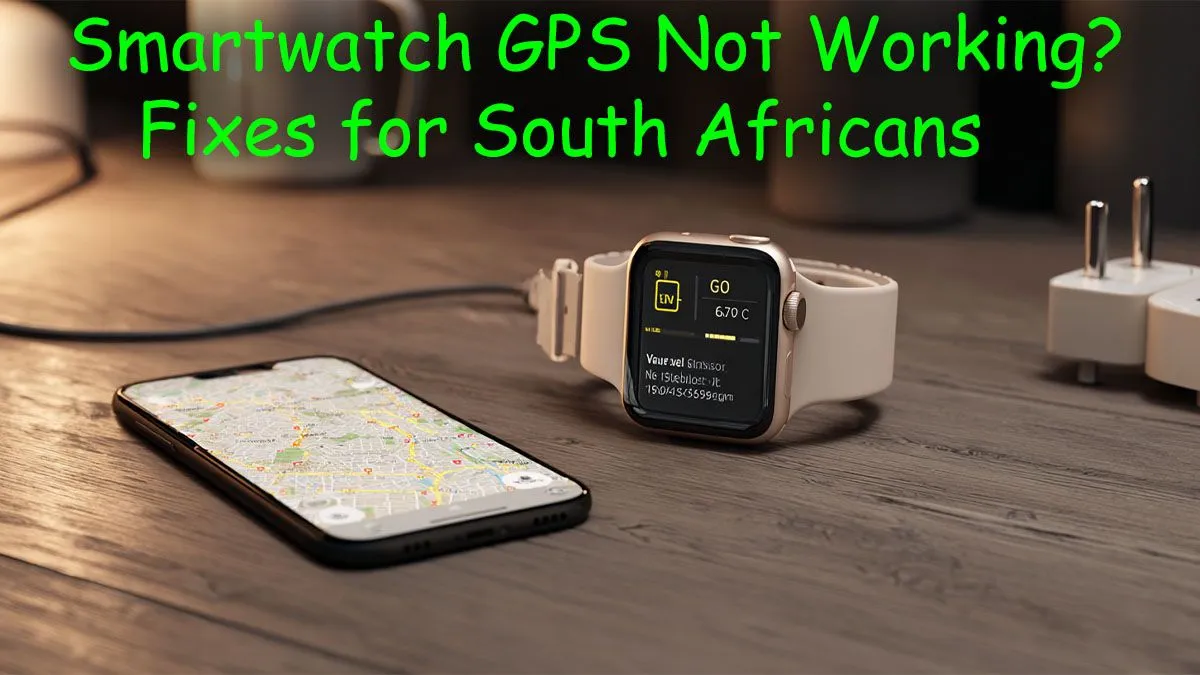
You’re halfway up Lion’s Head, the view is incredible, but your brand-new watch thinks you’re still in the car park. Frustrating, right? When your smartwatch GPS is not working, it can ruin a good run or hike anywhere from the Drakensberg to Table Mountain. Before you consider throwing it off the trail, don’t stress. Most GPS problems are surprisingly easy to fix, getting you back to accurately tracking your adventures.
Understanding Why Your Smartwatch GPS Is Failing
Before diving into the fixes, let's quickly look at the common culprits. A smartwatch GPS not working correctly often comes down to a few simple issues. It could be a poor satellite signal, especially in dense urban areas like Sandton's CBD or under a thick forest canopy. Sometimes, the watch's internal data that helps it find satellites (called A-GPS data) is outdated, or a simple software glitch is causing the headache.
Understanding this helps you troubleshoot smarter, not harder. Most of the time, the issue isn't a hardware fault but a simple communication breakdown that you can solve in minutes. This is true for many modern smartwatches on the market today.
Easy Fixes for Inaccurate Smartwatch GPS 🔧
Ready to get that tracking back on point? Work through these simple steps. For most smartwatch GPS issues, one of these solutions will do the trick.
1. Check Your Settings & Permissions
It sounds basic, but it’s the most common problem. Dive into your watch's settings and ensure that Location or GPS services are actually turned on. Also, check the companion app on your smartphone (like Garmin Connect, Strava, or Wear OS) and confirm that it has permission to access your phone's location. Without this, the watch can't function correctly.
2. Sync, Update, and Restart
Your watch needs to talk to your phone regularly to stay sharp.
- Sync Your Watch: Open the companion app on your phone and manually sync your device. This process often updates the A-GPS data, which helps your watch find satellites much faster.
- Check for Updates: An outdated firmware can cause all sorts of GPS problems. Check for and install any available software updates for your watch.
- The Classic Restart: Turn both your watch and your smartphone off, wait about 30 seconds, and turn them back on. This simple reboot can clear temporary glitches causing GPS inaccuracies.
Supercharge Your GPS Lock ⚡
Your watch uses A-GPS (Assisted GPS) to get a faster location lock by downloading satellite position data via your phone's internet. For the best results, always sync your watch with your phone before you head out. Then, stand still in an open area with a clear view of the sky for a minute to let it acquire a solid satellite lock before you start your activity.
3. Give It Some Space
If you’re starting your run right outside your door in a built-up area, your watch might struggle to see the satellites it needs. Walk to an open space away from tall buildings and trees before you start your activity. Give it a minute or two to establish a strong connection. You'll often see a notification or icon on the watch face confirming a solid GPS lock. This is a common issue even for feature-packed models from brands like Promate.
When Is It Time to Upgrade?
If you’ve tried all these fixes and your smartwatch GPS is still not working reliably, it might be a sign of older hardware. GPS technology has improved significantly over the years. Older models can struggle to maintain a lock, especially in challenging environments. If your device is more than a few years old and consistently fails you, it could be time to look for a replacement.
Luckily, you don't have to break the bank. You can find an affordable upgrade with excellent GPS performance under R1000 that will keep up with all your South African adventures. ✨
Ready to Upgrade Your Adventure?
A reliable GPS is non-negotiable for tracking your progress on our beautiful trails and roads. If your old watch can't keep up, it's time for a change. Explore our range of GPS smartwatches and find the perfect partner for your next run, hike, or ride.