Every few CPU generations, the upgrade path you planned quietly disappears, and the reason is almost always a socket change. When Intel moves from one socket to the next, the new processor physically will not seat in your current board, and no amount of wishing makes it fit. That is the wall Nova Lake buyers are about to hit, and understanding why saves you from buying a chip you cannot use.
Quick Answer
A socket change means a new motherboard is mandatory, not optional. Moving from LGA1851 to the new LGA1954 socket changes the pin count and electrical layout, so Nova Lake processors require all-new 900-series boards that are physically and electrically incompatible with current platforms. You cannot drop a new-socket CPU into an old-socket board, full stop.
What a CPU Socket Actually Is
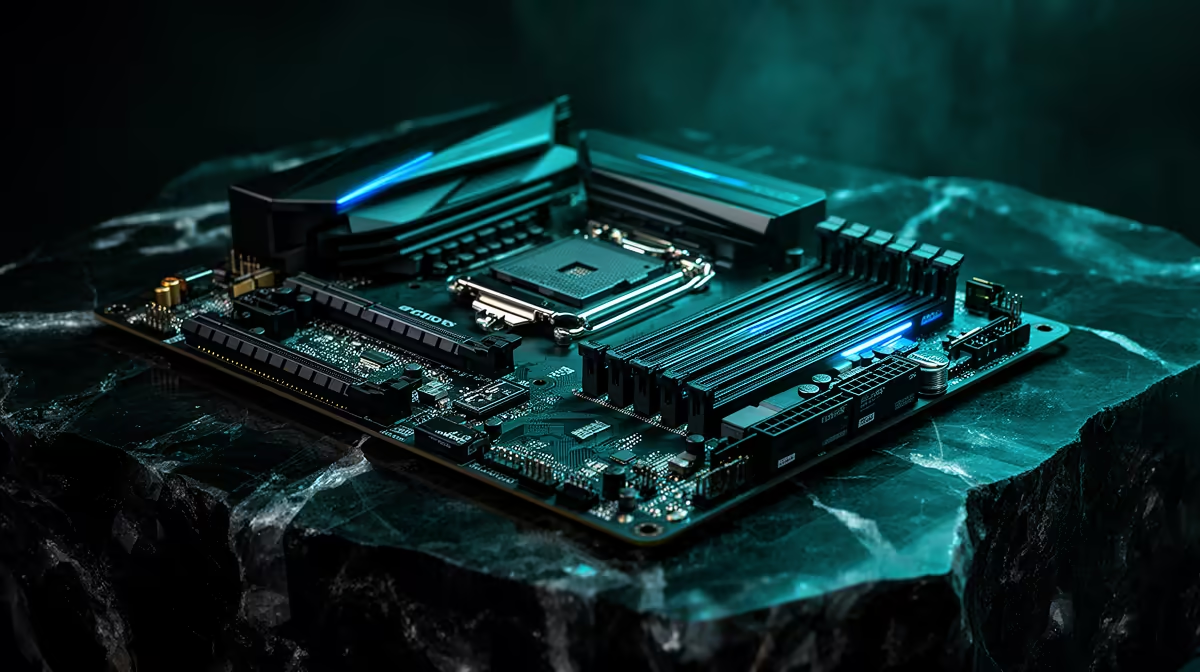
The socket is the physical and electrical connection between your processor and your motherboard. On Intel's LGA (Land Grid Array) design, the pins live in the socket on the board, and the CPU presses down onto them. The number in the name tells you how many contact points there are: LGA1851 has 1851, and the incoming LGA1954 has 1954.
Those contacts are not just for show. They carry power, memory signals, PCIe lanes, and the control lines that let the CPU and the rest of the platform talk to each other. A specific socket is wired for a specific generation of chips, with the pins mapped to exactly the right functions. Change the chip's requirements and you change the wiring, which means a new socket.
Why a New Socket Forces a New Motherboard
Two things make the new chip incompatible with the old board, and either one alone would be enough.
First, the physical mismatch. LGA1954 has more contact points than LGA1851, so the processor simply does not line up with the older socket's pin grid. It will not seat, and trying to force it damages both parts.
Second, the electrical mismatch. Even where pins exist, the new platform reorganises what those contacts do: power delivery, memory controller signalling, and PCIe routing are mapped differently for the new generation. The voltage regulation and chipset on a current board are not designed to feed a Nova Lake chip correctly. That is why the new processors need new 900-series chipsets on new boards built for them.
So the rule is blunt: a new socket means a new motherboard. There is no firmware update, adapter, or trick that bridges a genuine socket change. When Intel changes the socket, your upgrade is a platform upgrade.
What This Costs You as a Buyer
The hidden cost of a socket change is the gear that comes along for the ride. Replacing the motherboard often means replacing or reworking more than just the board itself:
- The board: a new 900-series motherboard is required for Nova Lake.
- Memory: a new platform may move to newer memory standards, meaning your existing kit may not carry over.
- Cooler: a changed socket can alter the mounting bracket, so your CPU cooler may need a new mounting kit or a replacement.
This is why a CPU upgrade across a socket boundary is really a multi-part purchase, and worth planning for rather than discovering at the till. If you are buying into the new platform, factor the board, memory, and cooler into the budget from the start. You can line up the processor side of that build from the Intel CPU range at Evetech and pair it with a compatible new-generation board.
How to Plan Around Socket Changes
You cannot stop Intel from changing sockets, but you can buy smartly around it. If you want a future drop-in upgrade path, buy early in a socket's life so later chips on the same socket are still an option. If you are buying late in a socket's life, accept that the next CPU jump will likely mean a new platform, and plan your spend accordingly. And if you are building fresh for Nova Lake, buy the matching 900-series board from the outset rather than hoping to reuse an LGA1851 motherboard, because that path does not exist. For inspiration on complete, balanced systems, the pre-built best sellers range shows how the latest platforms come together as a whole.
Frequently Asked Questions
Can I put a Nova Lake CPU in my LGA1851 board?
No. Nova Lake uses the new LGA1954 socket with a different pin count and electrical layout, so it will not physically seat or function in an LGA1851 board. A new 900-series motherboard is required.
Why can't a BIOS update enable a new-socket CPU?
A BIOS update can add support for new chips on the same socket, but it cannot change physical pins or rewire power and signalling. A genuine socket change is hardware, not firmware, so no update bridges it.
Will my current RAM and cooler still work?
Possibly not. A new platform may adopt a newer memory standard, and a changed socket can alter the cooler mount. Check whether your existing memory and cooler mounting are compatible before assuming they carry over.
How do I know if two CPUs share a socket?
Compare the socket name and pin count, such as LGA1851 versus LGA1954. Matching socket names mean potential compatibility on the same board family; different ones mean a new motherboard is required.
Is upgrading across a socket change worth it?
It can be, but treat it as a platform upgrade rather than a simple chip swap. Budget for the board and any new memory or cooler mounting so there are no surprises partway through the build.
Planning a Nova Lake build or unsure which board your next CPU needs? Browse Intel processors at Evetech and let our team match your chip to the right 900-series motherboard so every part fits the first time.