


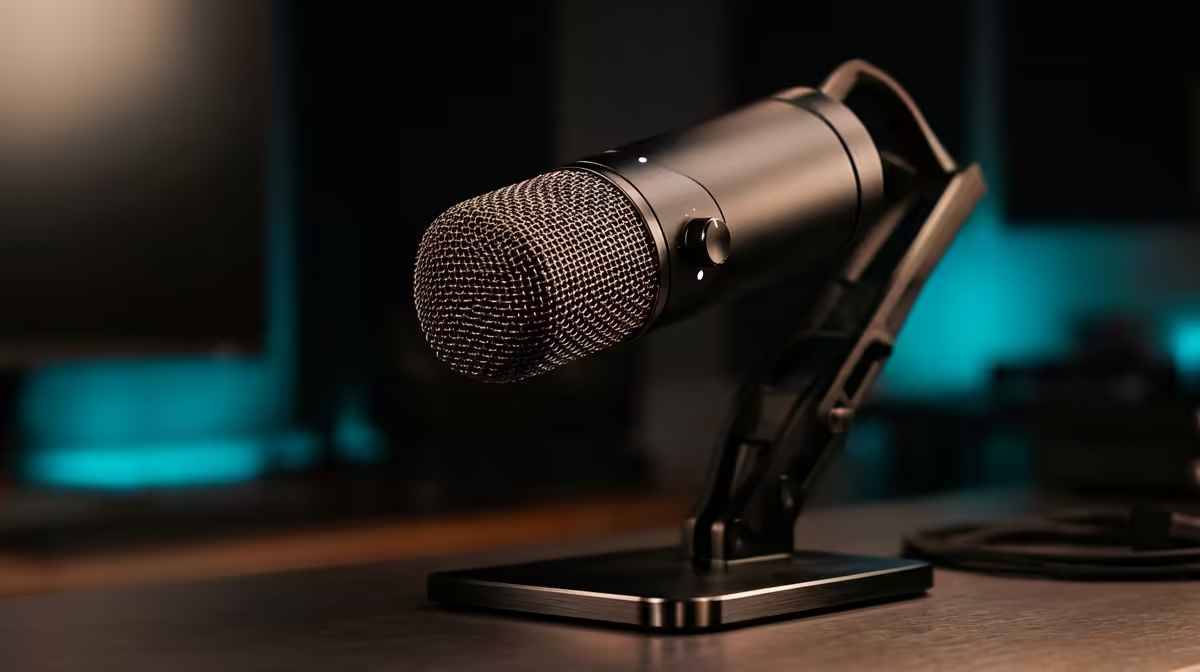
For builders chasing a quiet, clean recording setup, real-time monitoring decides whether you catch audio problems live or discover them in editing.
Quick Answer
Live monitoring matters when you record or stream seriously and need to hear your own audio for plosives, clipping and room noise as they happen; a mic or interface with zero-latency headphone monitoring saves re-recording. Monitoring-capable USB mics are stocked locally from around R1,800.
When Monitoring Earns Its Place
If you stream live, hearing yourself through headphones catches a popped P, a knocked mic, or rising room noise instantly. Without monitoring you only find these in playback, which means lost takes. A built-in headphone jack with zero-latency monitoring is the simplest way to get this on a USB mic.
When You Can Skip It
For quick voice chat or occasional calls, monitoring is a luxury. A basic mic without a headphone jack is fine if you are not producing content where audio flaws cost you.
Setting Up Clean Monitoring
Use closed-back headphones to avoid feedback, set the monitoring mix so you hear voice and game in balance, and watch input levels to stay below clipping. In a quiet room, a cardioid pattern plus monitoring gives broadcast-clean results.
FAQ
Do I need headphone monitoring on a mic?
If you stream or record seriously, yes. Hearing yourself live catches plosives, clipping and room noise immediately, saving you from finding problems only in playback.
What is zero-latency monitoring?
It routes your mic signal straight to the headphone jack with no software delay, so you hear yourself in real time. Most quality USB streaming mics include it.
Are closed-back headphones better for monitoring?
Yes. They prevent your headphone audio leaking back into the mic, which avoids echo and feedback during live monitoring in a quiet room.
mic with a built-in zero-latency headphone jack and closed-back headphones, then balance voice and game in the monitor mix to catch flaws live.










